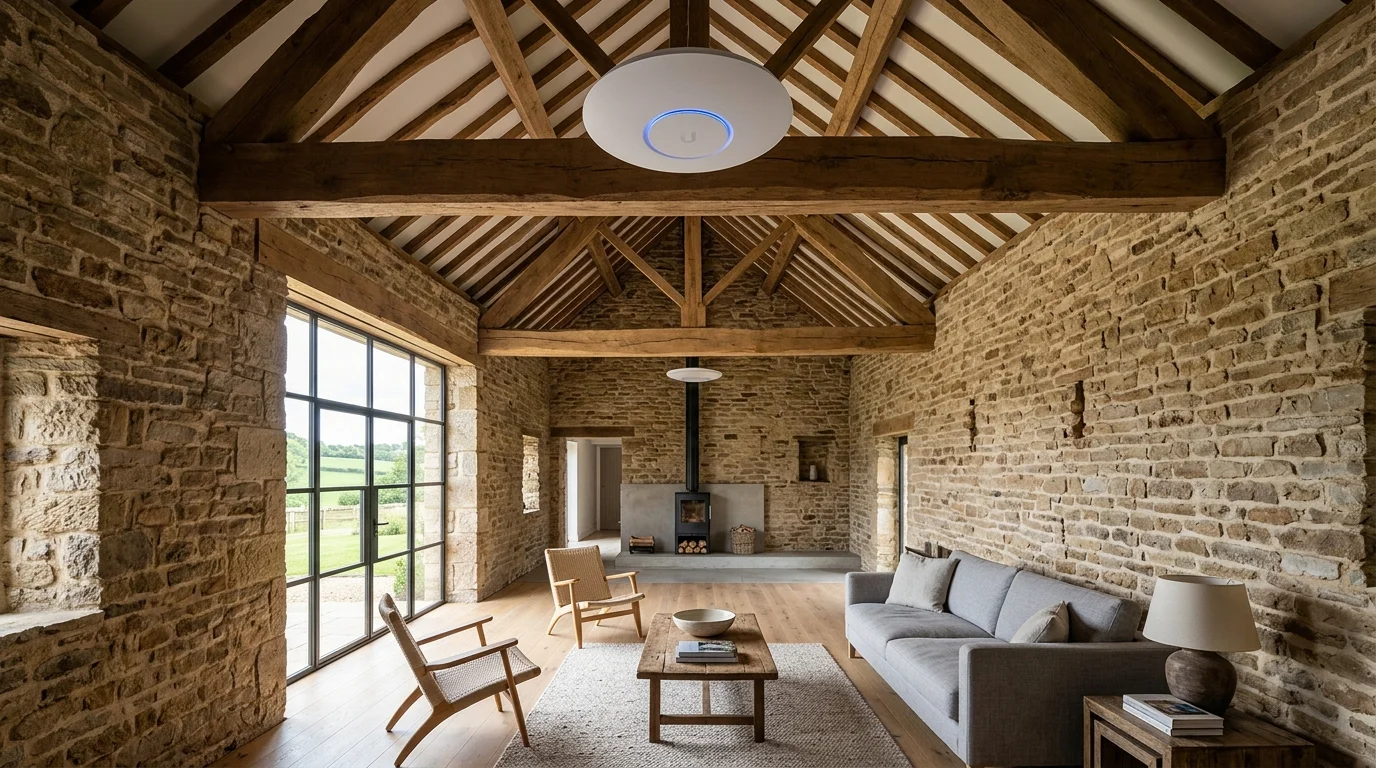

Professional Wi-Fi Installation Whole-Home Mesh & Ultra-Fast Coverage
Struggling with slow Wi-Fi or dead spots across your property? Gary Pearce installs whole-home Wi-Fi 6 mesh systems and hardwired access points across the North.
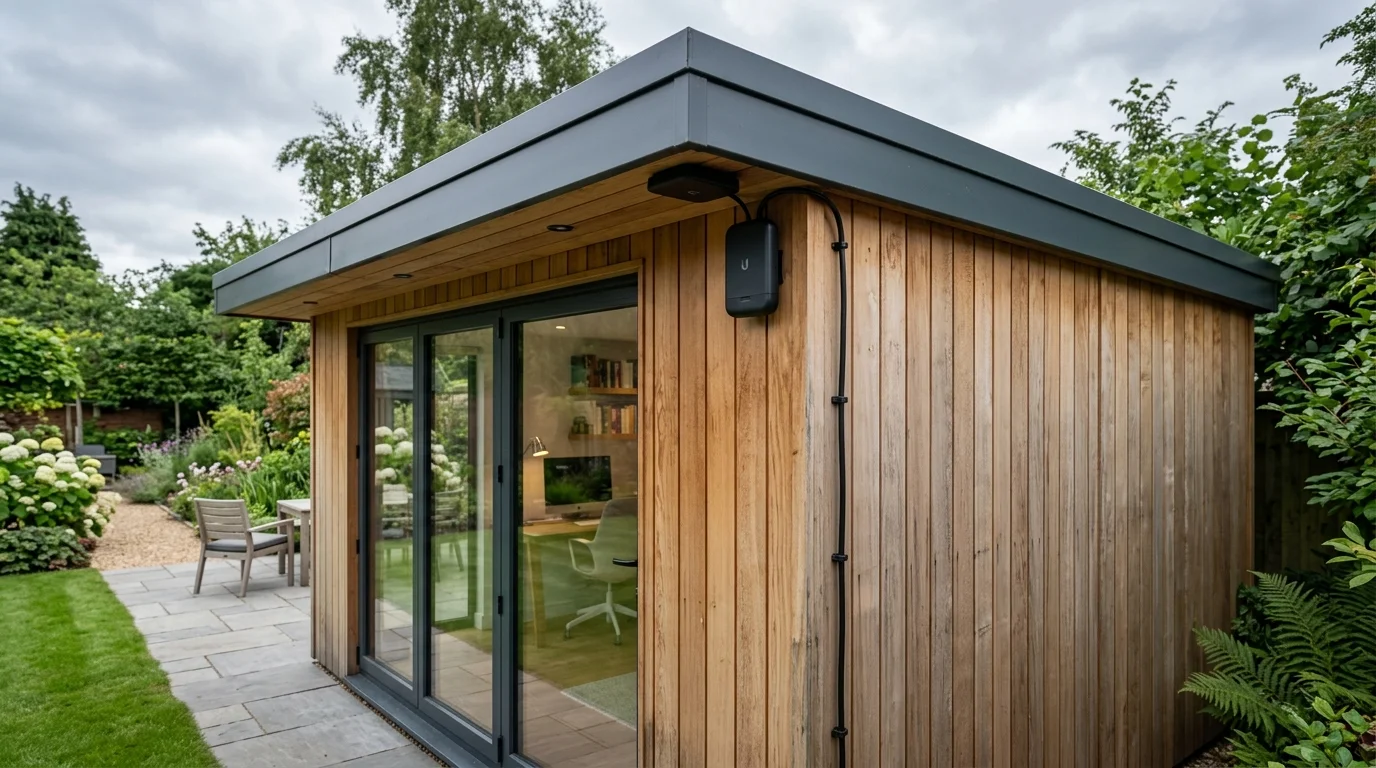
Beam full gigabit broadband directly to your garden pod, converted garage, or workshop. Our 60GHz wireless bridges send fast, steady internet through the air without digging up your lawn.
“Gary installed our whole-home mesh Wi-Fi system. Flawless coverage across every room and the garden room, with neat Cat6 cabling. Exceptional service!”
Why Your WiFi Doesn't Reach Every Room.
Most homes across West Yorkshire were built long ago. They predate modern wireless technology by decades. Two-foot stone walls, cellar kitchens, and loft conversions block wireless signals dead. Thick gritstone walls absorb radio waves within a few feet. Your broadband speed and your WiFi speed are different things. Fast fibre to the house does nothing if radio signals cannot pass through solid stone walls.
Whole-home Wi-Fi and mesh system installations start from £185 fitted. Lead Engineer Gary Pearce eliminates signal dead zones in properties with thick solid stone or cavity walls using hardwired PoE backhaul, discreet commercial ceiling access points, and Gigabit point-to-point wireless bridges to outbuildings, delivering 200+ Mbps coverage everywhere.
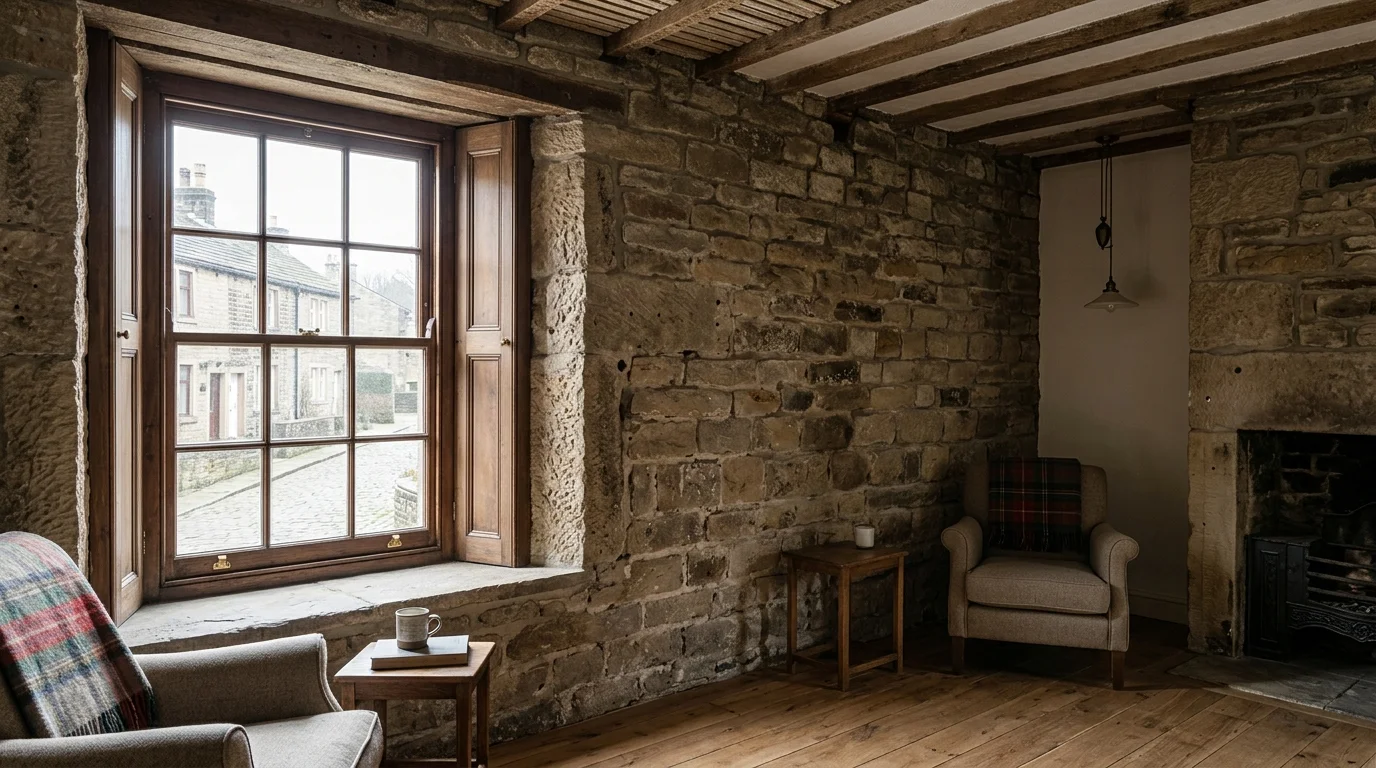
Solid Stone & Double-Brick Walls.
Typical in solid stone cottages, Victorian terraces, and farmhouses; cuts wireless signal strength by 50–80% per wall.
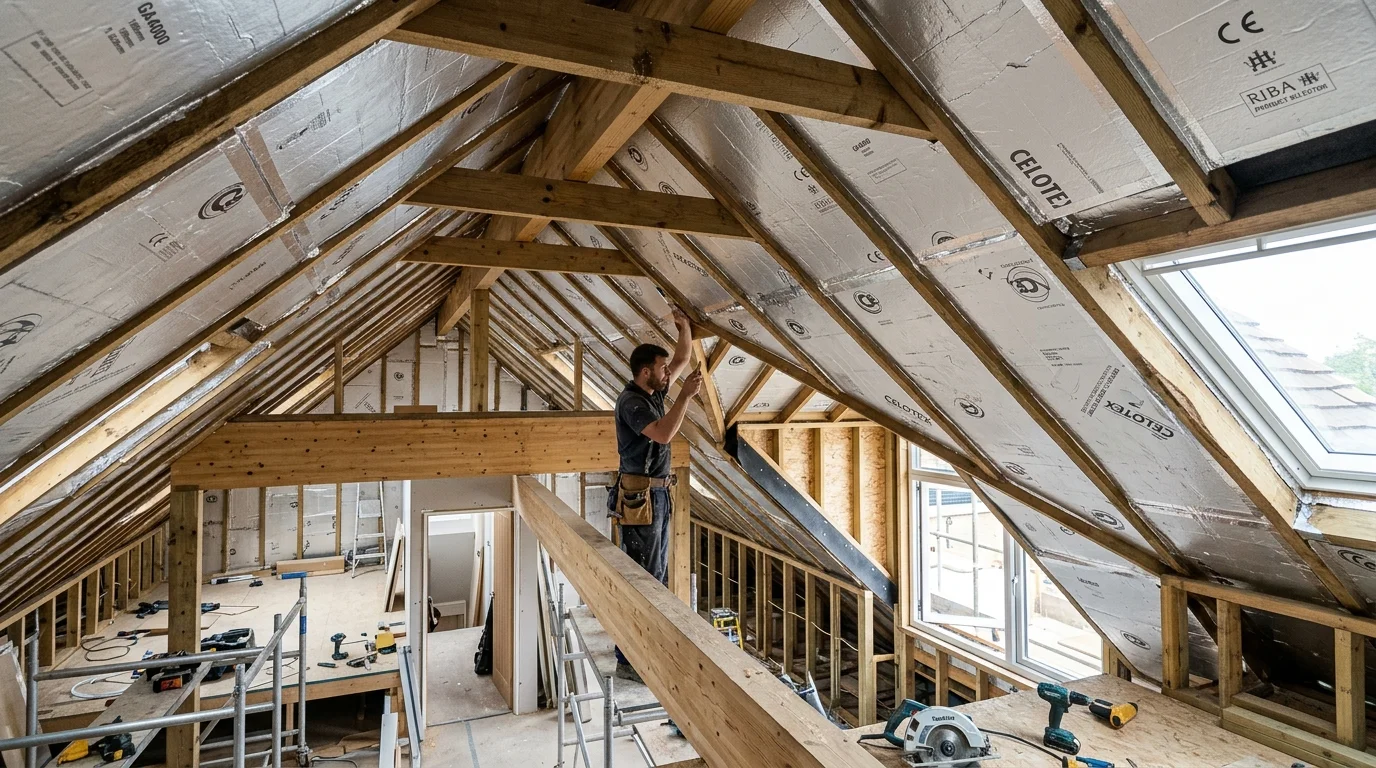
Foil-Backed PIR Insulation.
Foil in lofts and extensions creates an unintentional Faraday cage. It reflects radio waves completely.
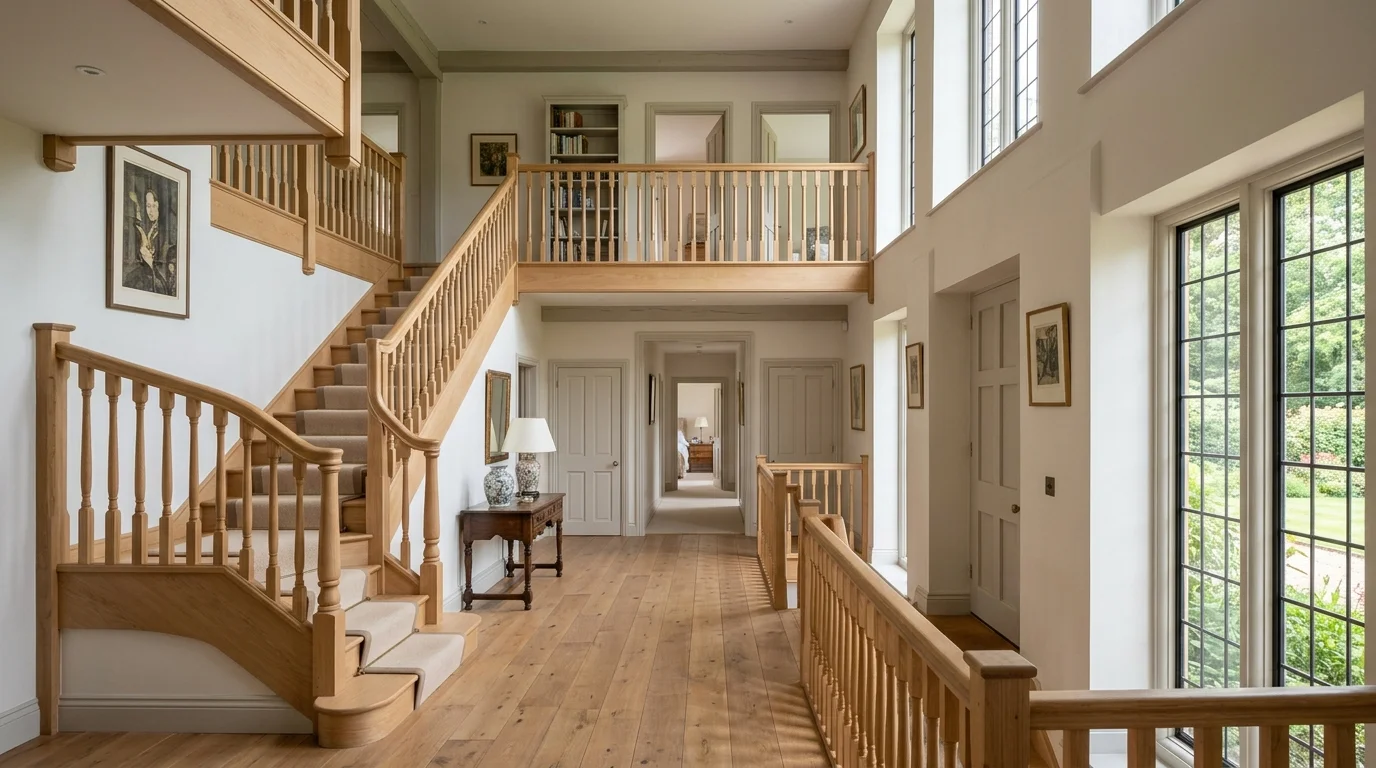
Distance From Router.
Wireless radio signal drops quickly over distance. Every room further from your router loses half its bandwidth.
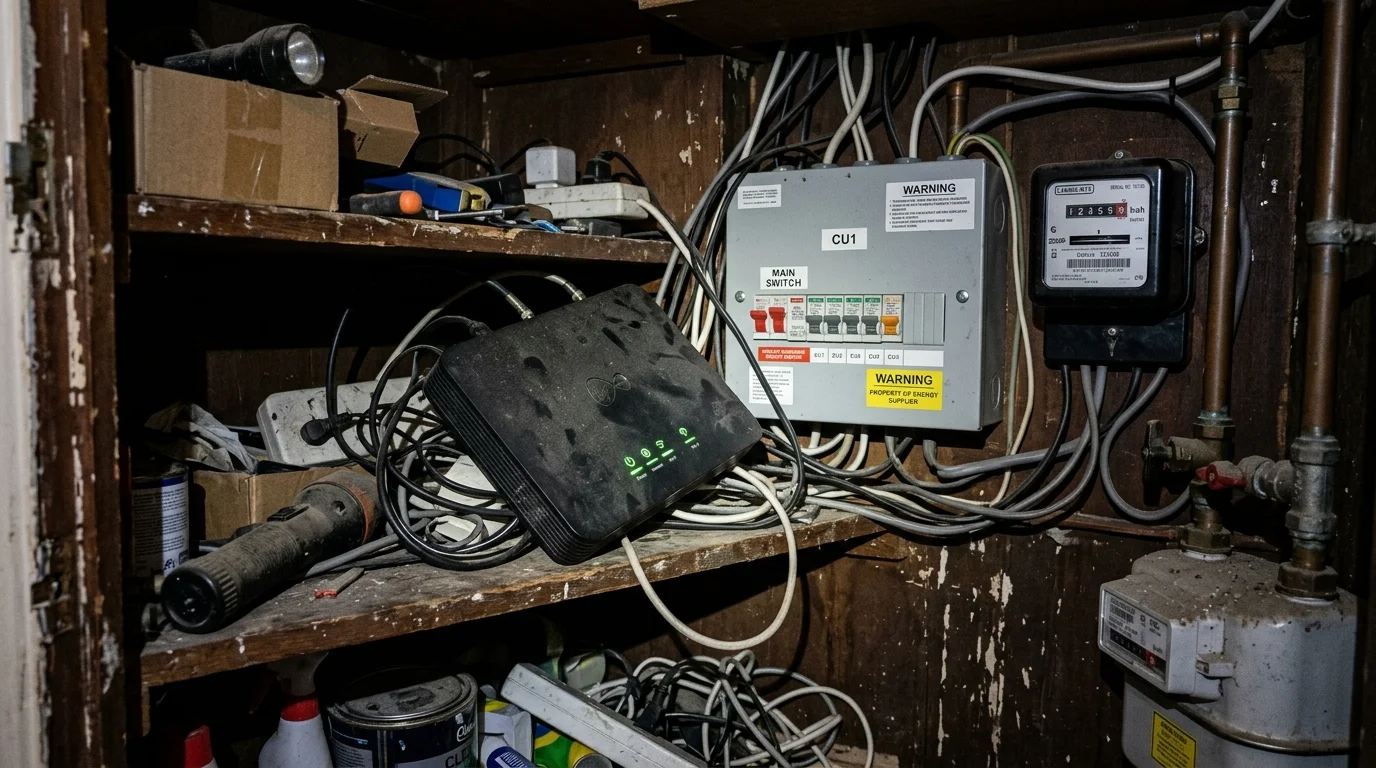
Router Hidden in Cupboard.
Routers tucked under stairs or behind metal meters by ISP engineers. They trap wireless signals right at the source.
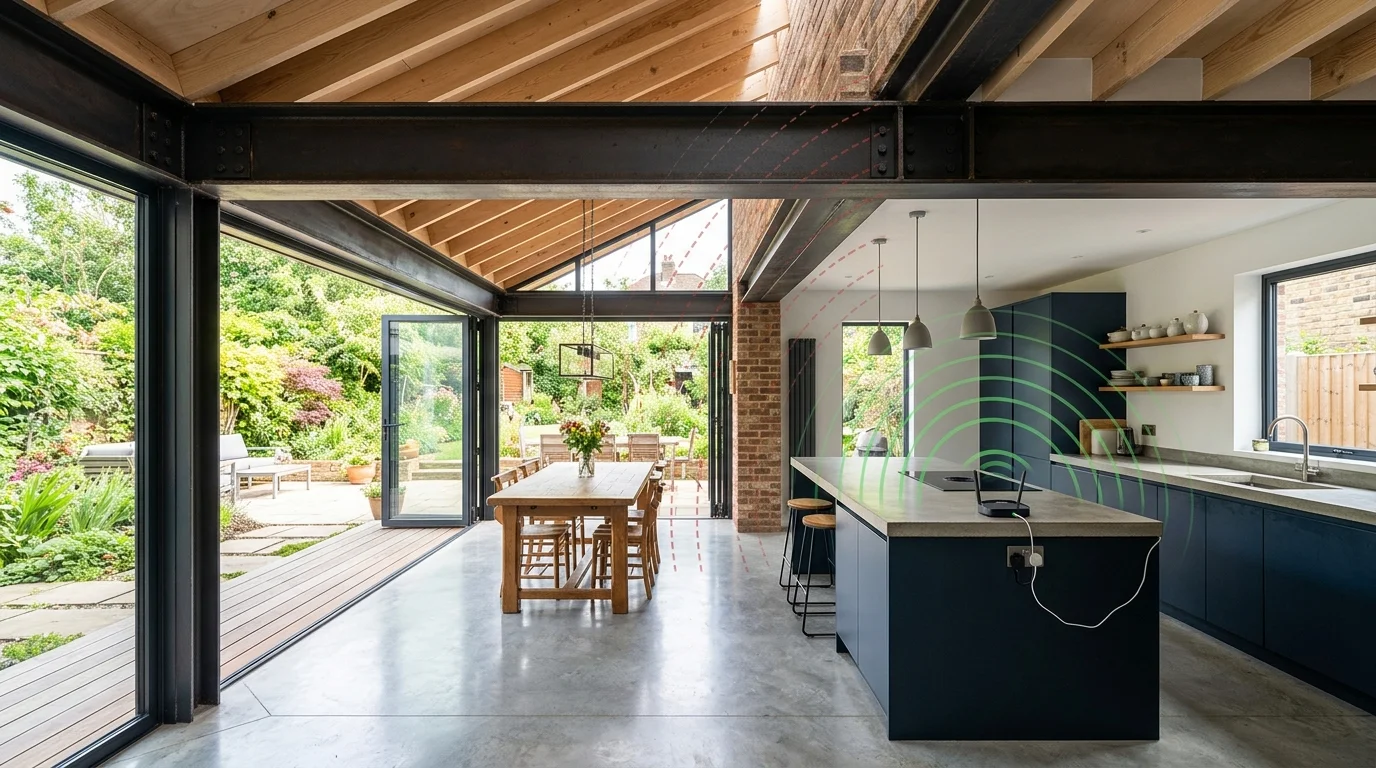
Steel RSJ Beams in Extensions.
Structural steel beams in converted lofts and bifold kitchen extensions block radio waves like concrete.

Device Congestion.
Dozens of smart TVs, doorbells, laptops, and smart plugs fighting for airtime on a £30 ISP router.
How do I know if I need a WiFi installation or just a better router? .
If moving closer to the router fixes the problem, you have a signal reach issue. A hardwired access point system will solve it completely. If speeds are slow even right next to the router, check your incoming broadband line first. That points to an ISP fault or package limit rather than internal coverage. A free survey settles this in ten minutes rather than guessing.
What Does WiFi Installation Involve?.
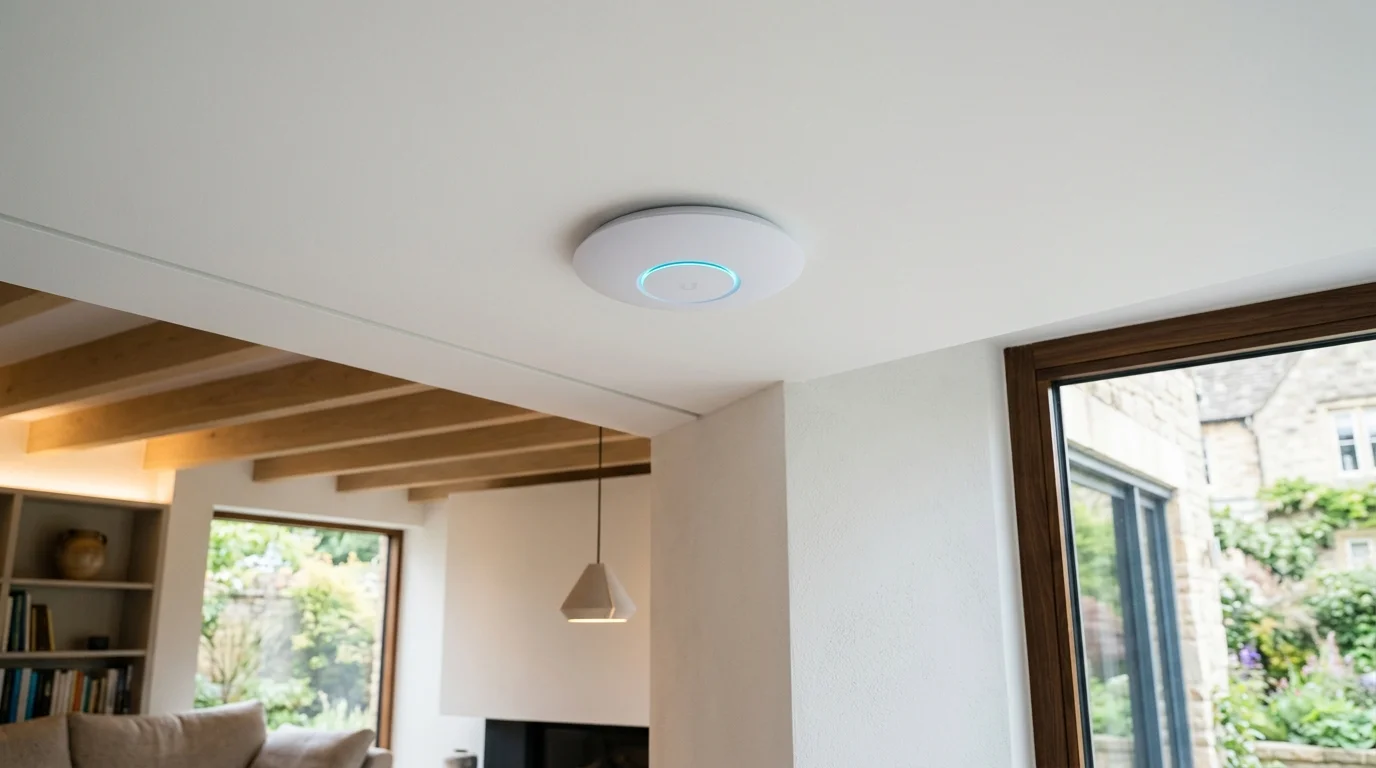
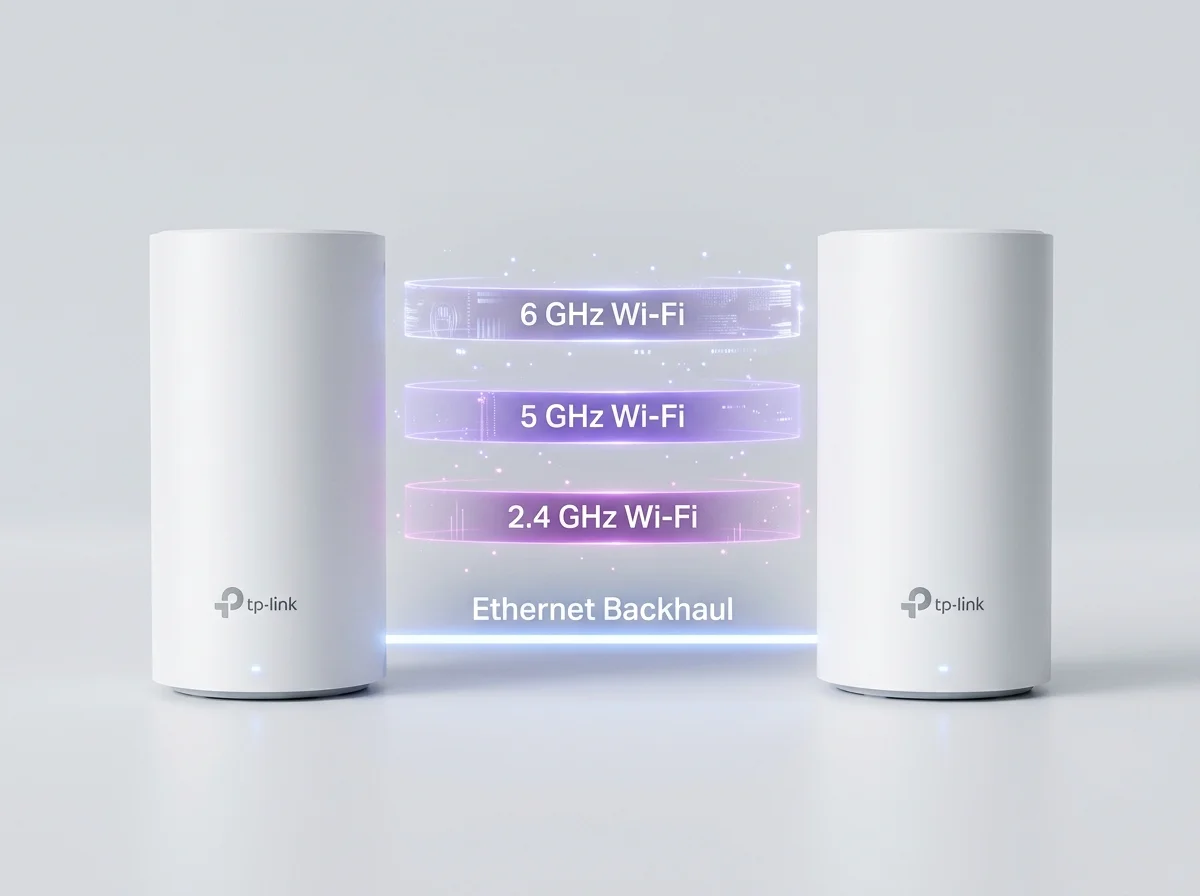
A professional WiFi installation replaces or extends your router's signal using hardwired access points. Each unit links back to your router with solid Cat6 Ethernet cable. This avoids plug-in boosters or cheap wireless repeaters that lose half their speed with every hop.
In a typical West Yorkshire stone terrace or farmhouse, we run discreet cabling through lofts, under floorboards, or along skirting boards. We then mount clean ceiling or wall access points. Every room receives the same full-strength signal. A domestic job usually takes half a day to a full day. Total costs range between £250 and £900, depending on property size and the number of access points.
Run through lofts and under floorboards with zero ugly trailing wires.
Walk from cellar to attic on a video call without losing signal.
We meter every room before leaving to prove 100% full broadband speed.
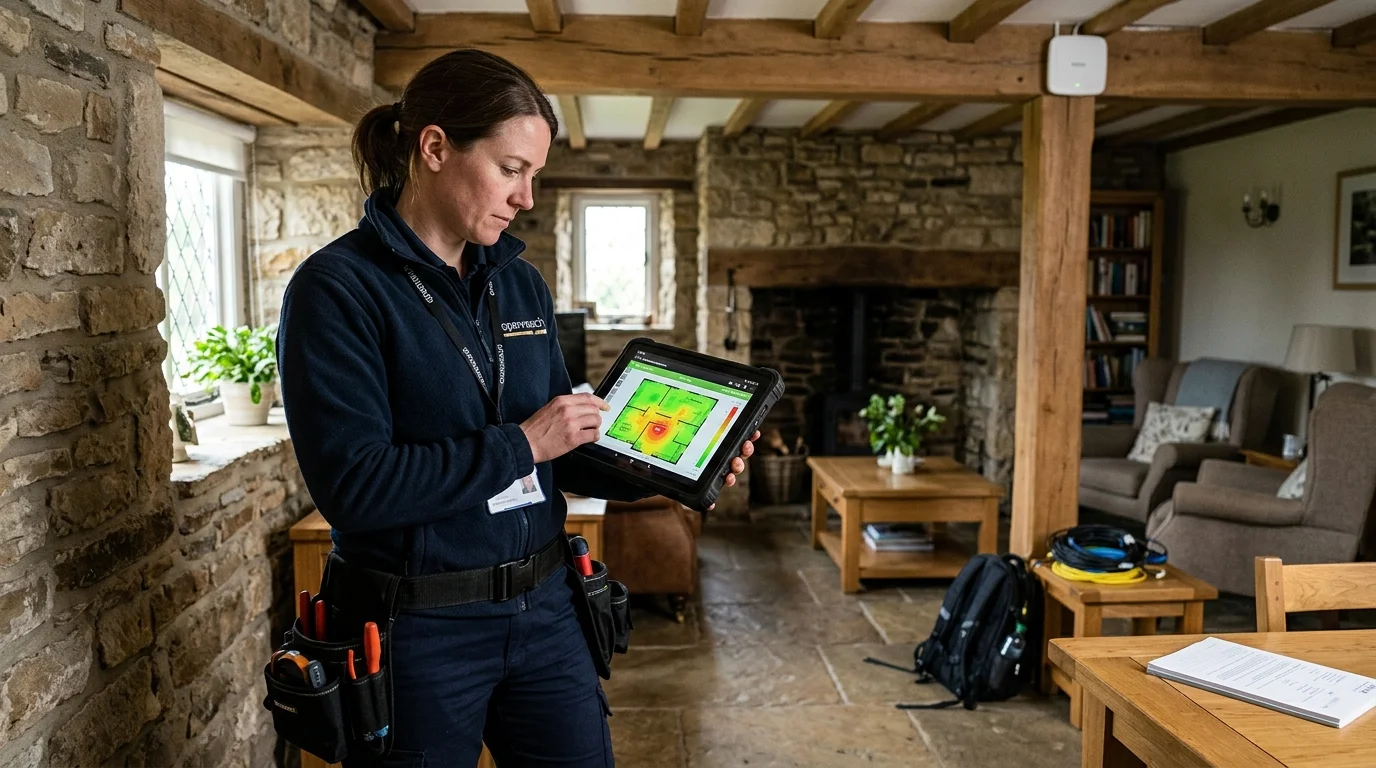
Whole-Home WiFi & Mesh Network Installation.
For most houses, the fix is simple. A few hardwired access points work much better than wireless mesh nodes alone. Gary runs solid Cat6 Ethernet cable from your router to each access point. This delivers 100% of your broadband speed to every unit. Wireless repeaters bounce degraded signals and lose up to half their bandwidth at every hop.
- • Full room-by-room signal survey before any work starts.
- • Cat6 cabling run discreetly through loft space, under floors, or along skirting boards.
- • Hardwired access points mounted on ceiling or wall (TP-Link Omada, Ubiquiti UniFi, or Deco).
- • Single WiFi name (SSID) across the whole property — no manual network switching.
- • Guest network set up separately on request.
- • Basic device setup and signal test on every floor before Gary leaves.
Struggling with slow Wi-Fi or dead spots across your property? Gary Pearce installs whole-home Wi-Fi 6 mesh systems and hardwired access points across the North. Each stage is logged and verified on calibrated test instruments by Lead Engineer Gary Pearce prior to sign-off.
Outdoor WiFi Installation.
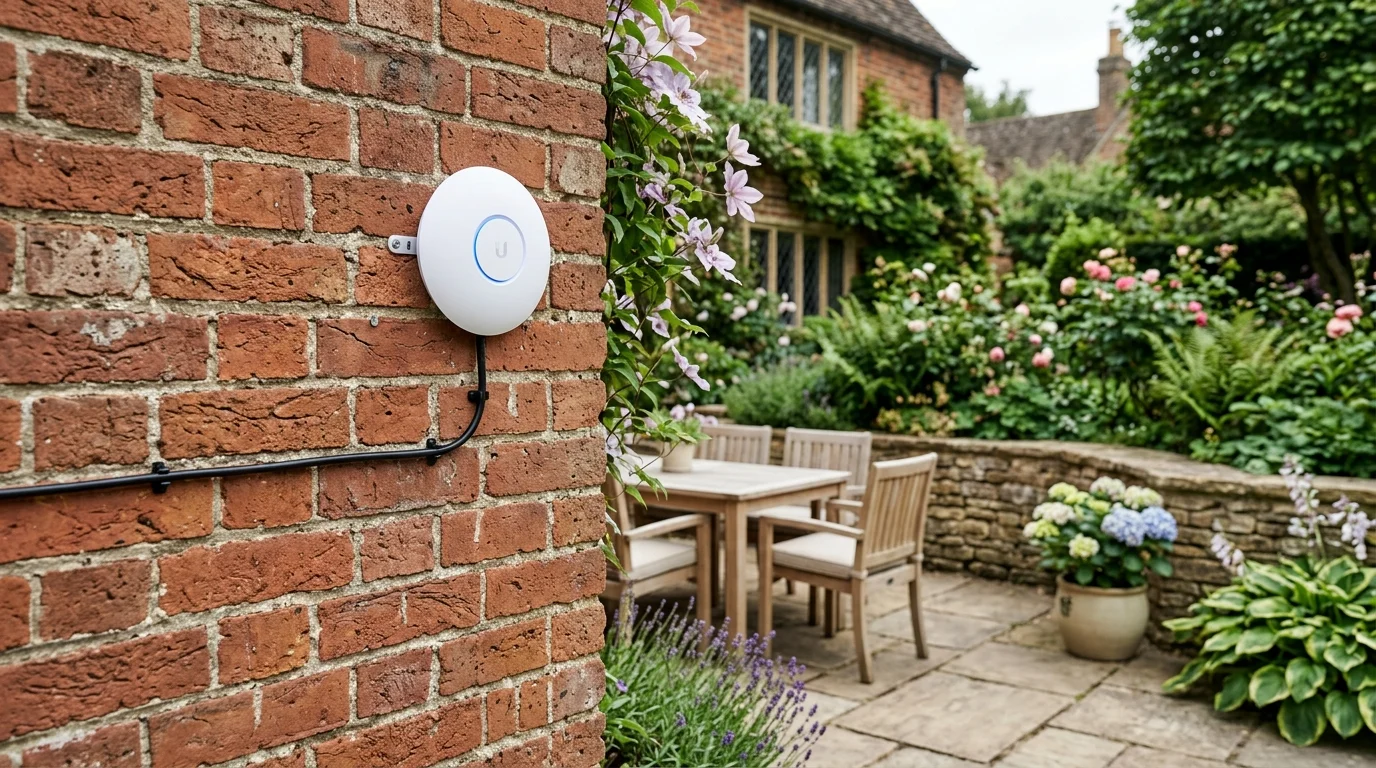
Gardens, patios, driveways, hot tubs, and anywhere else outside the house that needs signal. Standard indoor routers cannot handle British frost, rain or direct heat. Their signal drops sharply outside external cavity walls.
- • Weatherproof (IP£65/IP67-rated) outdoor access point, matched to your existing WiFi name and password.
- • Discreet armoured cable run from the router or nearest internal access point.
- • Coverage typically 20–100 metres from the access point depending on obstructions.
- • Suitable for gardens, patios, swimming pools, driveways, and outbuildings within range.
Struggling with slow Wi-Fi or dead spots across your property? Gary Pearce installs whole-home Wi-Fi 6 mesh systems and hardwired access points across the North. Each stage is logged and verified on calibrated test instruments by Lead Engineer Gary Pearce prior to sign-off.
Garden Office & Outbuilding WiFi.
The single most common "extra" job across West Yorkshire since home working became normal. A garden office needs a rock-solid, full-speed connection for video calls and large file transfers. Weak signals bouncing through double glazing cause constant drops.
A weatherproofed Ethernet cable trenched to the office, giving a rock-solid gigabit connection plus internal AP. Best under 50 metres with clear trench access.
Two small directional antennas beam a dedicated radio link between buildings. There is zero cable digging and no damage to lawns. Best for longer runs or paved patios.
Struggling with slow Wi-Fi or dead spots across your property? Gary Pearce installs whole-home Wi-Fi 6 mesh systems and hardwired access points across the North. Each stage is logged and verified on calibrated test instruments by Lead Engineer Gary Pearce prior to sign-off.
Point-to-Point (PtP) Wireless Bridges.
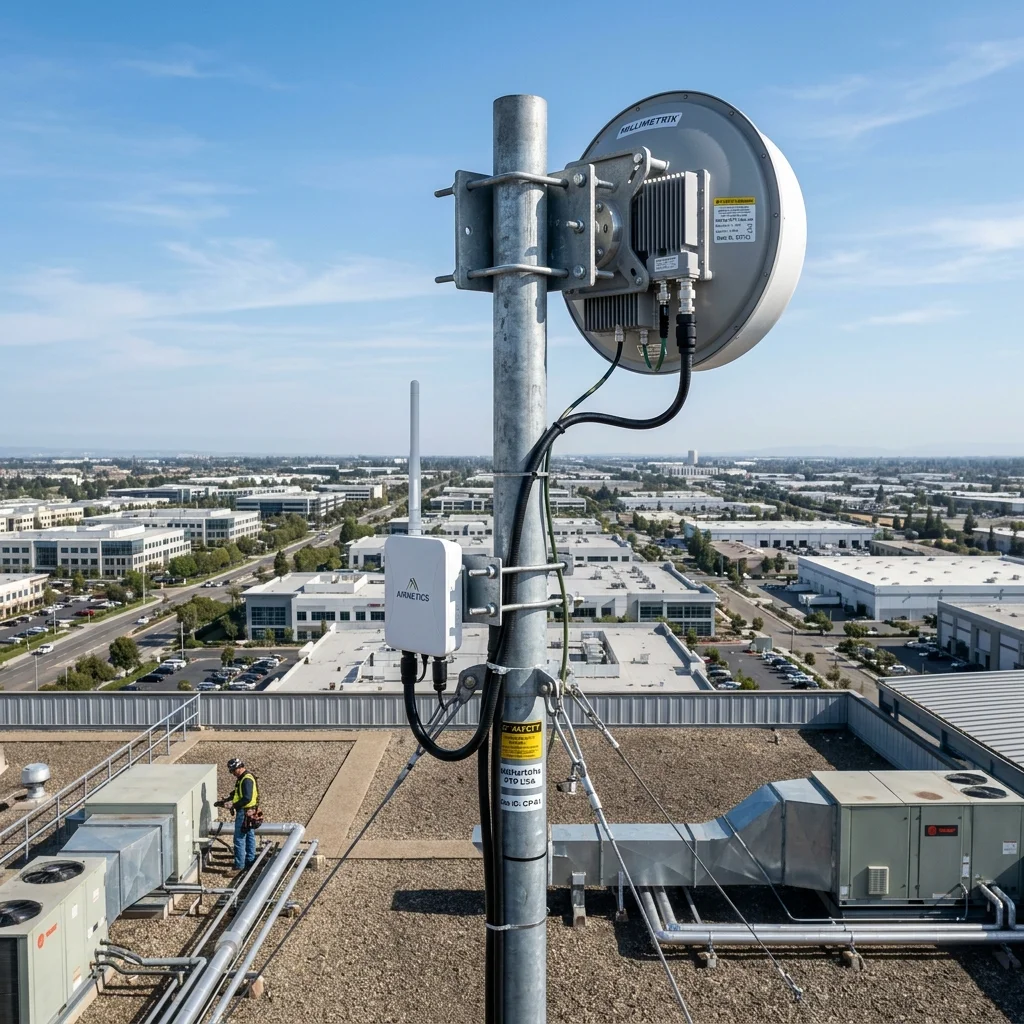
A wireless bridge links two separate buildings without digging trenches. It connects your house to a detached garage, barn, farm building, or neighbouring commercial unit. The bridge uses a focused radio beam rather than a standard Wi-Fi broadcast. It stays stable over long distances in heavy rain or fog.
- • Line-of-sight survey to verify clean transmission paths.
- • Two directional antenna units, one mounted at each building.
- • Clean Cat6 cabling from each unit into the respective building network.
- • Bridges 10 metres up to several hundred metres; long-range commercial links available.
Struggling with slow Wi-Fi or dead spots across your property? Gary Pearce installs whole-home Wi-Fi 6 mesh systems and hardwired access points across the North. Each stage is logged and verified on calibrated test instruments by Lead Engineer Gary Pearce prior to sign-off.
Hardwired PoE Backhaul & Access Point Installation.
Structured data cabling provides permanent wired connections for desktop PCs, 4K smart TVs, and consoles. It also connects Sky Q boxes and NAS storage drives. Physical copper cabling is faster and more reliable than any wireless link.
- • Cat6 or Cat6a cable run from router or network switch to each required point.
- • Wall-mounted or flush-mounted RJ45 sockets, or discrete surface trunking.
- • Patch panel and network switch setup for multi-point installations.
- • Cable routed through lofts, under floors, or along skirting to keep it hidden.
- • Sky Q, smart TV, and CCTV/NVR hardwiring available in the same visit.
Struggling with slow Wi-Fi or dead spots across your property? Gary Pearce installs whole-home Wi-Fi 6 mesh systems and hardwired access points across the North. Each stage is logged and verified on calibrated test instruments by Lead Engineer Gary Pearce prior to sign-off.
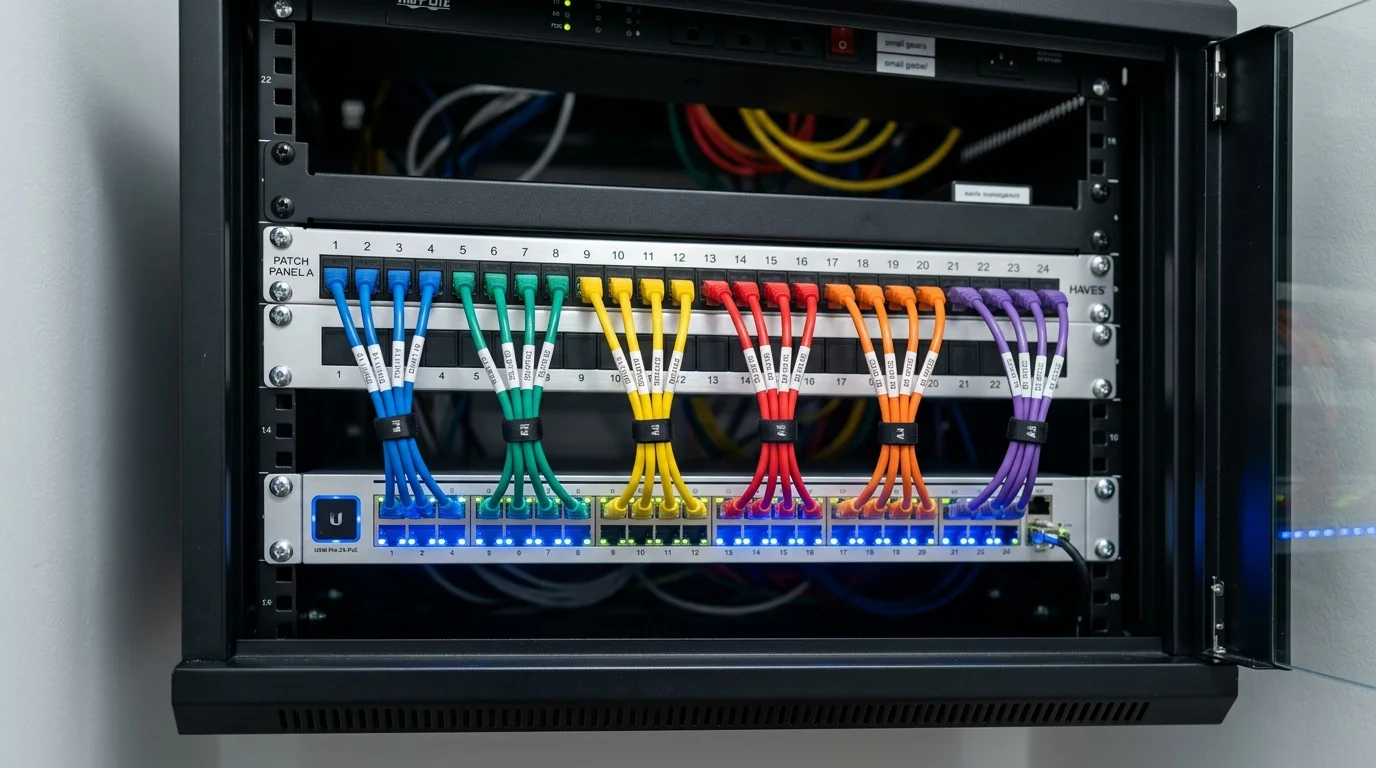
Ubiquiti UniFi & TP-Link Omada Installation.
For anyone who's found this page looking for a specific brand or ecosystem rather than a general "fix my WiFi" job. Gary is trained on all three and will recommend the one that fits your property and budget on the survey — not whichever he has spare stock of.
Controller-managed access points with a single app to manage the whole network, guest portals, and detailed usage reporting. Suits larger homes, multiple outbuildings, or anyone who wants professional-grade control with long-term reliability.
The same centralized, app-managed approach as UniFi at a lower price point per access point. A strong choice for most domestic and small business jobs where budget matters more than having every enterprise feature.
Simpler mesh-style hardware for straightforward homes without complex layout challenges, where a full commercial controller system is more than is needed.
Business & Hospitality WiFi.
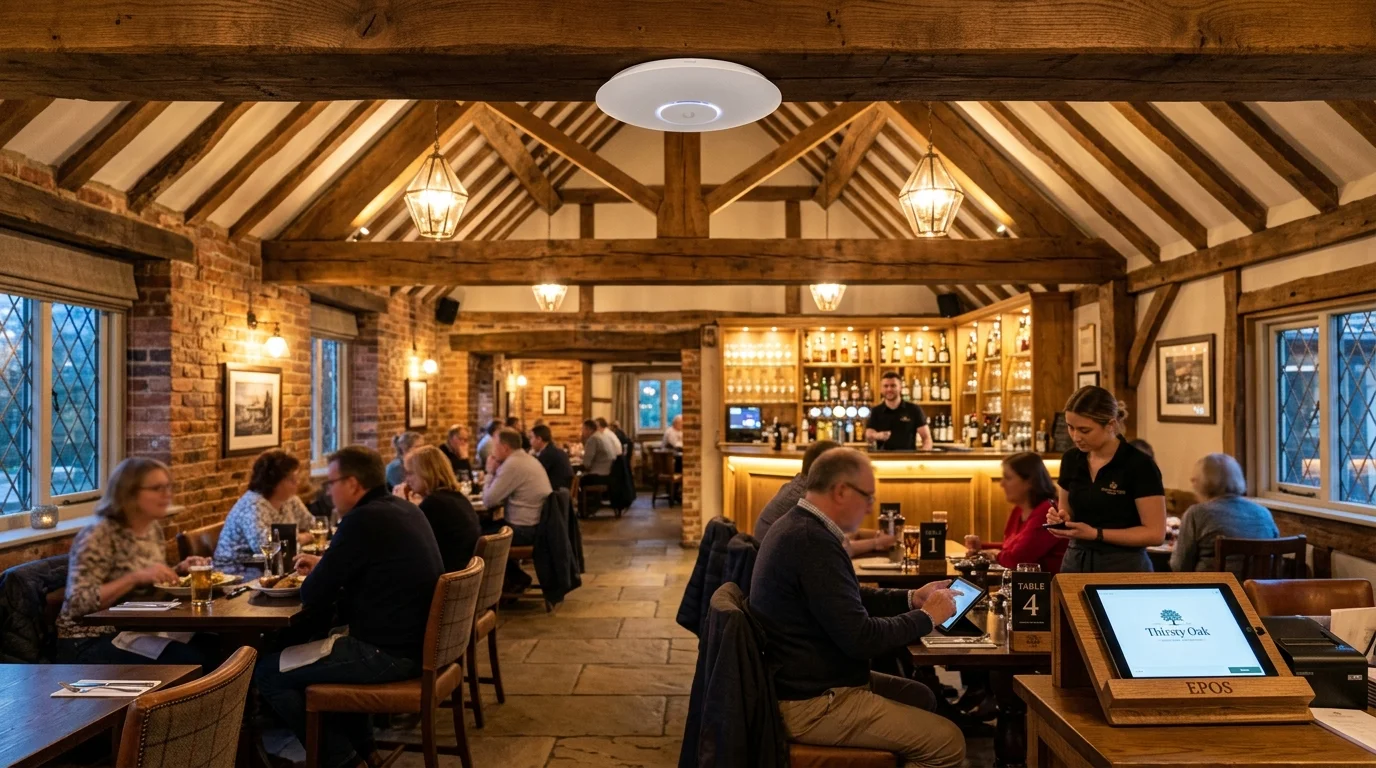
For pubs, cafés, offices, holiday lets, and small commercial premises across West Yorkshire needing guest WiFi that's separated from the business's own systems.
- • Segregated guest network (VLAN), kept fully separate from tills, card machines and office systems.
- • Optional guest login page (captive portal) for compliance and marketing footfall data.
- • Bandwidth management so guest use doesn't slow down business-critical systems.
- • High-density access points for busy trading floors or beer gardens.
- • Ongoing support and remote monitoring available as an add-on.
Struggling with slow Wi-Fi or dead spots across your property? Gary Pearce installs whole-home Wi-Fi 6 mesh systems and hardwired access points across the North. Each stage is logged and verified on calibrated test instruments by Lead Engineer Gary Pearce prior to sign-off.
4G & 5G Mobile Broadband & Router Installation.
Fast mobile broadband for rural homes, farm cottages, and edge-of-town properties across the North and Midlands where standard fibre is slow or missing.
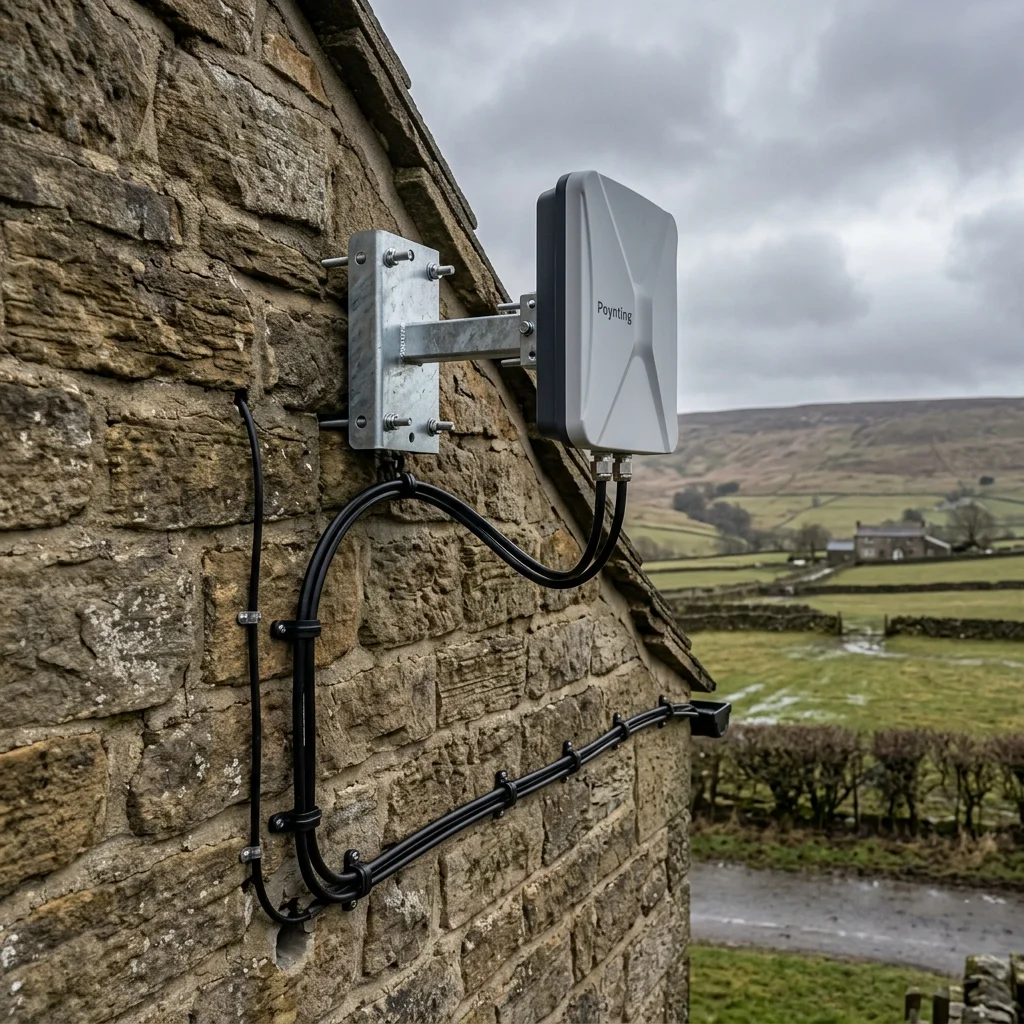
Gary Pearce tests mobile mast signals across EE, Vodafone, Three, and O2 to find your best network. We fit high-gain Poynting 4G and 5G aerials high on chimneys or gable walls. This beats thick stone walls and foil insulation. We run neat cables inside to a fast SIM router, giving you speeds from 100Mbps to over 500Mbps. This also provides an automatic backup line if your main broadband ever drops out.
- • We test all four UK mobile networks on site to find the strongest mast.
- • We fit outdoor directional panel aerials on heavy steel wall brackets.
- • We run tough twin cables through walls with neat silicone rain seals.
- • We set up 4G and 5G SIM routers for fast streaming, gaming, and calls.
- • We link your mobile router to your mesh WiFi access points for full home reach.
- • Wideband aerials cover 600MHz to 6000MHz, ready for next-gen mobile speeds.

Gary Pearce 6-Point WiFi Fitting Standards.
Every WiFi setup follows rigorous commercial trade standards. We never use cheap copper-coated aluminium wire or leave loose cables. We guarantee fast, reliable wireless coverage across your entire home.
We only run solid bare copper Cat6 cable. We never use cheap aluminium wire. Your network stays fast and reliable for years.
We fit access points flush to ceilings. White discs blend neatly into your rooms. Status lights can be turned off for night time.
We link outbuildings with 60GHz wireless beams or tough armoured cable. You get gigabit speed in your garden room with no lag.
You keep one simple Wi-Fi name across your home. Your phone switches to the nearest disc smoothly with zero dropped calls.
We test speeds in every bedroom, kitchen, and patio before we finish. We make sure you get the broadband speed you pay for.
Every fitting includes a full 2-year parts and labour warranty. If an access point needs tuning, Gary comes back and sorts it free.
Which WiFi System Is Right for You? .
We match hardware to your building layout and budget. Here is how leading Wi-Fi systems compare.
| System | Best For | How It Works | Typical Speed | Why Choose It |
|---|---|---|---|---|
| TP-Link Deco (Mesh). | Straightforward homes, easy budget option. | Wireless mesh nodes. | WiFi 6. | Simple app control, no cabling required in most rooms. |
| TP-Link Omada. | Larger homes, small businesses, budget-conscious buyers wanting professional features. | Centralized, app-managed hardwired access points. | WiFi 6 / 6E. | Enterprise-style performance at a lower cost per access point. |
| Ubiquiti UniFi. | Larger properties, multiple buildings, robust long-term systems. | Controller-managed hardwired access points. | WiFi 6 / 7. | Single app for whole network, guest portals, best long-term reliability. |
| Point-to-Point Bridge. | Detached garages, garden offices, barns, second buildings. | Directional line-of-sight radio link. | Up to 1Gbps+. | No cable or trenching needed between buildings. |
| Starlink. | Rural properties with poor fibre/ADSL. | Satellite broadband. | 100–350Mbps. | Works where fixed-line broadband doesn't reach. |
WiFi Installation by Property Type.
Different building materials block wireless signals in different ways. We tailor cable routes and access points to your property type across West Yorkshire.
Stone Terraces & Victorian Houses.
Common in Huddersfield, Halifax, Elland, Brighouse
Thick party walls and multiple small rooms usually need 2–3 access points minimum. Cabling is routed through the loft and down internal stud walls to avoid disturbing stonework or period features.
Farmhouses & Rural Properties.
Stone Cottages & Farmhouses
Long distances, thick stone walls, and separate outbuildings call for a mix of hardwired internal access points plus a point-to-point bridge to barns. Starlink is frequently fitted where fixed lines fail.
New-Build Homes.
Modern Timber-Frame & New Builds
Modern stud walls cause less signal loss than stone, but open-plan layouts and steel lintels above bifold doors create unexpected dead spots. Best cabled during first-fix or before plasterboard finishes.
Flats & Apartments.
City centres & mill conversions
Limited ability to run cable between floors owned by others. Usually solved with a single well-placed ceiling access point or, where cabling is restricted, a high-spec tri-band mesh system.
Listed Buildings & Period Conversions.
Victorian & Period Brick Properties
Cable is routed non-invasively — under floorboards, through existing conduits, behind skirting boards — with flush-mount sockets or slim access points that don't affect the building's architectural character. Always assessed during our free on-site survey.
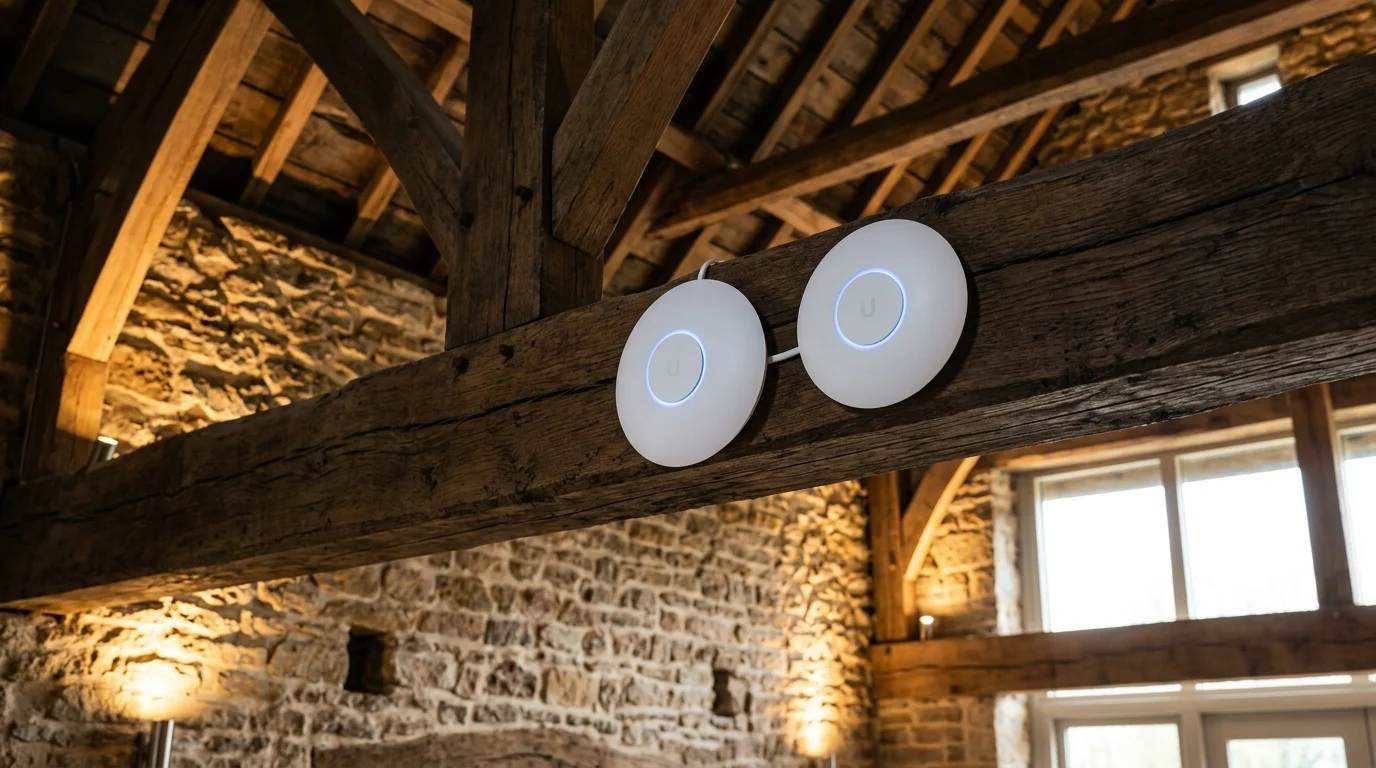
Penetrate 2-Foot Solid Stone Walls with Commercial Ubiquiti UniFi.
Plug-in boosters repeat weak signals and halve your speed. Gary Pearce installs discreet ceiling access points wired with solid Cat6 cable. Move from the cellar to the loft on video calls without a single drop.
Wireless Performance Metrics.
Real WiFi Installations: Before & After Measurable Results.
Real test data from jobs in stone cottages, barn conversions, garden offices, and country pubs. We test every job with spectrum meters and cable testers before sign-off.
Eliminating Dead Zones in an 1890s Solid Stone Property
The Problem: A standard ISP router in the hallway could not push signal through interior stone walls. The master bedroom, kitchen extension, and home office had zero usable Wi-Fi.
Our Solution: Routed two discrete Cat6a solid copper cables through loft voids and under first-floor boards to feed two ceiling-mounted Ubiquiti UniFi U6-Pro access points.
Gigabit Wireless Bridge to a Detached Garden Pod
The Problem: The client works from a garden pod 45 metres away. We could not dig a trench across the new stone patio or lawn.
Our Solution: Fitted a compact Ubiquiti airMAX 5GHz gigabit point-to-point wireless link under eaves, connecting to a discrete in-room access point inside the pod.
Beating Foil PIR Insulation and Heavy Steel RSJ Beams
The Problem: A new kitchen extension with an 8-metre steel beam and Kingspan foil roof insulation created an accidental Faraday cage, completely blocking router signal from the hallway.
Our Solution: Installed a central TP-Link Omada Gigabit PoE Access Point in the open-plan zone, wired directly via Cat6 pure copper to the incoming router cabinet.
Secure POS Till VLAN & Outdoor Beer Garden WiFi
The Problem: Mobile card machines regularly dropped connection during busy weekend hours, stalling customer payments. The beer garden had zero coverage for mobile ordering.
Our Solution: Configured a DrayTek network with isolated VLANs protecting staff card machines, plus an IP67 weatherproof high-gain outdoor access point covering the lawn.
What Happens During a WiFi Survey and Installation.
Every project follows an honest, straightforward process from initial site assessment to aftercare.
The Survey (Free, No Obligation).
Gary visits the property in person — never a phone quote — and walks every room testing actual signal strength, not just guessing from a floor plan. He checks wall construction, existing cabling routes (loft, floor voids, conduit), router placement, and how many devices need support. You get a plain-English explanation and a fixed price before any work starts.
The Installation Day.
Most domestic jobs are completed in half a day to a full day. Cabling is run first, tested, then access points are mounted and configured. Gary sets your existing WiFi name and password across all access points so nothing changes for your devices. Before leaving, signal is tested in every room including the original dead zone.
Comprehensive Aftercare.
All installations include a settling-in period where Gary is reachable if anything needs adjusting. Hardware carries full manufacturer warranty, and all labour is covered by our 2-year guarantee.
WiFi Installation Costs & Pricing Guide.
Final price is always confirmed after a free on-site survey. These are guide ranges based on typical West Yorkshire property types, not fixed phone estimates.
| Job Description | Typical Price Range |
|---|---|
| Whole-home WiFi (2–3 access points + cabling). | £250 – £900. |
| Single outdoor access point. | £180 – £450. |
| Garden office WiFi (cable method). | £280 – £550. |
| Garden office WiFi (point-to-point bridge). | £400 – £650. |
| Point-to-point building bridge. | £400 – £1,200. |
| Cat6 data cabling, per point. | £60 – £120. |
| Starlink installation. | £150 – £350. |
| Business/guest WiFi setup. | From £299. |
Whole-Home Mesh Wi-Fi & Garden Office Links Across Northern England & Midlands
High-performance Wi-Fi 6 & 7 mesh systems penetrating thick stone walls, plus point-to-point wireless bridges linking garden offices and workshops. Gary Pearce operates fully equipped mobile engineering service vans across all 30 primary metropolitan hubs below with rapid dispatch and transparent fixed trade pricing.
West Yorkshire Hub
5 Operating CentresCity Centre, Financial District, University, Little London, Burley, Woodhouse...
City Centre, Little Germany, Eccleshill, Undercliffe, Fagley, Barkerend, Bradford Moor...
Halifax Town Centre, Savile Park, Illingworth, Mixenden, Mount Tabor, Pellon, Boothtown, Hipperholme, Lightcliffe, Northowram, Shelf, Southowram, Skircoat Green...
Huddersfield Town Centre, Hillhouse, Birkby, Brackenhall, Bradley, Deighton, Fartown, Lindley, Marsh, Milnsbridge, Oakes, Paddock, Salendine Nook...
Wakefield City Centre, Alverthorpe, Eastmoor, Sandal, Agbrigg, Belle Vue, Calder Grove, Crigglestone, Lupset, Thornes, Walton, Tingley, Ardsley, Lofthouse, Robin Hood, Stanley...
South & North Yorkshire Hub
4 Operating CentresSheffield City Centre, Highfield, Park Hill, Manor, Neepsend, Netherthorpe...
Doncaster Town Centre, Intake, Wheatley, Belle Vue, Armthorpe, Edenthorpe, Kirk Sandall...
York City Centre, Fishergate, Fulford, Heslington, Osbaldwick, Bishopthorpe, Copmanthorpe, Dringhouses...
Harrogate Town Centre, Bilton, High Harrogate, Duchy, Oatlands, Pannal Ash, Rossett, Saints, Hookstone, Killinghall, Ripley, Hampsthwaite, Birstwith, Spofforth, Follifoot, Pateley Bridge, Nidderdale...
Greater Manchester & Lancashire
8 Operating CentresManchester City Centre, Piccadilly, Northern Quarter, Deansgate, St Ann's Square, Salford, Castlefield...
Preston City Centre, Avenham, Broadgate, Fulwood, Ashton-on-Ribble, Ingol, Ribbleton, Garstang, Longridge, Broughton, Barton...
Blackburn Centre, Brownhill, Ramsgreave, Rishton, Wilpshire, Blackburn West, Mellor, Pleasington, Mill Hill, Witton, Darwen, Lower Darwen, Hoddlesden, Tockholes...
Blackpool Town Centre, North Shore, Bispham, Layton, Marton, Grange Park...
Bolton Centre, Smithills, Halliwell, Heaton, Bradshaw, Breightmet, Harwood, Tonge Fold, Daubhill, Deane, Great Lever, Little Lever...
Oldham Town Centre, Chadderton, Royton, Shaw, Saddleworth, Greenfield, Uppermill, Delph, Dobcross...
Stockport Town Centre, Davenport, Great Moor, Heaviley, Edgeley, Adswood, Bridgehall...
Wigan Town Centre, Haigh, Ince, Swinley, Aspull, Abram, Hindley, Platt Bridge, Worsley Mesnes, Hawkley Hall, Pemberton...
Cheshire, Midlands & North East
13 Operating CentresWarrington Town Centre, Paddington, Woolston, Blackwood, Padgate, Winwick, Fearnhead, Birchwood, Culcheth, Glazebury, Croft...
Chester City Centre, Blacon, Higher Ferry, Backford, Chester, Elton, Hoole, Ince, Mickle Trafford, Moston, Upton, Boughton, Christleton, Huntington, Tarporley, Tattenhall, Waverton...
Crewe North, Haslington, Leighton, Crewe South, Wistaston, Woolstanwood, Audlem, Madeley, Betley...
Nottingham City Centre, Lace Market, West Bridgford, Sneinton, The Meadows, Carlton, Mapperley, St Ann's...
Derby City Centre, Mickleover, Chaddesden, Oakwood, Spondon...
Liverpool City Centre, Baltic Triangle, Commercial District, Vauxhall, Waterfront, Everton...
Hull City Centre, Wincolmlee, Spring Bank, Anlaby Road...
Lincoln Centre, Burton, Saxilby, Bailgate, Cathedral Quarter, Nettleham, Welton, Fiskerton, Reepham, Cherry Willingham...
Newcastle City Centre, Quayside, Jesmond, Gosforth, Kingston Park...
Sunderland City Centre, Ashbrooke, Hendon, Ryhope, Grangetown, Chapelgarth, Doxford Park, Gilley Law, Silksworth, Tunstall...
Durham City Centre, Gilesgate, Shincliffe, Framwellgate Moor, Chester-le-Street, Pelton, Ouston, Chester-le-Street, Birtley...
Darlington Town Centre, Haughton-le-Skerne, Middleton St George, Hurworth, Piercebridge, Mowden, Cockerton, West End, Faverdale...
Middlesbrough Town Centre, Brambles Farm, Thorntree, Park End, Grove Hill, Longlands...
Looking for Your Specific Outward Postcode?
Our engineering vans cover thousands of outward postcodes and rural outlying villages. Explore our complete master coverage directory.
Frequently Asked Questions About Professional WiFi Installation.
Direct, transparent answers structured for homeowners and AI citation engines regarding mesh networks, cabling, and costs.
Why is my WiFi dropping out even though I have fast fibre broadband?
Broadband speed measures data arriving at your router from the street; it says nothing about how well that signal travels through your house. Solid stone walls, foil-backed insulation, and steel beams all degrade WiFi signal heavily. Upgrading your broadband package won't fix a signal reach problem — only additional, correctly placed access points will.
What's the difference between mesh WiFi and hardwired access points?
Wireless mesh nodes pass signal from node to node over radio waves, losing bandwidth at each hop, especially through walls. Hardwired access points connect back to the router by physical Cat6 cable, so each one delivers full router speed with no loss. Hardwired is more reliable but requires cable to be run; mesh is quicker to install but can be slower at distance.
How much does professional WiFi installation cost?
Most domestic whole-home installations cost between £250 and £900, depending on property size, wall construction, and the number of access points. Outdoor coverage, garden offices, and point-to-point bridges are priced separately, typically £180–£1,200. A free survey gives an exact, fixed price before any work begins.
Can you install WiFi in a period or listed building without visible cabling?
Yes. Cable is routed non-invasively through loft spaces, under floorboards, and behind existing skirting or conduit, terminating in flush-mount sockets or small ceiling access points. This is standard practice on stone terraces, barn conversions, and period properties across the North of England and Midlands, and won't affect protected architectural features.
How do I get WiFi to my garden office without digging up the garden?
Cable can usually be routed through the loft and down an external wall or along an existing fence line without digging. Where that isn't possible — across a driveway, or over a long distance — a point-to-point wireless bridge connects the two buildings with no cable and no trench required.
+
View 6 Additional Questions & Answers (DIY Mesh Kits, Installation Times, Business VLANs, Coverage Areas)
Do I need a professional installer, or can I just buy a mesh kit myself?
A DIY mesh kit can help in simple homes with light drywall construction, but in stone-built or multi-floor properties, incorrect node placement is the most common reason mesh systems still leave dead spots. A professional survey identifies exactly where signal is being lost and whether hardwired access points, rather than mesh alone, are the better fix — often for a similar total cost once you include the router-branded mesh hardware.
How long does a WiFi installation take?
Most domestic jobs — 2 to 3 access points with cabling — are completed in half a day to a full day. Garden office and point-to-point bridge installations typically take 3 to 5 hours depending on cable run length or line-of-sight setup. Larger commercial jobs are scheduled after an on-site survey.
Will a WiFi installation disrupt my existing network or devices?
No. The installation is set up using your existing WiFi name and password, so every device already connected — phones, smart TVs, doorbells, smart plugs — stays connected automatically with no need to reconnect anything. The only change is stronger, more consistent signal throughout the property.
Is business guest WiFi different from a normal home installation?
Yes. Business installations separate guest traffic onto its own network (a VLAN) so customers cannot see or access till systems, card machines, or internal office computers. This also allows for a branded guest login page and bandwidth limits, which aren't needed or offered in a standard home setup.
Can point-to-point WiFi replace a leased line between two business buildings?
For many small and medium sites, yes — a point-to-point wireless bridge can deliver gigabit-capable speeds between two buildings with direct line of sight, at a fraction of the cost and lead time of a leased line or trenched fibre run. It is not suitable where line of sight is obstructed by tall trees or intervening structures, which is confirmed during survey.
What areas do you cover?
We provide complete domestic and commercial WiFi installation across 30 Northern and Midlands metropolitan hubs and surrounding areas: Blackburn, Bradford, Blackpool, Bolton, Chester, Crewe, Darlington, Derby, Durham, Doncaster, Huddersfield, Harrogate, Hull, Halifax, Liverpool, Lincoln, Leeds, Manchester, Middlesbrough, Newcastle, Nottingham, Oldham, Preston, Sheffield, Stockport, Sunderland, Warrington, Wakefield, Wigan, and York. Rural and farm properties across the region are a regular specialty.
Why Have Your WiFi Installed by an Experienced Network Engineer?.
Gary Pearce brings 25+ years of network cabling, radio, and telecoms experience to every job. We cover 30 cities across the North of England and Midlands. Here is our direct trade evidence.
25+ Years Dedicated RF & Cabling
Hands-On Field ExperienceYou deal with a seasoned engineer, not a call centre salesperson. Gary has over 20 years of hands-on experience routing cables and setting up wireless networks in difficult UK buildings.
Calibrated RF Spectrum Surveys
Room-by-Room AttenuationWe measure wireless signal strength in decibels room by room before fitting any kit. We test wall loss through stone, foil insulation, and steel beams. This prevents dead spots and stopped drops.
Solid Bare Copper & Fluke Tested
100% Solid Cat6 / Cat6aWe never use cheap copper-coated aluminium wire or flimsy patch leads. We only run solid bare copper Cat6 and Cat6a cable. Every port is tested and certified for full speed before we leave.
Period & Listed Building Craft
Invisible Non-Invasive RoutesWe know how to work in older homes, stone cottages, and barn conversions. Cables run out of sight through loft spaces, under floorboards, or along neat outside walls without harming your home.
Independent Commercial Hardware
Ubiquiti • TP-Link Omada • DecoWe are fully independent and not tied to any single brand. We fit Ubiquiti UniFi, TP-Link Omada, or wireless bridges to suit your property, your speed needs, and your budget.
Direct Engineer Accountability
No Subcontractors EverGary Pearce handles your project from start to finish. Gary does the survey, fits the gear, sets up your Wi-Fi name, and tests every room. You have his direct mobile number: 07860 244 274.
Book Your Free WiFi Survey.
Tell Gary what's not working — a dead zone upstairs, a garden office with no signal, a business needing separated guest WiFi — and get an honest, fixed-price plan after a proper on-site look, not a guess over the phone.