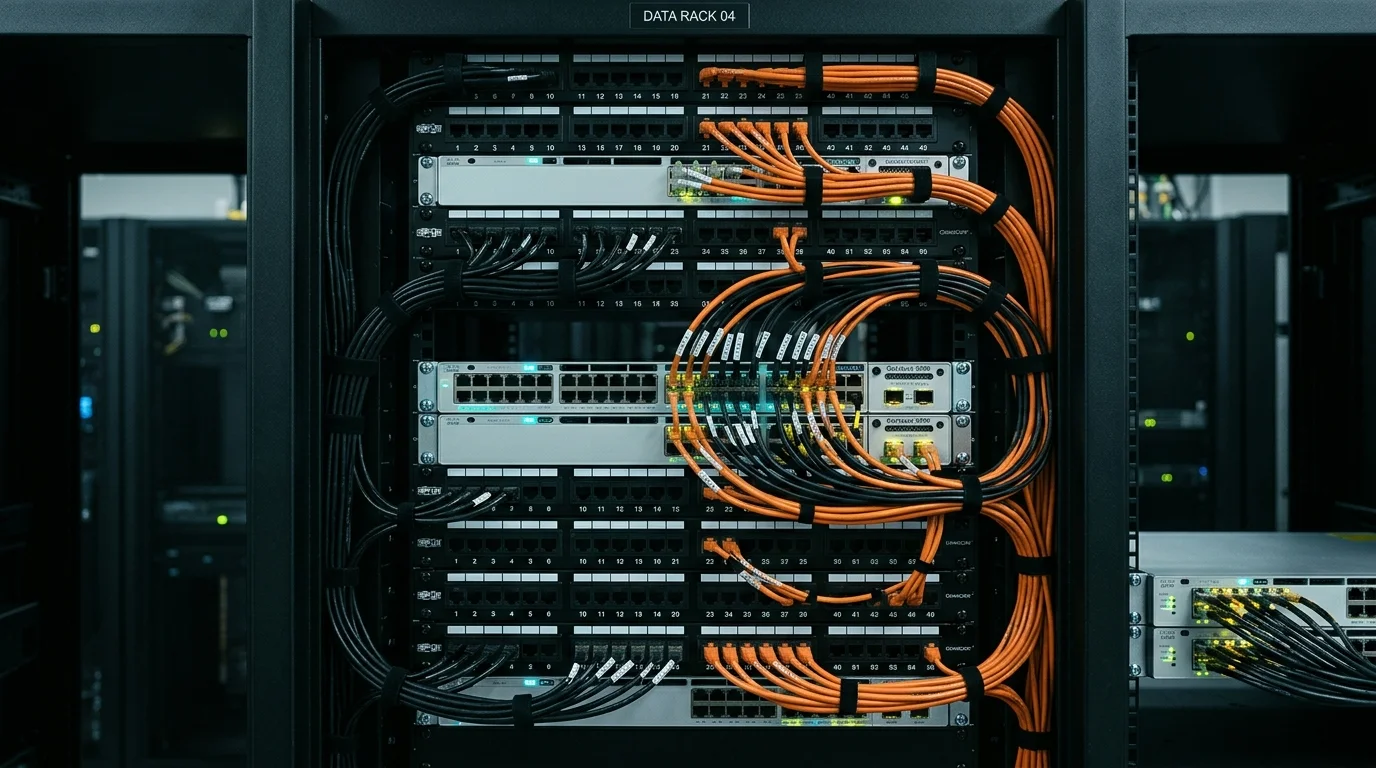

Wi-Fi Installation in Yorkshire & the North Hardwired Mesh Wi-Fi, Dead-Zone Fixes & Garden Office Links
Need a qualified local engineer for Wi-Fi installation in Yorkshire & the North? ADI Communications eliminates buffering and dropped Teams calls across every LS, BD, WF, S, M, HG, YO, HU neighbourhood.
“Friendly, knowledgeable and tidy install. Gary knows his craft inside out — transparent pricing, spotless work in Yorkshire & the North and tested to perfection.”
Eliminate Wi-Fi Dead Zones Across Yorkshire & the North
Modern rear kitchen-diner extensions and loft conversions in Yorkshire & the North (LS, BD, WF, S, M, HG, YO, HU) create a massive RF barrier that catches homeowners by surprise: Celotex/Kingspan foil-backed PIR insulation boards and heavy steel RSJ lintels. Together, aluminium foil and structural steel act as a Faraday cage, blocking 95% of your router's Wi-Fi from reaching the extension or garden in Leeds, Bradford, Wakefield, Sheffield, Huddersfield and Harrogate, York, Manchester, Preston, Hull. Our mesh Wi-Fi installation in Yorkshire & the North bypasses that barrier completely with a discreet hardwired Cat6 cable.
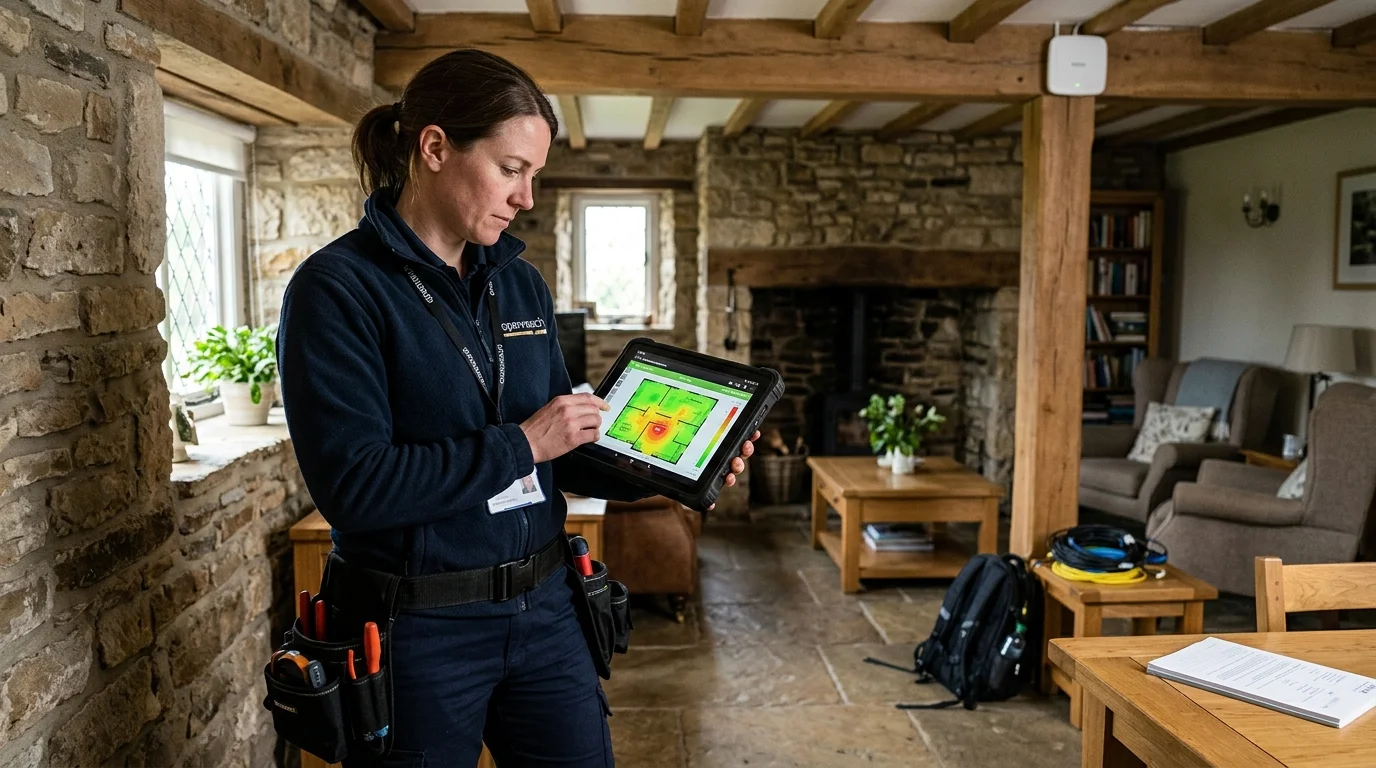
Every Wi-Fi installation in Yorkshire & the North is completed with a live room-by-room throughput test on your own devices and zero ongoing monthly management subscriptions.
Hardwired Copper PoE Backhaul
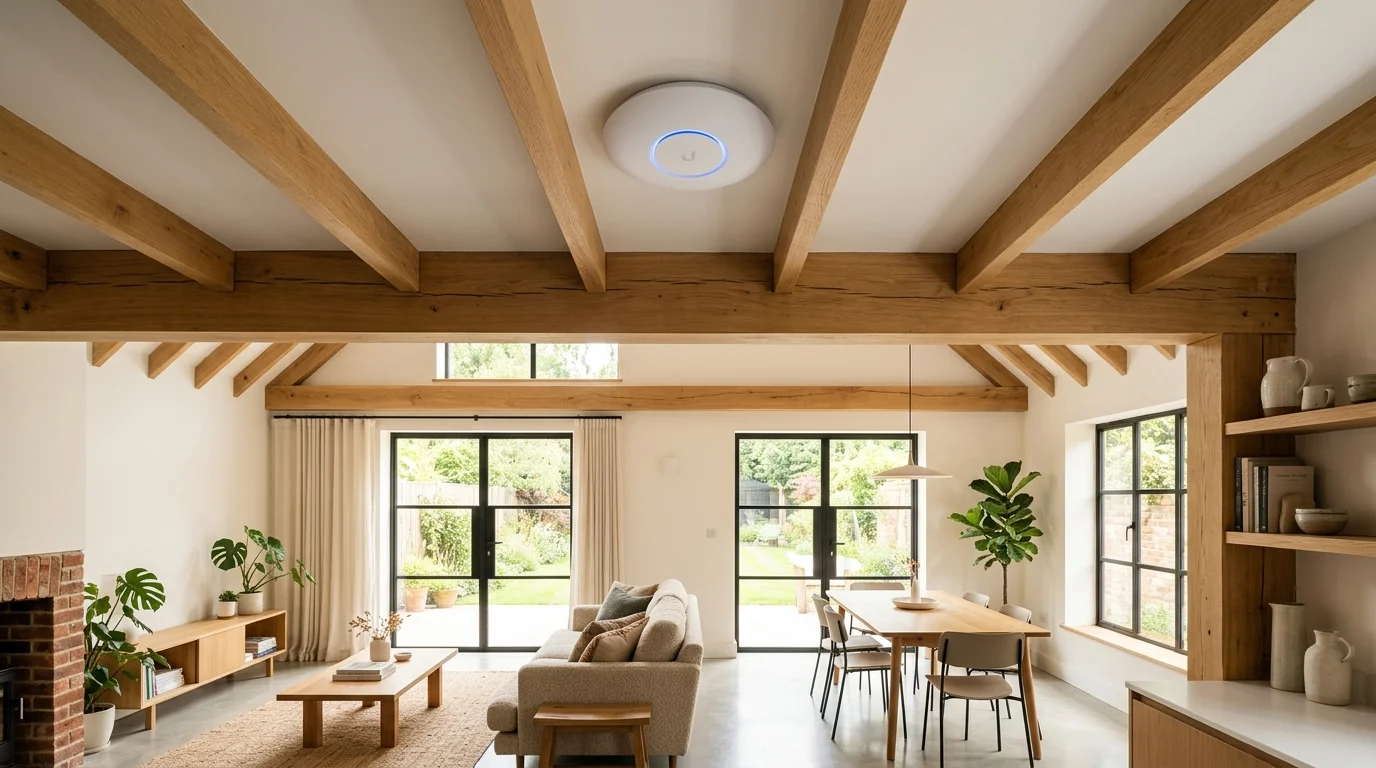
Because data and 48V power travel down the same slim Cat6 cable, ceiling-mounted Ubiquiti UniFi and TP-Link Omada discs require zero mains plug sockets on your landing or kitchen ceiling.
Every wired access point in your Yorkshire & the North home broadcasts at 100% full fibre speed with zero half-duplex repeater slowdown.
Seamless Single-SSID Fast Roaming
As you walk from your front study through to a rear foil-insulated kitchen extension in Yorkshire & the North, your device switches smoothly to the strongest access point in milliseconds with zero video call freeze.
All family devices, smart TVs, Sky Q mini boxes, and Sonos speakers in Yorkshire & the North share one clean network smoothly.
Garden Office & Outdoor Patio Wi-Fi
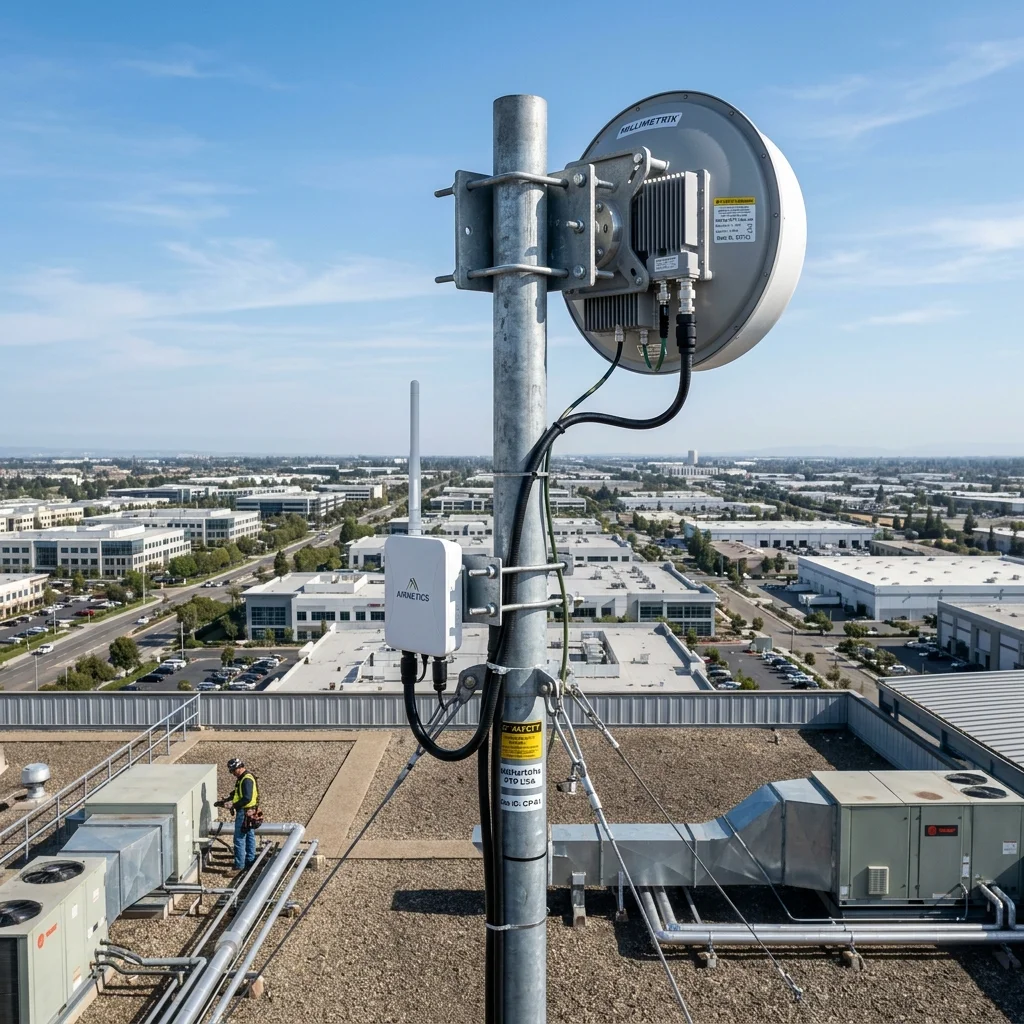
For detached garden rooms, workshops, and annexes across Yorkshire & the North, we install paired 5GHz/60GHz point-to-point wireless bridges or armoured underground Cat6 links from £349 + VAT.
Get a hardwired Ethernet switch plus a dedicated Wi-Fi access point inside your Yorkshire & the North garden office for lag-free Zoom and cloud work.
Every mesh wi-fi installation in Yorkshire & the North (LS, BD, WF, S, M, HG, YO, HU) is engineered around your property's exact architecture—combining weather-sealed fixings, hidden cable routes, and full diagnostic testing.
Engineering Standards for Mesh Wi-Fi Installation in Yorkshire & the North
Every property in Yorkshire & the North (LS, BD, WF, S, M, HG, YO, HU) presents its own physical layout and environmental challenges. Whether dealing with thick internal Yorkshire stone, red brick, and insulated cavity masonry in Leeds, Bradford, Wakefield, Sheffield, Huddersfield, foil-backed Celotex cavity insulation in Harrogate, York, Manchester, Preston, Hull, or driving winter rain off the Yorkshire & Lancashire hills, Gary Pearce engineers mesh wi-fi installation systems built to perform reliably for 10 to 15+ years.
With our home Wi-Fi installation in Yorkshire & the North across Leeds, Bradford, Wakefield, Sheffield, Huddersfield, Harrogate, York, Manchester, Preston, Hull, and all LS, BD, WF, S, M, HG, YO, HU postcodes, you never have to manually switch between 'Home_WiFi' and 'Home_Extender_5G' in your phone settings. We program IEEE 802.11k/v/r fast-roaming thresholds across a single unified Wi-Fi name (SSID), handing your iPhone or laptop over between rooms in under 30 milliseconds without dropping a FaceTime or WhatsApp call.
Technical Comparison: Hardwired PoE Mesh vs Plug-In Wireless Boosters vs Powerline Adapters in Yorkshire & the North
Why hardwired Ethernet backhaul is the only permanent cure for thick Yorkshire stone, red brick, and insulated cavity masonry and foil insulation in Yorkshire & the North (LS, BD, WF, S, M, HG, YO, HU).
| Performance Metric | Hardwired Cat6 PoE Mesh (ADI) | Wireless-Only Mesh / Boosters | Plug-In HomePlug Powerline |
|---|---|---|---|
| Speed Retention in Far Rooms | 95% – 100% of ISP Fibre Speed | Drops 50% – 80% per wireless hop | Capped at 30–70Mbps (Electrical noise) |
| Thick Stone & Foil Penetration | Bypasses walls completely via copper | Blocked by Yorkshire stone, red brick, and insulated cavity masonry & foil PIR | Fails across split RCD fuseboards |
| Room-to-Room Roaming | Seamless Single SSID (802.11k/v/r) | Sticky client / dropped calls | Separate network names / manual swap |
| Latency & Gaming / Teams Jitter | 2 ms – 5 ms (Rock solid) | 35 ms – 180 ms spikes | Drops when appliances turn on |
| Power Socket Clutter | Zero (Powered over PoE data cable) | Takes up wall sockets in every room | Blocks twin wall sockets |
What separates a professional trade mesh wi-fi installation installation in Yorkshire & the North from a rushed subcontractor job is attention to physical detail. Across Leeds, Bradford, Wakefield, Sheffield, Huddersfield, Harrogate, York, Manchester, Preston, Hull, and surrounding Yorkshire & Lancashire villages, we test signal and power margins under load, conceal exterior wiring along mortar courses, and configure every smartphone app before leaving.
Our 4-Stage Mesh Wi-Fi Installation Process in Yorkshire & the North
We supply and commission industry-leading commercial and prosumer Wi-Fi ecosystems in Yorkshire & the North—including Ubiquiti UniFi (U6+, U6 Pro, U7 Pro Wi-Fi 7, U6 Mesh outdoor), TP-Link Omada PoE ceiling access points, and hardwired TP-Link Deco / Amazon Eero Pro 6E/7 backhaul networks.
Phase 1: Free Technical Assessment Across LS, BD, WF, S, M, HG, YO, HU
Every job in Yorkshire & the North begins with an honest, no-obligation site check. Gary inspects your Leeds, Bradford, Wakefield, Sheffield, Huddersfield or Harrogate, York, Manchester, Preston, Hull roofline, consumer unit, router location, and masonry finish so you receive a fixed, transparent price with zero hidden extras.
Phase 2: Weather-Sealed Exterior & Loft Engineering
Whether routing cables through insulated loft voids or clipping UV-stabilised lines across Yorkshire stone, red brick, and insulated cavity masonry in Yorkshire & the North, we drill from inside to outside on a downward angle and seal every entry with high-modulus exterior silicone.
Phase 3: Hardware Commissioning & Optimisation
Once physically mounted, your mesh wi-fi installation hardware in Yorkshire & the North is calibrated for peak day-and-night performance—eliminating false triggers, dead spots, or signal dropouts.
Phase 4: Customer Handover & Direct Engineer Support
You receive a full live demonstration on your own smartphone or television in Yorkshire & the North, complete with VAT invoice, 3-year guarantee, and direct mobile access to Gary Pearce on 07860 244 274.
Why Homeowners & Businesses in Yorkshire & the North Choose Gary Pearce Directly
When you search for mesh wi-fi installation in Yorkshire & the North, many websites at the top of search results are national lead-generation agencies or call centres based hundreds of miles away. They take a hefty commission and subcontract your job to whoever bids the lowest rate. With ADI Communications, you deal directly with company founder and lead engineer Gary Pearce from your very first phone call to final handover.
Across Yorkshire & the North (LS, BD, WF, S, M, HG, YO, HU) and Yorkshire & Lancashire, over 84 vetted customers have rated Gary Pearce 9.98 out of 10 for tidy cable concealment, punctual arrival, honest 'From' pricing, and encyclopaedic technical knowledge across all low-voltage trades.
Because Gary holds formal NVQ qualifications across Aerials & Satellite (Level 1–3), Data Cabling & Fibre Optics (Level 1–4), Electrical (Level 1–3), and CCTV & Security Systems, we solve cross-trade issues on the spot—whether your Yorkshire & the North installation needs a new Cat6 network feed, a 24V transformer upgrade, or a high-level chimney bracket.
Customer-Bought Hardware & Existing System Upgrades in Yorkshire & the North
Already purchased your own equipment online or inherited an older system when moving into your Yorkshire & the North (LS, BD, WF, S, M, HG, YO, HU) property? Unlike national chains that insist on ripping out working hardware to sell you a proprietary package, Gary Pearce happily installs customer-supplied kits, replaces failed power supplies or hard drives, resets locked administrator passwords, and integrates existing cabling across Leeds, Bradford, Wakefield, Sheffield, Huddersfield and Harrogate, York, Manchester, Preston, Hull.
Weatherproofing, Mortar-Joint Drilling & Substrate Care
Yorkshire & the North homes feature diverse exterior construction—including Yorkshire stone, red brick, and insulated cavity masonry, rendered blockwork, modern dot-and-dab insulated cavities, and heritage brickwork. We never drill through the face of delicate stone or leave unsealed holes where winter rain can track indoors. Every external penetration in Yorkshire & the North is drilled on an upward incline with a drip loop, sleeved, and sealed with UV-resistant exterior silicone.
Pure Copper Cabling vs Cheap Copper-Clad Aluminium (CCA)
The single biggest reason low-cost installations fail within 18 months across Yorkshire & Lancashire is the use of cheap Copper-Clad Aluminium (CCA) network or coaxial wire. Aluminium suffers high DC voltage drop, snaps when bent around corners, and corrodes rapidly in damp air. Every metre of Cat6 Ethernet and WF100 coaxial cable we install in Yorkshire & the North is 100% solid bare copper—guaranteeing zero voltage sag and a 15-year+ service life.
Zero Monthly Subscriptions & Complete Smartphone Control
We believe homeowners and businesses in Yorkshire & the North should own their security and connectivity hardware outright. Every system we commission is configured for direct, encrypted smartphone control on iOS and Android with £0 mandatory monthly fees to ADI Communications, backed by our 3-year physical workmanship warranty.
Whether we are supplying a brand-new trade package or troubleshooting and upgrading existing equipment at your Yorkshire & the North (LS, BD, WF, S, M, HG, YO, HU) property, every connection is tested and guaranteed for 3 years.
Yorkshire & the North Mesh Wi-Fi Installation Packages & Prices
Transparent 'From' pricing locked to our single-source canonical ledger—with zero hidden call-out charges and full demonstration across Yorkshire & the North (LS, BD, WF, S, M, HG, YO, HU).
Hardwired PoE Access Point
Ideal for fixing a kitchen extension, loft conversion, or home office in Yorkshire & the North.
- ✓ Pure-copper Cat6 cable run from router
- ✓ Ceiling or wall-mounted Wi-Fi 6 PoE Access Point
- ✓ Bypasses RSJ steel beams & foil insulation
- ✓ Matched to your existing Wi-Fi or unified SSID
- ✓ Full room speed verification & 3-yr warranty
Whole-Home Hardwired Mesh
Complete multi-point Wi-Fi 6/7 coverage for 3–6 bed stone & brick homes in Yorkshire & the North.
- ✓ Hardwired Cat6 Ethernet backhaul architecture
- ✓ Multi-node Ubiquiti UniFi / Omada / Deco setup
- ✓ Seamless 802.11k/v/r single-SSID fast roaming
- ✓ Eliminates every upstairs & extension dead spot
- ✓ £0 monthly fees & smartphone app control
Outbuilding Link / Business Wi-Fi
Point-to-point garden office bridges, outdoor patio APs & commercial Wi-Fi in Yorkshire & the North.
- ✓ Paired 5GHz/60GHz PtP Wireless Bridge or SWA Cat6
- ✓ Dedicated Wi-Fi Access Point + Ethernet inside office
- ✓ Weatherproof IP65 outdoor garden/patio coverage
- ✓ Commercial VLAN segregation (Staff / EPOS / Guest)
- ✓ Full RF spectrum survey & channel optimisation
Yorkshire & the North Wi-Fi & Mesh Network Installation Price List (Canonical Rates)
Transparent 'From' pricing for Wi-Fi installation in Yorkshire & the North—using 100% pure copper cabling and trade PoE hardware.
| Wi-Fi / Network Service | Guide Price | Backhaul Method | Monthly Fee | Typical Visit Time |
|---|---|---|---|---|
| Single Hardwired Cat6 Data Point / Socket | From £169 / point | Pure Copper Cat6 (Fluke Tested) | £0 / Month | 1 – 2 Hours |
| Single Hardwired PoE Wi-Fi 6 Access Point | From £199 + VAT | Pure Copper Cat6 PoE Backhaul | £0 / Month | 1.5 – 2.5 Hours |
| Whole-Home Hardwired Wi-Fi Mesh Integration | From £299 + VAT | Multi-Point Cat6 Ethernet Backhaul | £0 / Month | 2.5 – 4 Hours |
| Garden Office / Outbuilding PtP Wireless Link | From £349 + VAT | 5GHz/60GHz PtP Bridge or SWA Cat6 | £0 / Month | 3 – 4 Hours |
| Commercial Multi-AP UniFi / Omada Guest & EPOS Network | From £495 + VAT | PoE Switch + VLAN Controller | £0 / Month | Half – 1 Day |
Commercial Mesh Wi-Fi Installation Across Yorkshire & the North
Alongside domestic homes in Leeds, Bradford, Wakefield, Sheffield, Huddersfield and Harrogate, York, Manchester, Preston, Hull, ADI Communications designs, installs, and maintains commercial-grade mesh wi-fi installation systems for shops, offices, hospitality venues, landlords, and industrial sites throughout Yorkshire & the North (LS, BD, WF, S, M, HG, YO, HU).
Retail Shops & High Street Units
Tailored mesh wi-fi installation engineering for independent shops, salons, pharmacies, and convenience stores across Yorkshire & the North (LS, BD, WF, S, M, HG, YO, HU), complete with out-of-hours fitting options.
Hotels, B&Bs & Holiday Lets
Reliable, guest-ready mesh wi-fi installation installations for boutique hotels, guest houses, pubs, and Airbnb holiday cottages across Yorkshire & the North and Yorkshire & Lancashire.
Offices, Clinics & Professional Suites
Structured, tidy mesh wi-fi installation deployments for accountants, solicitors, dental practices, and commercial office suites throughout Leeds, Bradford, Wakefield, Sheffield, Huddersfield and Harrogate, York, Manchester, Preston, Hull.
Warehouses, Trade Units & Yards
Heavy-duty industrial mesh wi-fi installation installations engineered for trade counters, workshops, logistics units, and business parks across Yorkshire & the North.
Apartment Blocks, HMOs & Landlords
Compliant multi-tenant mesh wi-fi installation solutions for private landlords, student HMOs, and residential block management agents in Yorkshire & the North.
Caravan Parks, Farms & Rural Estates
Long-range weather-proof mesh wi-fi installation infrastructure for rural farms, equestrian centres, and holiday parks surrounding Yorkshire & the North.
New-Build & Renovation First-Fix
Coordinated first-fix and second-fix mesh wi-fi installation wiring alongside builders, electricians, and interior designers across LS, BD, WF, S, M, HG, YO, HU.
Care Homes, Nurseries & Community Venues
Fully insured (£10M public liability), DBS-cleared trade engineering for care facilities, sports clubs, and community buildings in Yorkshire & the North.
All commercial work in Yorkshire & the North is backed by £10 Million Public Liability Insurance, full Risk Assessments & Method Statements (RAMS), and itemised VAT invoices.
Mesh Wi-Fi Installation Across All Yorkshire & the North Postcodes (LS, BD, WF, S, M, HG, YO, HU)
Our mobile engineering vans cover the entirety of Yorkshire & the North, Leeds, Bradford, Wakefield, Sheffield, Huddersfield, Harrogate, York, Manchester, Preston, Hull, and surrounding Yorkshire & Lancashire villages with zero call-out charges.
Everything You Need to Know About Mesh Wi-Fi Installation in Yorkshire & the North
Clear, honest technical answers with zero hidden charges.