
If you are paying for high-speed FTTC (Fibre to the Cabinet) or VDSL broadband from BT, Sky, TalkTalk, or Plusnet, but your router synchronises at speeds drastically lower than your guaranteed minimum, the culprit is very often not the telephone line outside in the street. In over 60% of rural and suburban broadband service calls attended by our independent telephone engineers across Yorkshire and Lancashire, broadband degradation is caused by faulty, obsolete, or poorly configured internal telephone wiring inside the house. In this diagnostic guide, lead communications engineer Gary Pearce explains how old extension cables act as giant radio antennas picking up interference, and reveals how to optimise your internal wiring to restore full speed.
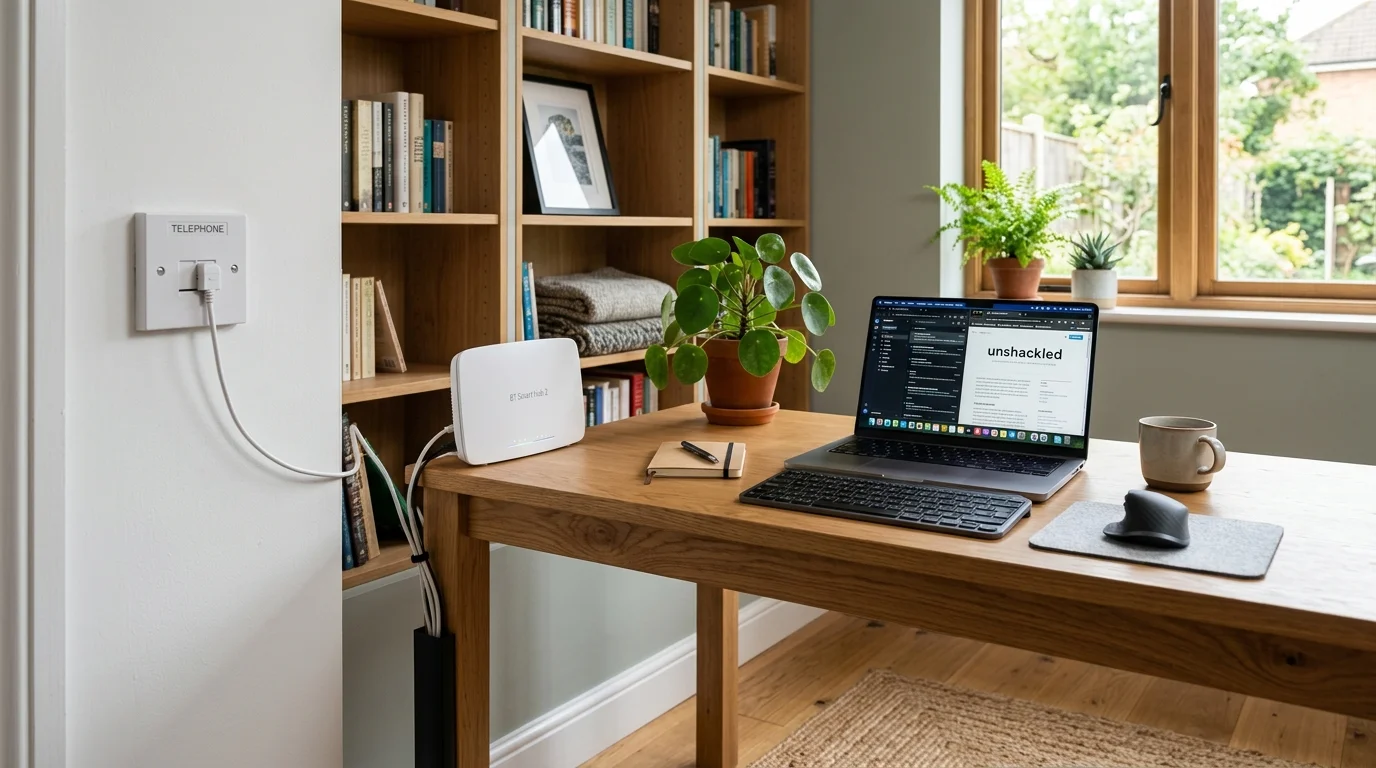
⚡ The "Star Wiring" Antenna Trap
In older UK properties wired in the 1980s and 1990s, telephone extensions were wired in a "star" or "tree" topology, branching off to bedrooms, the kitchen, and the garage. Even if no phone is plugged in, these unterminated copper cables act as resonant broadcast aerials, picking up electromagnetic interference (REIN) from boiler igniters, microwave ovens, and LED light transformers. This radio noise injects errors directly into your VDSL signal, forcing the Openreach exchange computer (DLM) to drastically throttle your speed down to maintain connection stability.
1. The Definitive Diagnostic: The Master Test Socket Test
Before spending hours on hold with your internet service provider, you can prove within five minutes whether the fault lies inside your home or outside in the street:
- Locate your official Openreach Master Socket (usually near the front door or in the hallway, featuring an Openreach or BT logo).
- Unscrew the two retaining screws on the lower half of the faceplate (or unclip the lower section on an NTE5C socket) and pull it gently forward.
- Removing the lower faceplate physically disconnects all internal telephone extension sockets throughout your entire house.
- Behind the faceplate lies the hidden Test Socket. Plug your broadband router directly into this test socket using an RJ11 microfilter or VDSL lead.
- Power up the router and check your sync speed in the router admin dashboard. If your download speed jumps by 15Mbps to 30Mbps, your internal house wiring is definitively faulty.
2. The Bell Wire Problem (Terminal 3 Disconnect)
Broadband Fault Isolation: Master Socket Test Socket Diagnostic Flowchart
Decades ago, old rotary telephone handsets required a dedicated third electrical wire (connected to Terminal 3 on the back of extension sockets) to make the physical brass bell ring. Modern telephones do not use the bell wire:
In a digital broadband environment, Terminal 3 is disastrous: it is an unshielded loop that injects massive radio frequency noise across the high-frequency VDSL spectrum. Simply snipping or disconnecting the orange-and-white wire from Terminal 3 on legacy extension sockets frequently provides an immediate 10% to 25% boost in broadband sync speed.
3. Upgrading to the Openreach NTE5C Master Socket
The modern Openreach NTE5C Mark 2 socket represents a major engineering leap over older NTE5A sockets:
- Tool-Less Cam Locks: Eliminates unreliable punch-down terminal blocks that oxidize over time.
- Built-In VDSL RF Filtering: Automatically isolates extension wiring from broadband frequencies at the socket level, preventing internal noise from feeding back into the line.
- Transient Voltage Protection: Features gas discharge tubes that absorb minor static surges from lightning strikes.
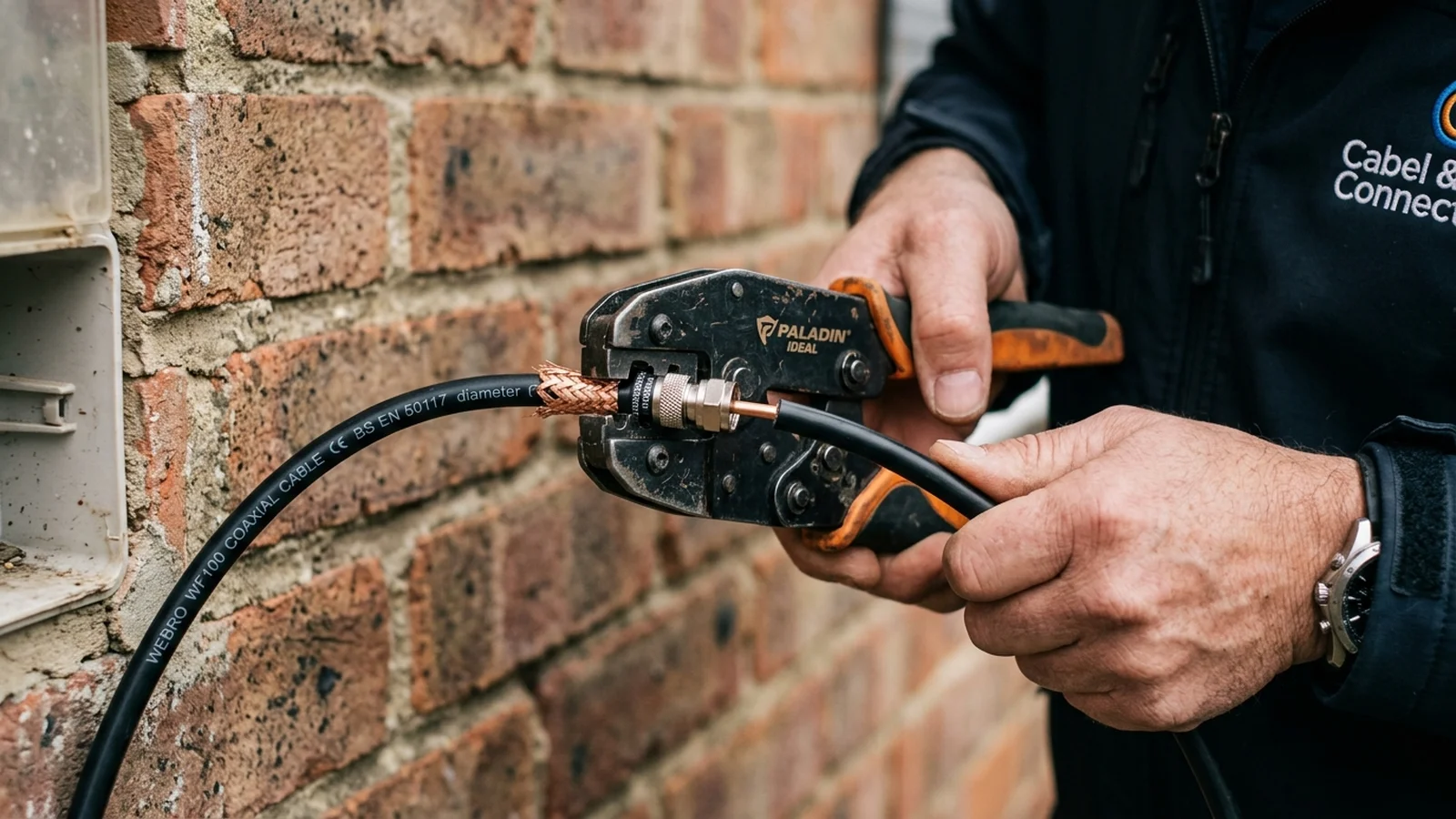
BT Master Socket 5C, Ring-Wire Filtering & Star-Wiring Removal
BLUF Direct Answer: Older UK internal telephone wiring features obsolete bell ring-wires and star-wired extension sockets that act as unshielded radio antennas, picking up electromagnetic noise and causing FTTC/VDSL broadband sync speeds to drop by 20Mbps to 40Mbps.
In many older UK homes, secondary telephone extension sockets in bedrooms and kitchens remain connected to the back of the master socket via legacy multi-core copper wire. Decades ago, the orange/white 'bell wire' on Pin 3 was required to make electro-mechanical telephone bells ring. On modern broadband, this unterminated wire acts as a giant induction loop, absorbing interference from holiday lights, boiler igniters, and microwave ovens.
Upgrading to a modern Openreach Master Socket 5C (NTE5C) with built-in VDSL/ADSL differential filtering automatically isolates legacy internal extension wiring from the high-frequency broadband signal. Disconnecting redundant star-wired extension stubs and plugging the modem directly into the filtered faceplate frequently restores 15Mbps to 35Mbps of lost sync speed immediately.
| Internal Wiring Issue | Broadband Speed Impact | Line Drop / Latency Effect | Permanent Fix |
|---|---|---|---|
| Legacy Pin 3 Ring-Wire Connected | -10 Mbps to -25 Mbps loss | Frequent evening dropouts (REIN noise) | Snip Pin 3 wire at master socket |
| Star-Wired Extension Sockets | -20 Mbps to -40 Mbps loss | Severe signal reflection / high latency | Disconnect extensions; use Cat6 data lines |
| Corroded Screw-Terminal Master Socket | High packet loss (SNR margin spikes) | Crackling phone line & low sync | Upgrade to NTE5C filtered master socket |
Garden Office & Outbuilding Broadband Method Decider
Find the optimal transmission medium between your main home and garden studio based on trenching practicality, line of sight, electrical earthing zones, and distance.
How to Diagnose and Clean Up Slow Internal Broadband Wiring
Step-by-step diagnostic and master socket filtering protocol.
Locate Primary Openreach Master Socket
Find the original master socket where the external black drop cable enters the property (usually in hallway or front room).
Unscrew Faceplate to Access Test Socket
Remove the front faceplate to reveal the internal test socket; plug modem directly in with microfilter.
Compare Speed in Test Socket vs Extension
Run a speedtest; if speed improves by 10Mbps+, your internal extension wiring is inducing interference.
Disconnect Pin 3 Bell Wire or Fit NTE5C
Upgrade to an NTE5C faceplate to automatically isolate all internal extension runs from the incoming VDSL broadband carrier.
4. Independent Telephone Engineers vs Openreach Fees
If you contact BT or your ISP to relocate a master socket or fix internal wiring, Openreach charges an expensive standard fee of £130 to £180+, and their engineers will often simply refuse to route cables discreetly through lofts or behind skirting boards:
An independent certified telephone engineer can relocate your master socket to an ideal central location, replace degraded telephone cable with high-speed twisted-pair Cat6 data line, and remove redundant bridge taps neatly with zero mess at a fraction of the cost.
To modernise your whole-home connectivity, explore our Cat6 data cabling guide and see how to eliminate dead zones with hardwired access points. To book an expert diagnostic, view our independent telephone engineer services and professional home Wi-Fi installation across Yorkshire and Lancashire.