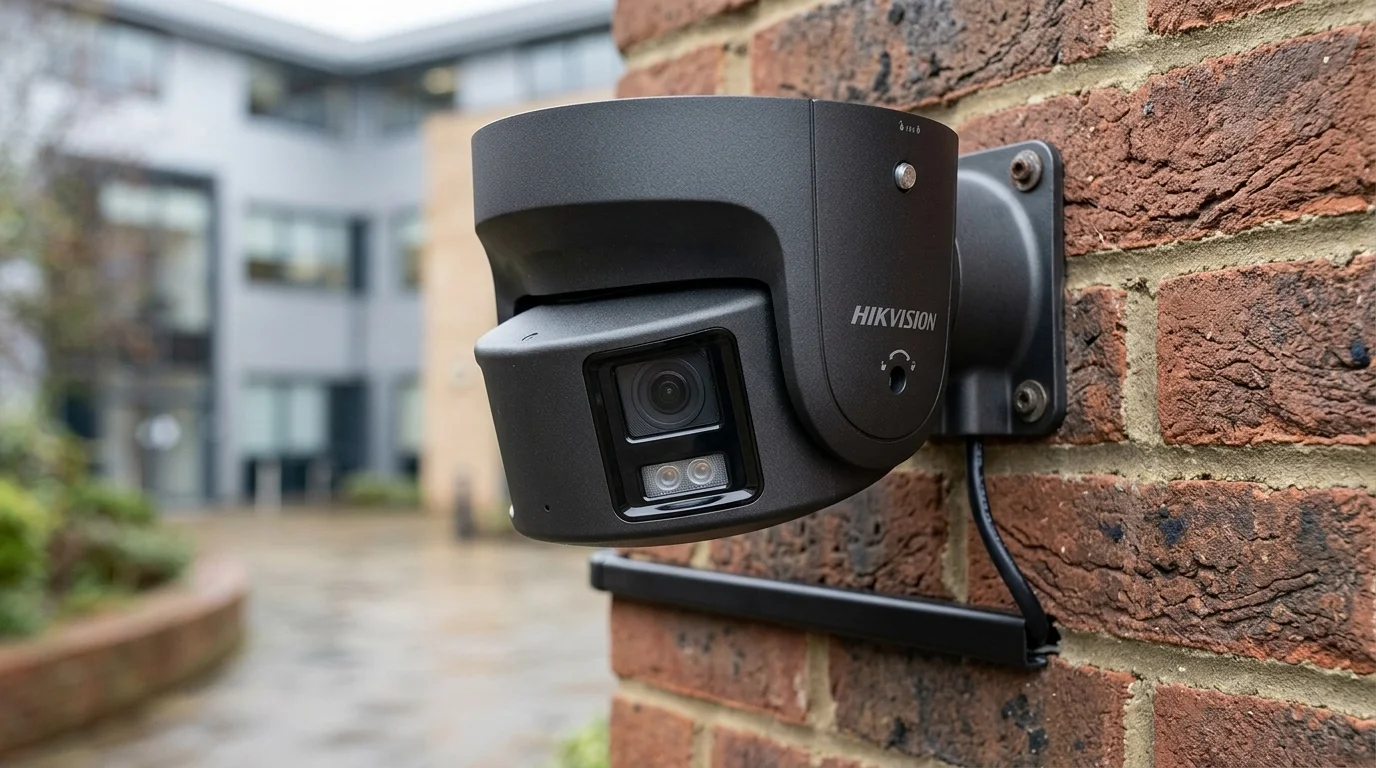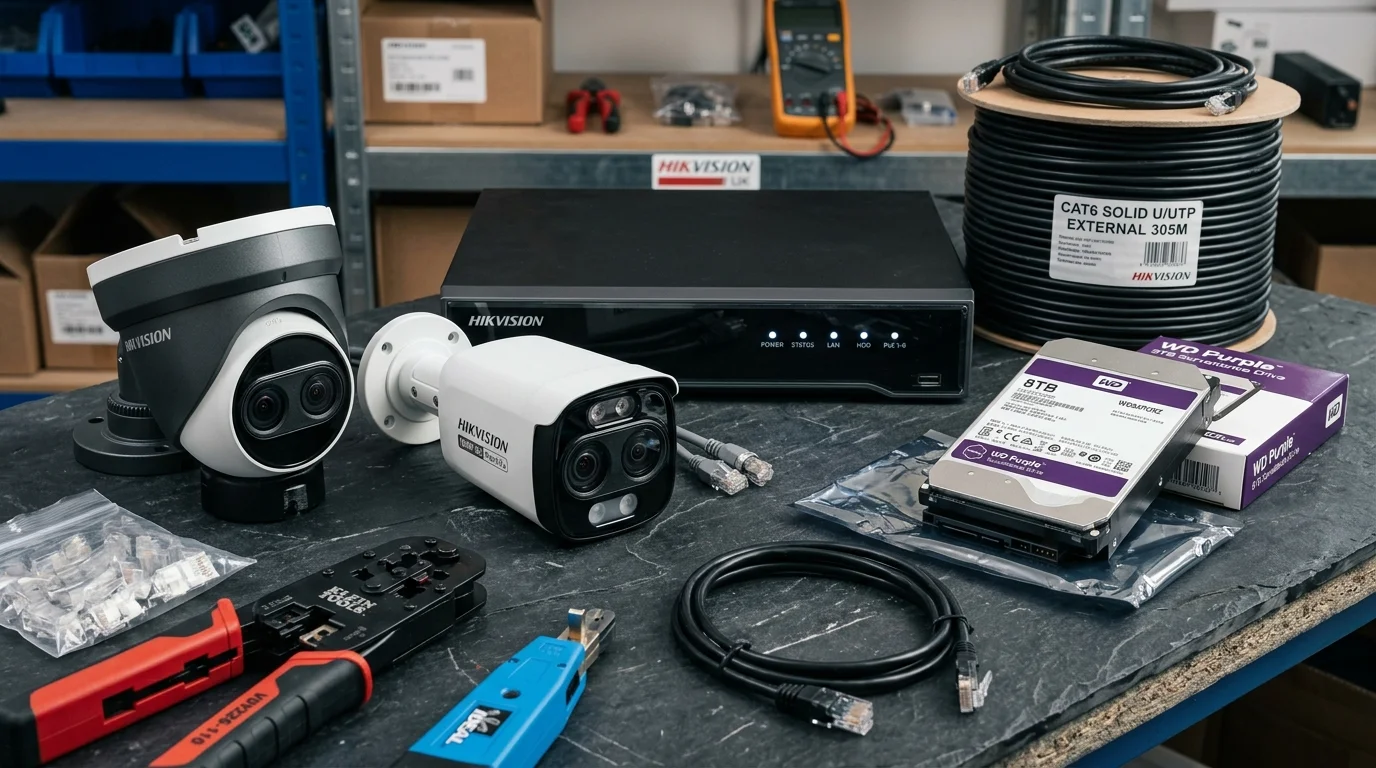
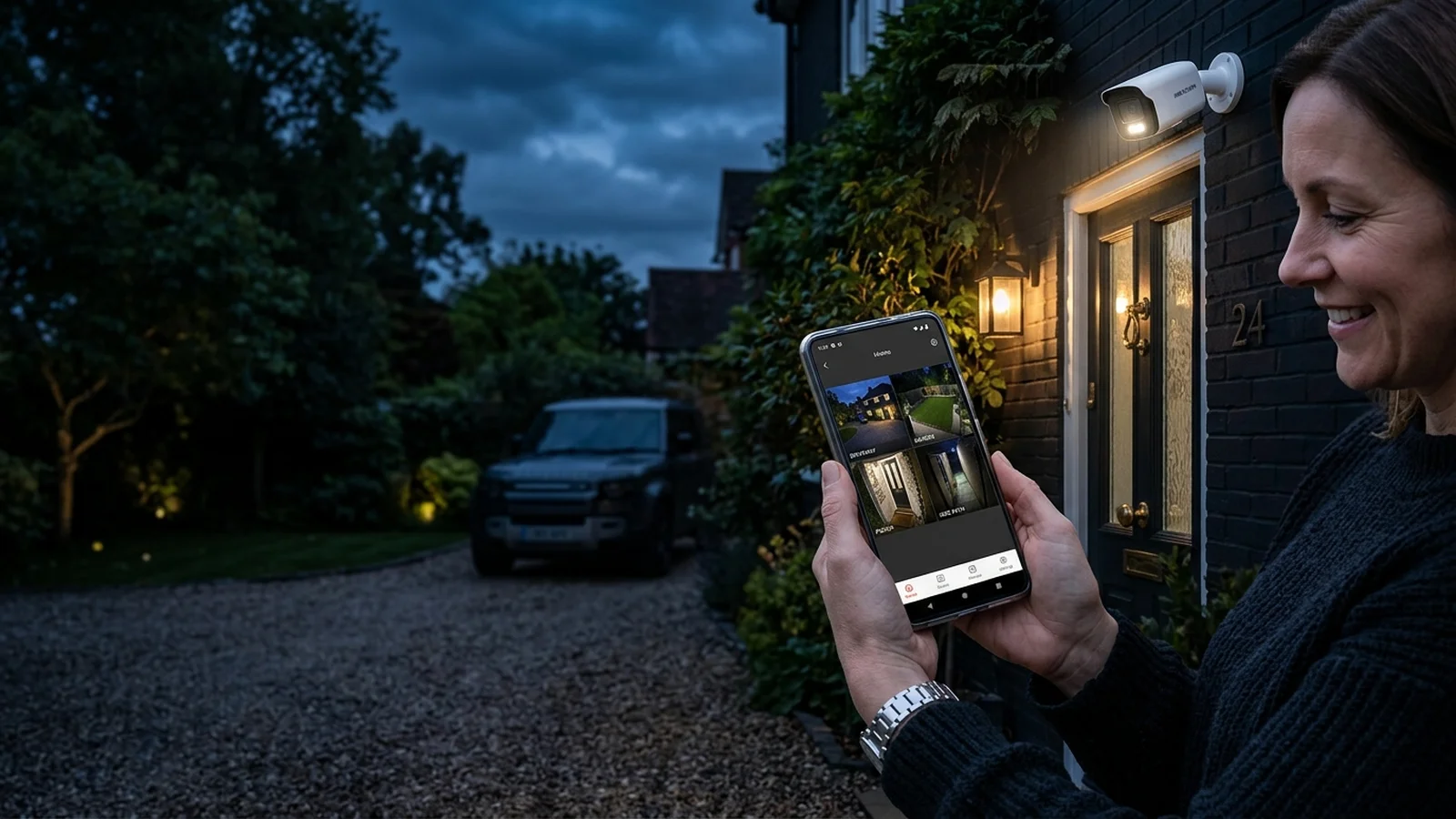
Installing domestic security cameras to protect your car on the driveway, guard rear garden access, and deter opportunistic burglars is 100% legal in the United Kingdom. However, if your cameras inadvertently record beyond your private property boundary—capturing a neighbour's back garden, bedroom window, shared driveway, or public footpath—your installation immediately falls under the jurisdiction of the UK General Data Protection Regulation (UK GDPR) and the Data Protection Act 2018, enforced by the Information Commissioner's Office (ICO). In this legal compliance guide, lead engineer Gary Pearce explains how to keep your CCTV installation fully compliant, avoid neighbour disputes, and prevent hefty ICO fines.

⚖️ The Domestic Household Exemption
Under UK law, if your cameras capture exclusively private land within your property boundary (e.g. your front lawn, driveway, and rear patio), data protection laws do not apply to you. However, the moment your camera's field of view spills over onto a neighbouring property or public pavement, you become legally classified as a Data Controller and must comply with legal data privacy responsibilities.
1. Privacy Masking: The Trade Solution to Boundary Issues
In densely populated UK terraced streets or semi-detached developments, angling a camera to cover your front porch almost inevitably captures part of your neighbour's front path or window. Rather than pointing the camera straight down at the ground, professional installers use Digital Privacy Masking inside the Network Video Recorder (NVR):
- Permanent Blackout Zones: We draw solid digital geometric blocks over neighbouring bedroom windows, private gardens, or patios in the software.
- Hard-Burned into Stream: The masked areas are rendered completely black at the optical sensor level. They are never recorded to the hard drive and cannot be viewed live, guaranteeing absolute privacy for your neighbours.
- Evidential Proof for Disputes: If a neighbour complains to the police or council, you can show them the live monitor proving their windows are 100% blacked out.
2. Audio Recording Laws: Why You Should Disable External Microphones
UK Domestic CCTV Legal Threshold: Household Exemption vs Data Controller
Cameras point strictly within your private property boundary (driveway, patio, garden). UK GDPR data protection rules do not apply.
Camera view spills onto pavement or neighbour's garden. You become a Data Controller: must display CCTV warning signs, disable external audio, and use privacy masks.
Many modern smart doorbells and IP cameras feature built-in sensitive microphones capable of picking up conversations from 15 metres away. The ICO considers continuous audio recording to be excessive and highly intrusive:
- Legal Risk: In landmark UK court rulings (such as Fairhurst v Woodard), homeowners were ordered to pay thousands of pounds in compensation for capturing neighbours' private conversations without consent.
- Best Practice: Always disable audio recording on external surveillance cameras facing boundaries. Reserve two-way audio exclusively for interactive smart doorbells when someone actively presses the buzzer.
3. Mandatory CCTV Warning Signage: When Do You Need Signs?
If any portion of your camera view captures public space (such as the public pavement or highway outside your house):
ICO Compliant Signage Checklist:
ICO Domestic CCTV Code of Practice & Privacy Masking
BLUF Direct Answer: UK domestic CCTV that captures imagery beyond property boundaries—such as neighbouring gardens, windows, or public footpaths—is governed by the Data Protection Act 2018 (GDPR) and Information Commissioner’s Office (ICO) rules, requiring privacy masking and warning signage to avoid neighbour disputes.
While homeowners have a legal right to protect their property with security cameras, overlooking a neighbour’s bedroom window or private patio can lead to civil disputes, ICO investigation, and potential compensation claims under privacy legislation. The Court of Appeal in Fairhurst v Woodard confirmed that excessive domestic surveillance capturing neighbouring property can breach GDPR and constitute harassment.
To ensure full legal compliance, ADI Communications configures electronic privacy masking directly in the camera firmware during commissioning. Black privacy blocks are permanently applied over neighbour windows and gardens. This prevents footage of private areas from being viewed or recorded while maintaining continuous 4K surveillance over your driveway and boundary fence line.
| CCTV Camera Field of View | GDPR / ICO Status | Signage Required? | Recommended Safeguard |
|---|---|---|---|
| 100% Within Private Property | Domestic Exemption Applies | Optional (Recommended) | Position cameras angled downward |
| Overlooks Public Footpath / Road | GDPR Data Controller Rules Apply | Yes (ICO Warning Notice) | Justify security reason; store under 31 days |
| Captures Neighbour Window / Garden | High Dispute & Breach Risk | Yes + Neighbour Notice | Apply digital privacy mask in camera firmware |
CCTV Storage Capacity & Uplink Bandwidth Calculator
Calculate the exact hard drive capacity required for 24/7 continuous local recording before loop overwrite, based on camera count, resolution, and H.265+ compression efficiency.
How to Comply with UK Domestic CCTV Laws
Checklist for setting up legal, dispute-free home security cameras.
Angle Cameras Directly onto Private Land
Position turret cameras to cover driveways, doors, and fences without pointing into adjacent gardens.
Apply Digital Privacy Masks
In the camera interface, draw black privacy masking zones over any unavoidable neighbor windows.
Erect Weatherproof Warning Signage
Display a small CCTV advisory plate near the front gate indicating cameras are in operation for crime prevention.
Establish a 30-Day Auto-Overwrite Loop
Set NVR hard drive retention to automatically overwrite older footage after 30 days per ICO recommendations.
4. Subject Access Requests (SARs) & Storage Retention
If you capture footage of other people in public spaces, you must adhere to data retention rules:
- 30-Day Retention Standard: Do not store footage indefinitely. Set your NVR to overwrite old footage automatically after 30 days unless an active police crime reference number is being investigated.
- Subject Access Requests: Any individual who has been filmed has the legal right to request a copy of their footage within one calendar month. You must provide the footage free of charge, blurring out any third parties.
For pricing information, consult our 2026 CCTV installation cost guide. To understand evidential recording quality, review our CCTV frame rate vs bitrate guide. Compare cameras in Hikvision ColorVu vs Dahua TiOC, or book our professional CCTV installation team for a fully compliant site survey across Yorkshire and Lancashire.