For 4K CCTV surveillance, 15 FPS at 8,192 kbps bitrate produces significantly sharper freeze-frame evidence than 30 FPS on a constrained bitrate. Lowering frame rates allows the H.265+ codec to allocate more data per individual frame, eliminating motion blur on vehicle number plates and faces.
Key Specifications & Architectural Highlights
Core Standard15 FPS at 8,192
15 FPS at 8,192 kbps bitrate produces sharper freeze-frame evidence than 30 FPS at 4,096 kbps.
Engineering HighlightHigher frame rates waste
Higher frame rates waste hard drive storage without improving facial or number plate identification.
H.265+ smart codecs reduce bandwidth consumption by up to 70% during static scenes.
When commissioning a modern 4K Ultra-HD security system, homeowners and commercial premises managers are often presented with a baffling array of technical recording parameters: Frames Per Second (FPS), Bitrate (Kbps/Mbps), Constant Bitrate (CBR) vs Variable Bitrate (VBR), and Compression Codecs (H.264 vs H.265+). Setting these values incorrectly can either fill your expensive hard drives in less than three days, or worse, produce stuttering, pixelated video that UK police cannot use in court. In this technical guide, lead security engineer Gary Pearce explains the exact recording settings required for crystal-clear forensic evidence.
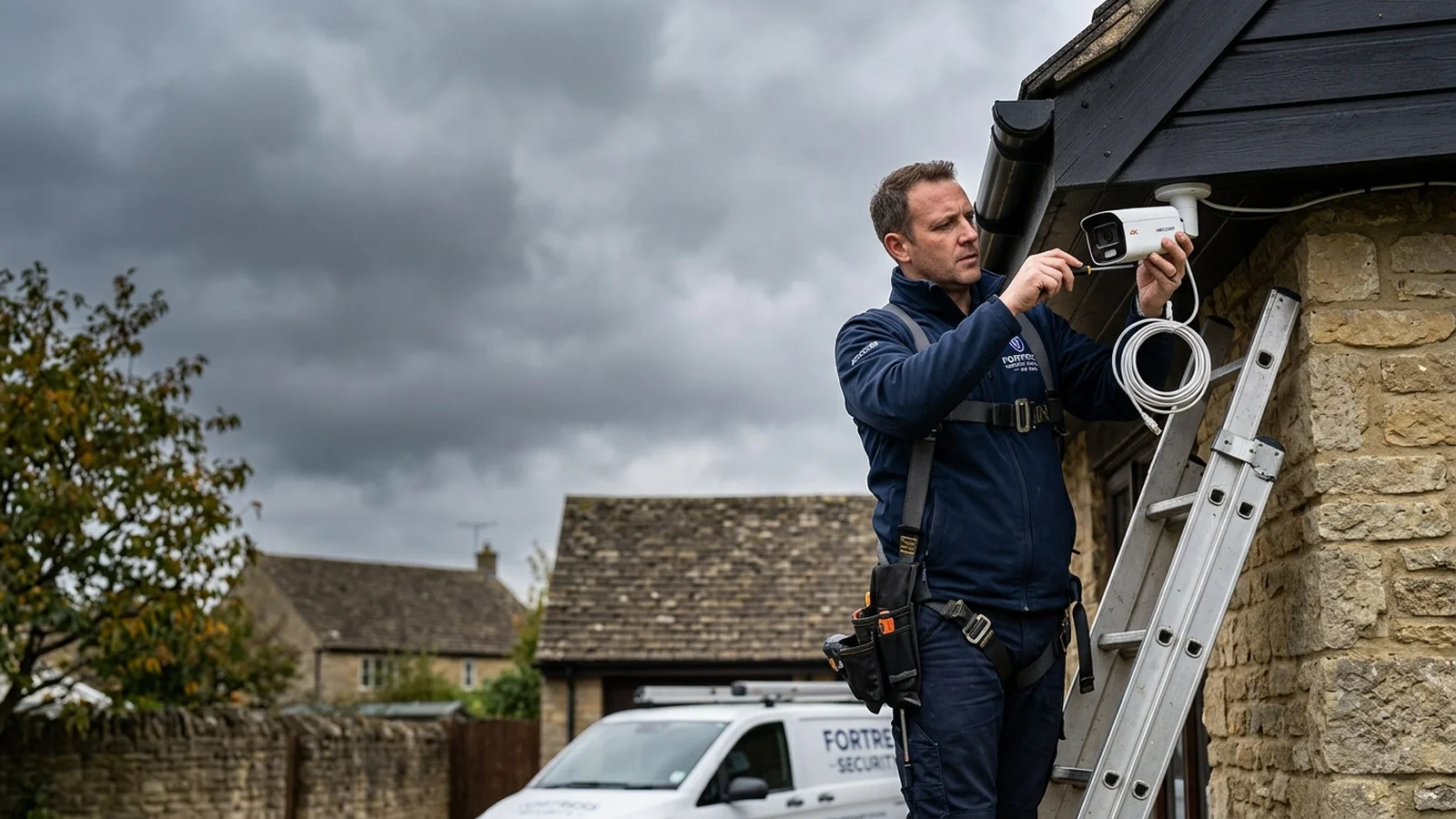
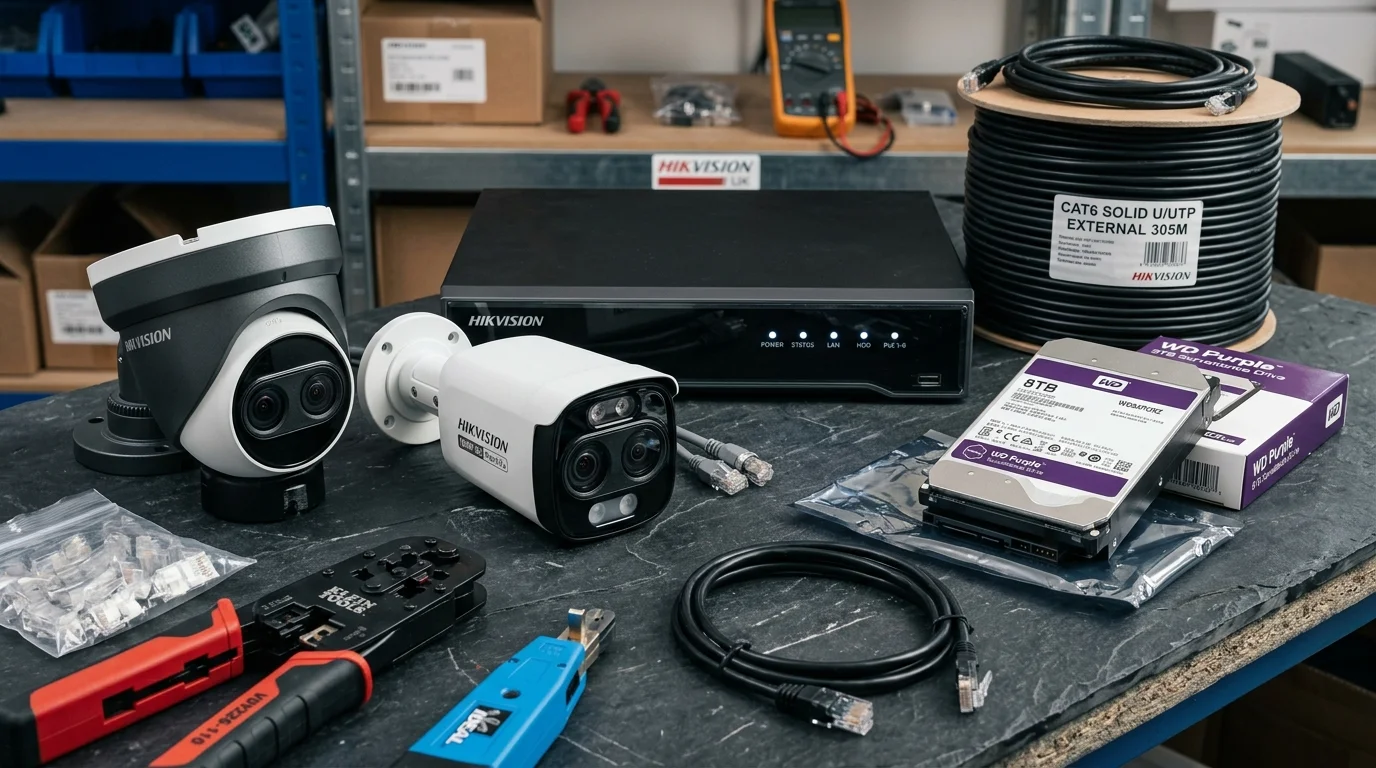
📷 Verified Field PhotoCalibrating camera frame rate (FPS), bitrate (Mbps), and H.265+ smart compression on a commercial NVR.
🎯 The 15 FPS Golden Rule
Cinema films run at 24 FPS, and action video games run at 60 FPS. However, in professional CCTV surveillance, the UK Home Office and police forensic guidelines recommend 12 to 15 Frames Per Second for standard surveillance, and 20 to 25 FPS for fast-moving vehicle registration (ANPR) cameras. Recording at 30 FPS wastes 50% of your hard drive capacity with zero measurable improvement in forensic identification.
1. Frame Rate (FPS) Explained: Motion Smoothness vs Storage
Frame rate defines how many individual still photographic images your camera captures every second:
Below 10 FPS (Poor): Motion appears jerky and disjointed. A running intruder or passing vehicle can easily cross the field of view between frames, resulting in motion blur that makes facial recognition impossible.
15 FPS (Optimal Trade Standard): Provides smooth, natural human movement. An individual walking across a driveway generates 15 sharp forensic frames every second, allowing investigators to freeze-frame facial features with pinpoint clarity while doubling storage retention time.
25–30 FPS (Specialist Only): Required for Automated Number Plate Recognition (ANPR) on main roads or gaming casino tables where rapid finger movements must be tracked.
Police Evidence Golden Rule: 15 FPS vs 30 FPS Storage Impact
🎯15 FPS Forensic Standard: UK police recommend 12–15 FPS for walking humans. Motion is perfectly smooth, and freeze-frames are razor sharp.
💾H.265+ Smart Compression: Suppresses static background pixels, saving up to 70% storage bandwidth without degrading image quality.
⚖️30 FPS Waste: Recording 4K at 30 FPS exhausts hard drive capacity twice as fast with zero extra evidential value.
While frame rate dictates motion smoothness, bitrate dictates visual image quality. Bitrate represents the amount of digital data processed per second of video. Even if your camera has an 8-Megapixel (4K) sensor, setting the bitrate too low will compress the image into blocky, muddy artifacts:
Resolution
Recommended FPS
Codec
Target Bitrate (Per Cam)
Storage (4 Cams, 30 Days)
1080p (2MP Full HD)
15 FPS
H.265
1,500 – 2,048 Kbps
~1.5 TB
4MP (2K Quad HD)
15 FPS
H.265+
2,500 – 3,500 Kbps
~2.2 TB
4K (8MP Ultra HD)
15 FPS
H.265+ (Smart)
4,096 – 6,144 Kbps
~3.5 – 4.0 TB
3. Codec Evolution: Why H.265+ is a major upgrade
Older legacy systems utilized the H.264 video compression standard. Modern commercial NVRs incorporate intelligent H.265+ (Smart Codec) technology:
Static Background Suppression: At 3:00 AM, a driveway scene is mostly stationary brickwork and parked cars. H.265+ identifies unchanging pixels and only encodes dynamic moving elements (like a walking person), slashing bandwidth consumption by up to 70%.
Double Your Storage Capacity: With H.265+ enabled, a standard 2TB Western Digital Purple surveillance drive stores the same 30-day retention footage that previously required a costly 6TB hard drive.
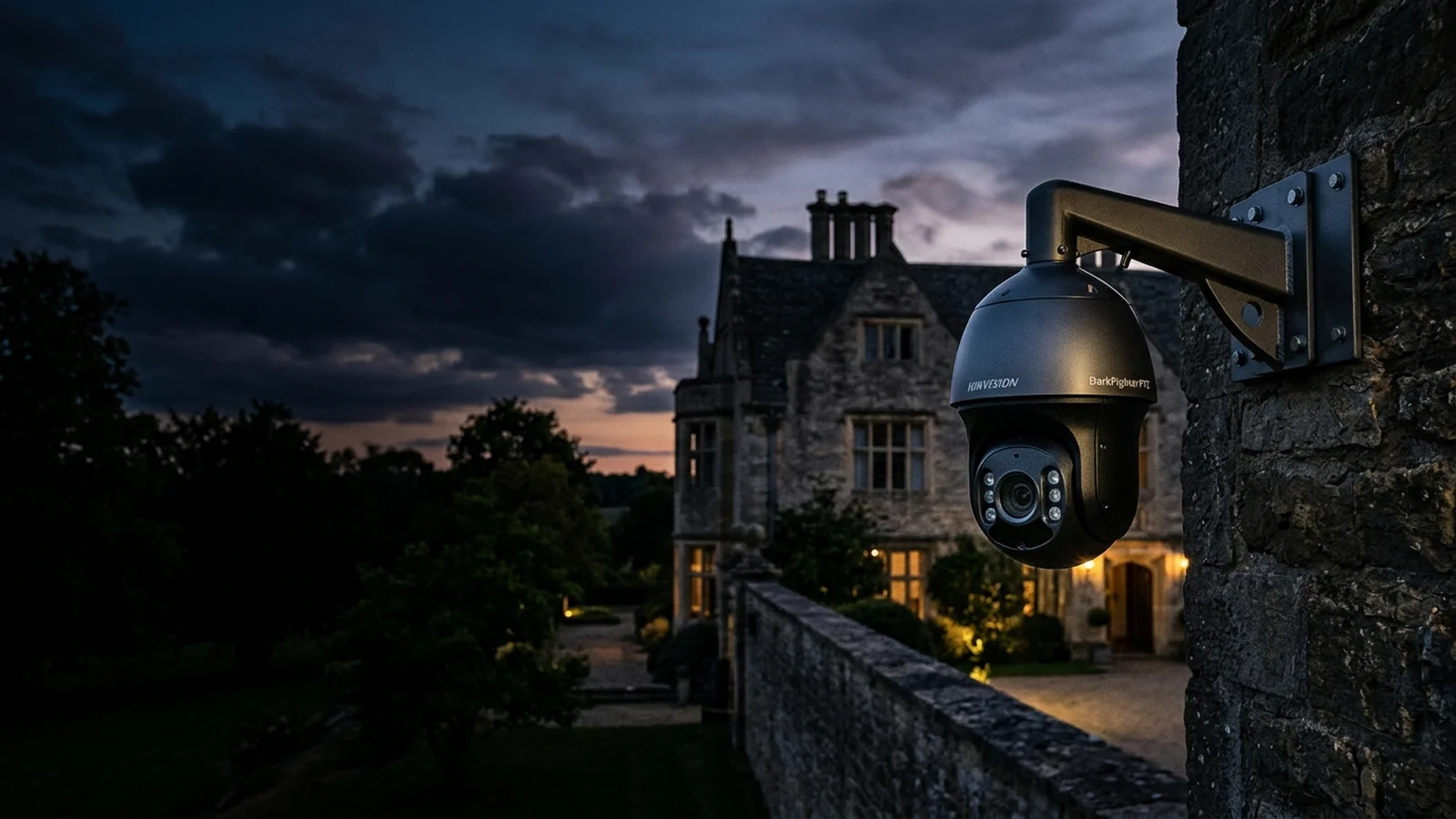
📷 Field BenchmarkHigh-speed PTZ camera configured for 25 FPS vehicle number plate recognition (ANPR).
BLUF Direct Answer: Setting security cameras to 15-20 FPS with a fast 1/100s shutter speed and H.265+ smart encoding cuts storage and bandwidth demands by 50% while capturing crisp, freeze-frame license plates and facial identification without night-time motion blur.
A widespread misconception is that security cameras must record at 30 or 60 frames per second (FPS). In reality, movies are shot at 24 FPS; for residential and commercial security, 15 to 20 FPS is optimal. Pushing cameras to 30 FPS doubles bandwidth and hard drive consumption without improving evidentiary value.
What truly matters for stopping motion blur on running suspects or moving vehicles is shutter speed. If camera shutter speed drops below 1/50s at night to let in more light, moving subjects appear as indistinct ghost smears. ADI Communications locks electronic shutter speed to a minimum of 1/100s or 1/150s, enabling crystal-clear facial identification even at night.
Calculate the exact hard drive capacity required for 24/7 continuous local recording before loop overwrite, based on camera count, resolution, and H.265+ compression efficiency.
Cloud Fee vs NVR£0 / monthSaves £120-£240/yr vs Ring/Nest
Verified Technical Protocol
How to Configure CCTV Bitrate and Frame Rate for Maximum Clarity
NVR setup guide for balancing hard drive capacity with image clarity.
1
Enable H.265+ Smart Codec
In the NVR Video/Audio menu, toggle video compression from standard H.264 to H.265+ to save 60% bandwidth.
2
Set Resolution to Highest Sensor Native
Set main stream resolution to 2560x1440 (4MP) or 3840x2160 (8MP 4K).
3
Cap Frame Rate at 15-20 FPS
Select 15 or 20 FPS; this maintains perfectly fluid motion while halving storage volume.
4
Configure Minimum Shutter Speed
In camera image exposure settings, set the slowest electronic shutter speed limit to 1/100s to eliminate night ghosting.
4. Constant Bitrate (CBR) vs Variable Bitrate (VBR)
Inside your NVR recording settings:
VBR (Variable Bitrate): Automatically throttles bitrate down during quiet periods and ramps it up during high-motion incidents. Recommended for residential properties to maximize storage life.
CBR (Constant Bitrate): Locks the stream at a fixed bandwidth regardless of activity. Recommended for commercial banks, petrol stations, and public spaces where dropped frames cannot be tolerated under any circumstance.
Why 15 FPS is the UK Police Standard for Human Identification00:00
Bitrate vs Resolution: Why Low Bitrates Cause Muddy Artifacts01:25
H.264 vs H.265+ Smart Codecs: Saving 70% Hard Drive Space02:50
Calculating Storage for a 4-Camera 4K System Over 30 Days04:15
Gary Pearce Field Commentary:
"Many people crank their cameras up to 30 frames per second thinking higher is always better, only to find their hard drive fills up in four days. 15 FPS is the sweet spot recommended by police forensics: it gives you silky smooth human motion, sharp freeze-frames, and quadruples your recording history."
The ADI Trade Podcast • Technical Debrief
Audio Deep Dive: CCTV Frame Rate vs Bitrate: Optimal Security Settings
An ADI Communications dual-engineer technical audio briefing analyzing real-world trade secrets and customer pitfalls.
⏱️ 5:30 BriefingReady to Play
Listen to Dual-Speaker BreakdownGary Pearce (Lead Engineer) & Sarah Jenkins (Analyst)
Field Engineering Audio
Live Conversational Transcript:
Gary PearceLead Systems Engineer
"Welcome to the ADI Technical Debrief. I'm Gary Pearce, lead engineer at ADI Communications. Today we're busting myths around CCTV frame rate and bitrate."
Sarah PearceTechnical Co-Host
"And I'm Sarah Jenkins. Gary, homeowners often believe that setting their cameras to 30 or 60 frames per second will give them cinema-quality security footage. Why is that a misconception?"
Gary PearceLead Systems Engineer
"Security cameras aren't action cameras. Setting 30 frames per second doubles your bandwidth and halves your hard drive storage, but provides zero extra evidentiary value. 15 frames per second is the global police benchmark."
Sarah PearceTechnical Co-Host
"What about bitrate settings? How does H.265+ help?"
Gary PearceLead Systems Engineer
"H.265+ only encodes pixels that actually change in the scene. A stationary background consumes almost zero bitrate, saving up to 70% of storage while retaining maximum forensic sharpness."
About The Author & Lead Engineer
Gary Pearce
Founder and master installer at ADI Communications with over 25 years on the tools across Yorkshire, Lancashire, Cheshire, and the North. Specialist in CAI-benchmarked satellite arrays and double-screened WF100 cabling, 4K security surveillance, wireless fire safety, and smart Grade 2 intruder alarms.
Why is 15 FPS recommended for home CCTV instead of 30 FPS?
Because CCTV bandwidth and storage are constrained. At 15 FPS, the encoder allocates twice as many bits of data to each individual image compared to 30 FPS. When pausing video to read a registration plate or face, a 15 FPS stream delivers a much crisper, clearer freeze-frame.
Does 15 FPS look choppy or jerky on playback?
No. Human eye persistence of vision perceives smooth continuous motion at anything above 12 to 14 frames per second. Hollywood movies are filmed at 24 FPS; 15 FPS is fluid and completely adequate for security surveillance.
How much hard drive space does a 4K camera need at 15 FPS?
Using modern H.265+ compression, a 4K camera streaming at 15 FPS with an 8,192 kbps bitrate consumes roughly 25 to 35 GB of storage per 24 hours. A 4TB hard drive will store approximately 28 to 35 days of continuous footage from 4 cameras.
What is the difference between Constant Bitrate (CBR) and Variable Bitrate (VBR)?
CBR maintains a fixed data stream regardless of scene complexity. VBR increases bitrate during rapid motion (such as a person walking past) and reduces bitrate during quiet night scenes, saving significant storage without sacrificing quality.
Can I set cameras to record at higher frame rates only when motion is detected?
Yes. Most commercial NVRs support dual-stream recording: recording at 6 FPS continuously to conserve storage, and automatically boosting to 20 FPS high bitrate the instant a human or vehicle triggers an alarm.
Local Engineering Network
Professional 4K CCTV Installation Across the North
Need certified commercial or residential CCTV installation, active deterrent cameras, or neat Cat6 cabling? Gary Pearce provides turnkey CCTV fitting and maintenance across all primary metropolitan and regional hubs:
Director & Senior Field Engineer • ADI Communications
25+ Years On The Tools
Gary Pearce founded ADI Communications in 1999 and has personally completed over 3,500 domestic and commercial data cabling, Starlink, CCTV, and aerial installations across Yorkshire and Lancashire. Certified in NVQ Level 3 Data Cabling & Fibre, City & Guilds Electrical, and backed by £10 Million Public Liability Insurance.
No pushy salespeople or high-pressure contracts. Get fixed upfront equipment pricing, honest engineering advice, or book an appointment across Yorkshire & the North.
“Friendly, knowledgeable and tidy install. Gary knows his craft inside out — transparent pricing, spotless work and tested to perfection.”
Verified UK Customer • Verified Review
Gary Pearce • Lead Engineer
25+ Years Hands-On Experience
Yorkshire • Lancashire • Midlands
UK Trade Engineering Reference & Field Standards
Complete Physical Engineering & Diagnostic Guide: 4K CCTV Frame Rate vs Bitrate: Why 15 FPS Beats 30 FPS for Security
Across Yorkshire, Lancashire, Greater Manchester, Cheshire, Humberside, Nottinghamshire, and Teesside, homeowners and commercial facility managers rely on ADI Communications for physical low-voltage engineering that performs reliably for 10 to 15+ years. Whether you are researching 4K CCTV Frame Rate vs Bitrate: Why 15 FPS Beats 30 FPS for Security, planning a domestic security or connectivity upgrade, or diagnosing an intermittent signal or network fault, understanding the physical layer—cabling conductors, optical physics, radio-frequency attenuation, and structural wall fixings—is essential to avoiding costly mistakes.
Unlike national call-centre franchises and lead-generation directories that subcontract work to unvetted handymen using cheap Copper-Clad Aluminium (CCA) wire and indoor-grade plastic plugs, Lead Engineer Gary Pearce carries out every site survey, physical installation, and calibrated meter test personally. With over 25 years of hands-on trade experience since 1999 and formal NVQ qualifications across Aerials & Satellite (Level 1–3), Data Cabling & Fibre (Level 1–4), Electrical (Level 1–3), and CCTV Security Systems, our engineering protocols are built around British Standards (BS EN 62676-4, BS 5839-6, BS 7671, and EN 50131 Grade 2).
01 • Pure Copper Infrastructure
100% Solid Bare Copper Cabling (Zero CCA)
Every metre of external and internal cable we install—whether Cat6/Cat6A Ethernet for PoE security cameras and Wi-Fi 6 access points, or CAI-benchmarked WF100 twin-screened foam-dielectric coaxial cable for Freeview HD and satellite feeds—uses 100% solid 23AWG/24AWG oxygen-free bare copper. Solid copper prevents IEEE 802.3af/at PoE voltage drop over long runs, eliminates high-frequency RF skin-effect attenuation, and resists brittle snapping or galvanic corrosion inside damp exterior junction boxes.
02 • Structural Substrate Anchoring
Engineered Fixings for Stone, Brick & Drywall
Northern and Midland properties span Victorian millstone grit, Yorkshire sandstone, Accrington engineering brick, lime-mortar cobbles, and modern dot-and-dab insulated plasterboard. We match every bracket to the exact wall substrate: heavy-duty hot-dip galvanised Pennine storm brackets and twin stainless-steel chimney lashing cradles for rooftop Starlink and aerial masts; steel-cored CoreFix 100 dot-and-dab bridge anchors and M6 SnapToggle hollow-wall toggles (rated to 120kg) for large-screen OLED/QLED TV wall mounting.
03 • Calibrated Meter Verification
Fluke Networks & Spectrum Analyser Testing
Guesswork has no place in professional telecommunications. Before any job is signed off, we verify physical-layer performance using calibrated instruments: Fluke Networks cable verifiers for Cat6/Cat6A wiremap continuity, pair skew, and PoE load voltage under night-time LED surge; digital RF spectrum analysers measuring Modulation Error Ratio (MER ≥ 32dB) and pre-Viterbi Bit Error Ratio (BER) across UHF Freeview multiplexes; and SpaceX Starlink 110° phased-array sky-obstruction telemetry.
4K ColorVu & TiOC Surveillance
F1.0 super-aperture 24/7 full-colour night vision turrets fitted with IP66 weather-sealed aluminum junction bases and pure copper Cat6 PoE cabling.
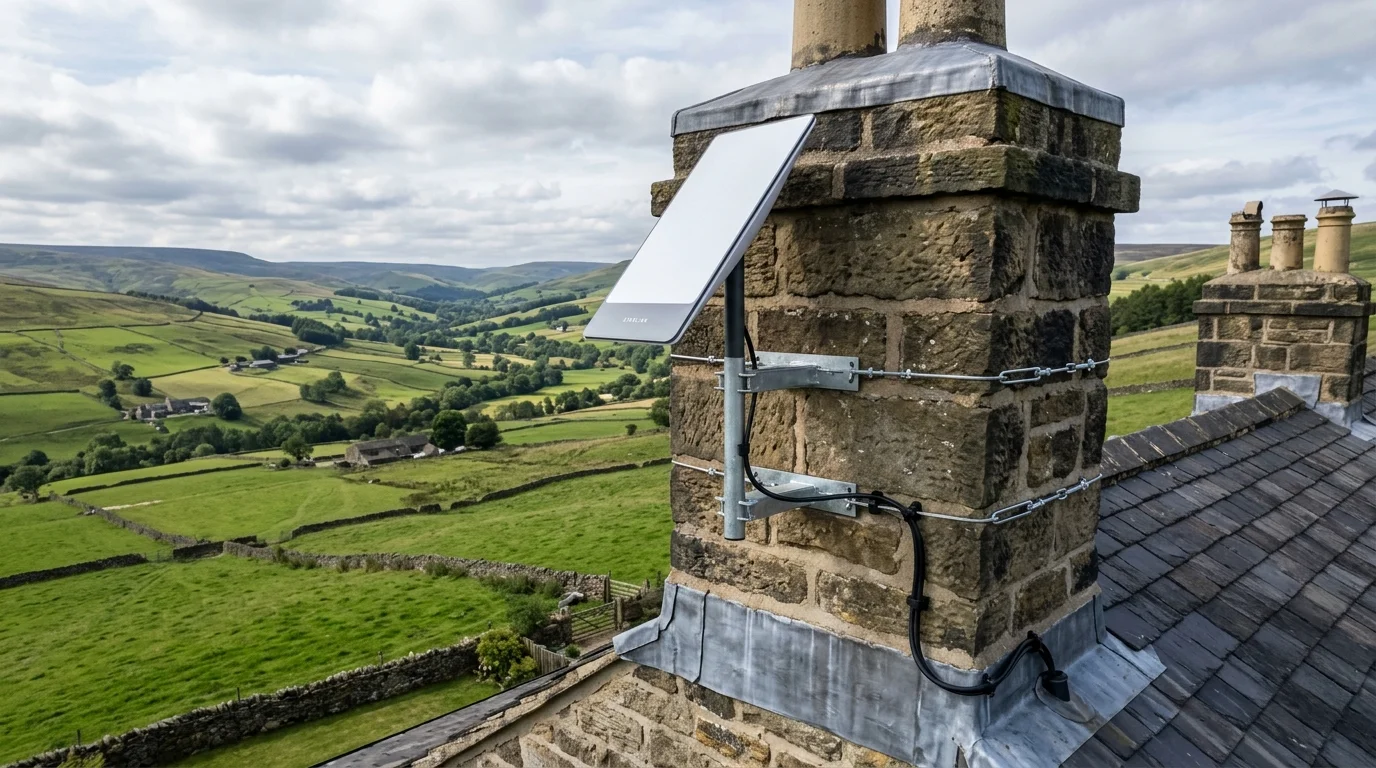
SpaceX Starlink Gen 3 Roof Engineering
Non-drill stainless steel chimney lashing cradles and galvanised gable apex brackets rated for 90mph Pennine gales with 0.0% sky obstruction.
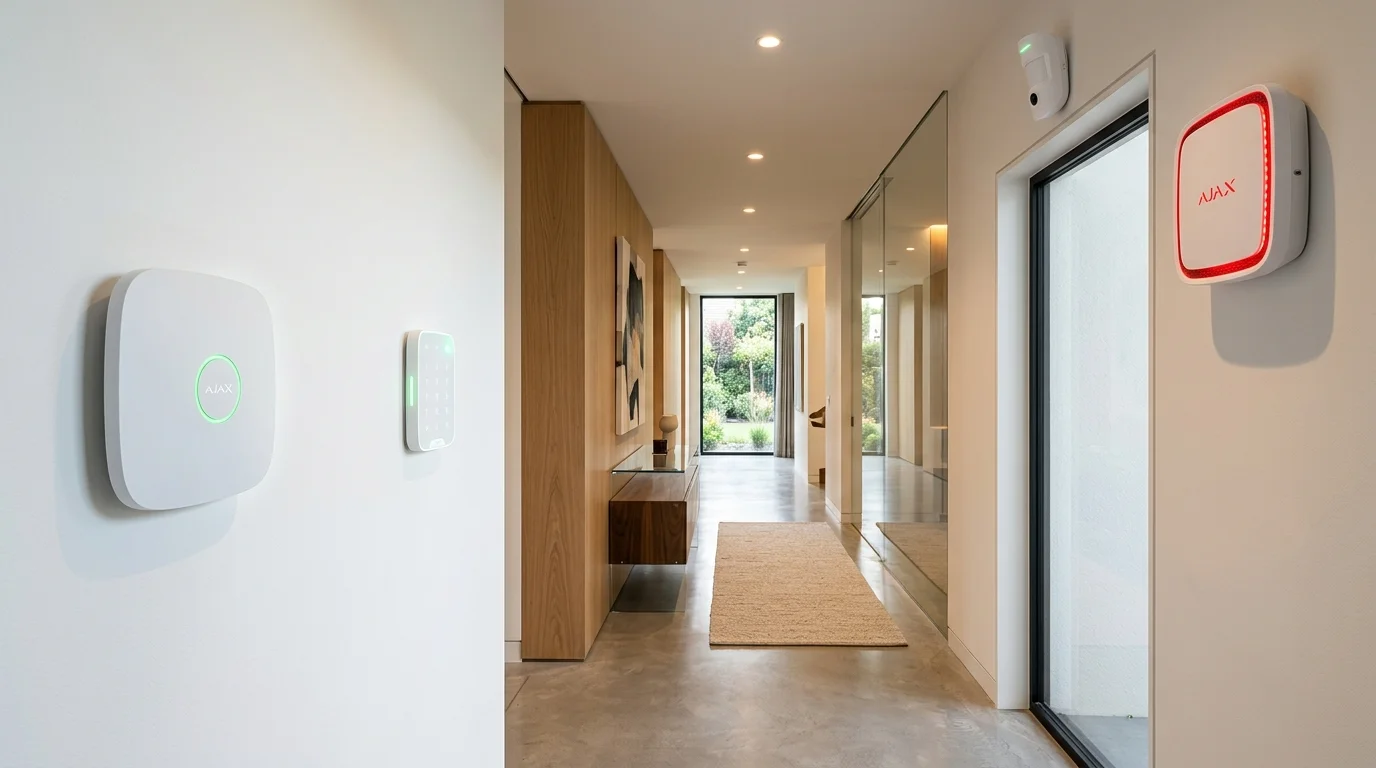
Ajax EN 50131 Grade 2 Smart Alarms
Encrypted 2,000m Jeweller frequency-hopping radio with 0.15s MotionCam photo verification, dual-path SIM backup, and £0 monthly fees.
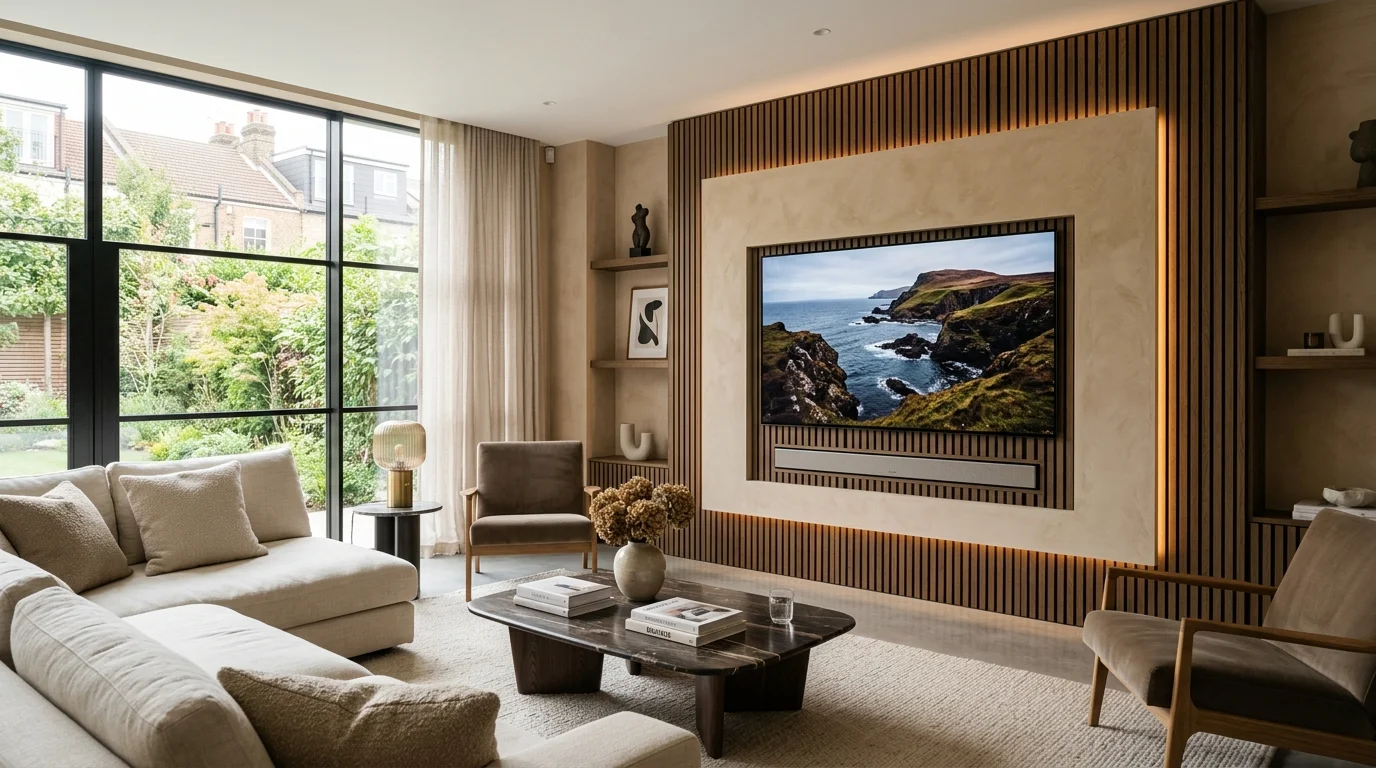
Architectural TV Wall Mounting
Precision laser-levelled brackets for 43″ to 98″ OLED, QLED, Samsung The Frame, and Sky Glass displays using CoreFix and SnapToggle steel fixings.
Cat6A Data Cabling & Mesh Wi-Fi
Hardwired Gigabit and 10Gbps Ethernet drops, SWA armoured garden office links, and ceiling-mounted UniFi, TP-Link Deco, and Omada Wi-Fi 6 access points.
Digital TV Aerials & Communal IRS
CAI-benchmarked log-periodic and Yagi aerials aligned by spectrum analyser with 700MHz/800MHz 5G LTE filtering and WF100 copper coaxial cabling.
Domestic Home Priority vs Commercial & Industrial Specification
Over 70% of our day-to-day work across Yorkshire and the North West involves domestic residential homes—terraced properties, semi-detached family houses, detached executive homes, rural farmhouses, and residential apartments. In a domestic setting, homeowners care deeply about two things: rock-solid reliability and spotless aesthetics. Nobody wants ugly white cables draped over roof tiles, trailing across bay windows, or tacked loosely along internal skirting boards. When Gary Pearce installs a 4K CCTV system, SpaceX Starlink dish, Cat6 Ethernet point, or wall-mounted television in your home, exterior cables are matched to your brickwork or render (black, white, or brown UV-stabilised PE sheath), tucked behind rainwater downpipes, and drilled on an upward internal incline with a weather-shedding drip loop and high-modulus silicone seal.
We also provide full installation and troubleshooting support for customer-supplied equipment. Many homeowners purchase a Hikvision, HiLook, Swann, Reolink, Annke, TP-Link Tapo, EZVIZ, Ring, or Eufy kit online or from a retail store, only to discover that working safely at roof height, drilling through 18-inch stone walls, crimping 8-pin RJ45 connectors, or configuring router port-forwarding and NVR storage requires specialist trade tools. Whether you want us to supply and fit a complete trade-grade system or professionally install hardware you have already bought, you receive the exact same calibrated testing and workmanship care.
For commercial clients—including retail shops, hotels, B&Bs, pubs, restaurants, car parks, apartment blocks, student HMOs, warehouses, farms, caravan parks, and construction sites—we scale up to industrial specifications. Commercial deployments incorporate NDAA-compliant Uniview, Dahua WizMind, and Hikvision AcuSense/DarkFighter hardware, 25x–42x optical zoom auto-tracking PTZ domes, dedicated ANPR number-plate recognition lanes, dSCR communal IRS satellite multiswitches, EN 54 / BS 5839-6 Grade D1 interlinked wireless fire detection, and rack-mounted 19-inch Cat6A patch panels—all backed by £10 Million Public Liability Insurance and full RAMS documentation.
ADI Communications UK Trade Engineering & Hardware Specification Matrix
Side-by-side comparison of physical cabling, mounting hardware, compliance standards, and diagnostic verification across our core low-voltage disciplines.
BS 5839-6:2019 Grade D1 HMO Compliance, Commercial EN 54 & Line Insulation Tests
ADI Communications Canonical UK ‘From’ Pricing Ledger (2026)
Single-source transparent pricing across all domestic and commercial services. Every installation includes calibrated testing, mobile app setup, and our workmanship guarantee.
Service Category
Canonical ‘From’ Price
What Is Included in Standard Fitting
Warranty & Ongoing Fees
Customer-Bought CCTV Kit Installation
From £199 + VAT
Physical mounting of your cameras (Hikvision, Swann, Reolink, Tapo), pure copper cabling, NVR & app setup
3-Yr Workmanship • £0 Monthly Fee
Supply & Fit 4K ColorVu / TiOC CCTV Packages
From £299 / £495 + VAT
1 to 4+ 4K ColorVu/TiOC PoE cameras, WD Purple NVR, pure copper Cat6 cabling, junction boxes & smartphone app
Solid copper Cat6/Cat6A Ethernet point or hardwired PoE Wi-Fi 6 access point with Fluke continuity certification
3-Yr Cabling & Termination Warranty
Telephone Engineer, Cable Repairs & Video Doorbells
From £79 / £85 + VAT
Master socket relocation/repair, severed coax/Cat6 weatherproof splicing, or hardwired smart video doorbell fitting
3-Yr Workmanship Guarantee
Direct Answer Engineering FAQs
Frequently Asked Questions: 4K CCTV Frame Rate vs Bitrate: Why 15 FPS Beats 30 FPS for Security
Who carries out the installation and diagnostic work at ADI Communications?+
Every survey, installation, and fault-finding visit is carried out directly by company founder and Lead Engineer Gary Pearce. We never sub-contract jobs to third-party agency labourers. Gary holds over 25 years of hands-on experience and formal NVQ qualifications across aerials, satellite, structured data cabling, fibre optics, electrical installations, and CCTV security systems.
Can you install CCTV cameras, Starlink dishes, or smart doorbells that I have already bought myself?+
Yes. Alongside supplying and fitting our own trade-grade Hikvision ColorVu, Dahua TiOC, Uniview, and Ajax packages, we offer a dedicated customer-supplied hardware installation service. We mount your units using trade-grade stainless steel or galvanised fixings, replace flimsy factory patch leads with 100% solid copper exterior cabling, weatherproof all masonry entry points, and configure your mobile apps.
Why do you insist on 100% solid bare copper Cat6 and WF100 coaxial cable instead of cheaper CCA wire?+
Copper-Clad Aluminium (CCA) cable has roughly 55% higher DC electrical resistance than pure bare copper. Over runs exceeding 20 metres, CCA causes severe Power over Ethernet (PoE) voltage drop—making 4K CCTV cameras reboot at night when their ColorVu or infrared LEDs switch on—and suffers rapid oxidation inside damp outdoor junction boxes. Solid bare copper guarantees full IEEE 802.3af/at PoE delivery, 10Gbps bandwidth headroom, and a 15-year+ outdoor service life.
Are there any mandatory monthly subscription fees for your CCTV or Ajax alarm systems?+
No. You own all installed hardware outright from day one with £0 mandatory monthly fees to ADI Communications. Our 4K PoE CCTV systems record 24/7 onto a local Western Digital Purple surveillance hard drive inside your NVR, and both Hik-Connect/DMSS and the Ajax Security System smartphone apps send instant push alerts and live HD video to your phone completely free of charge.
Which UK regions and postcode districts does ADI Communications cover?+
We operate equipped mobile workshop vans across West, South, North, and East Yorkshire (Leeds, Bradford, Wakefield, Sheffield, Huddersfield, Halifax, York, Harrogate, Doncaster, Hull), Lancashire and Greater Manchester (Manchester, Preston, Blackburn, Burnley, Bolton, Wigan, Oldham, Rochdale, Stockport), Cheshire (Warrington, Chester, Crewe, Macclesfield), Humberside and Lincolnshire (Grimsby, Scunthorpe, Cleethorpes), Nottinghamshire, and Teesside/County Durham.
How do you mount heavy TVs safely onto modern dot-and-dab or hollow plasterboard walls?+
On dot-and-dab walls—where 12.5mm plasterboard sits over a 15mm–25mm air gap in front of thermal blockwork—we drill 100mm deep into the structural blockwork and insert steel-cored CoreFix 100 anchors so the steel sleeve bridges the void without crushing the plasterboard. On timber or metal stud walls, we anchor into the studs and deploy heavy-duty M6 SnapToggle steel wing anchors rated up to 120kg.
How do you protect slate and rosemary tile roofs when installing SpaceX Starlink or TV aerials?+
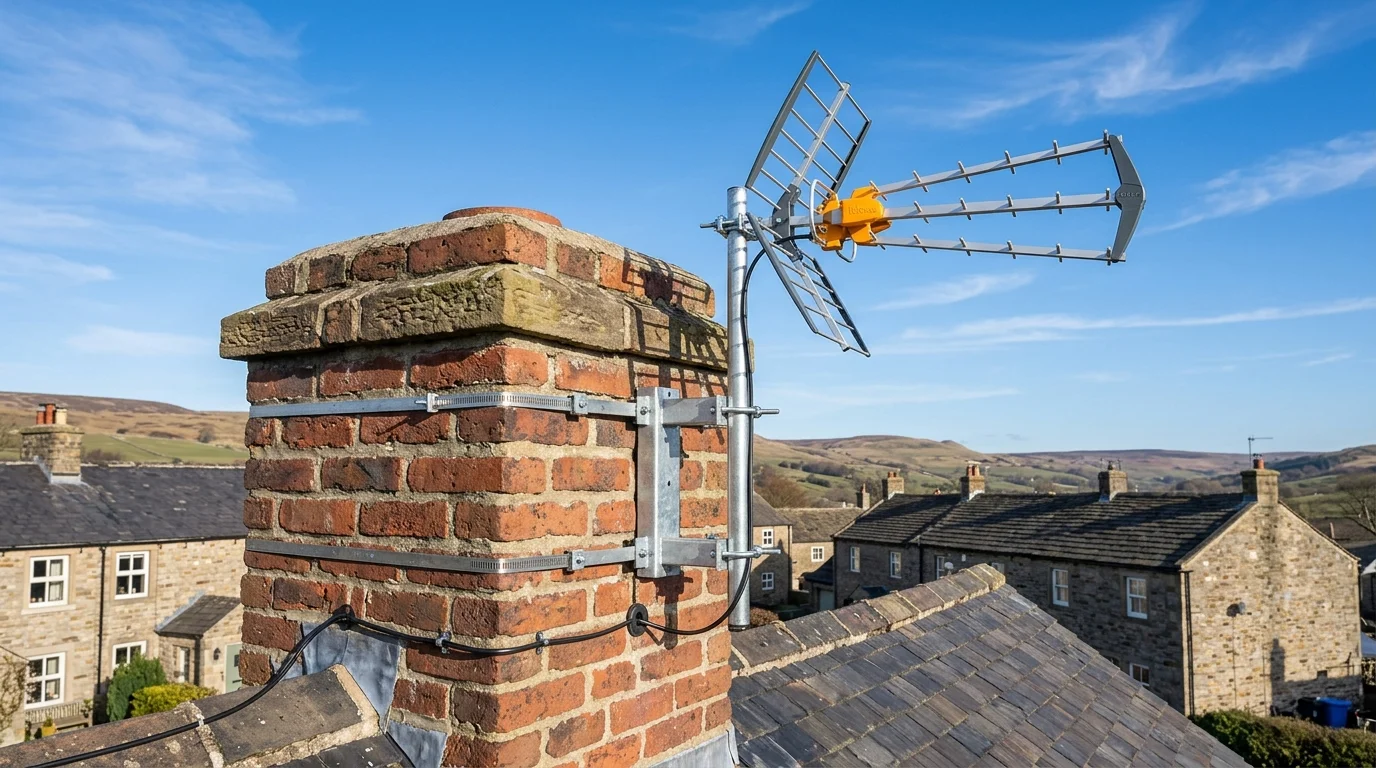
We never bolt brackets through roof slates or clay tiles. On homes with a sound chimney stack, we fit a non-drill stainless steel chimney lashing cradle using twin 5mm steel tension wires wrapped around the stack—distributing wind loads across four courses of brickwork without drilling a single hole into the mortar. On properties without chimneys, we mount heavy-duty hot-dip galvanised stand-off brackets into the solid gable-end masonry below the bargeboard.
What is the best way to get fast Wi-Fi into a garden office, summerhouse, or outbuilding?+
Plug-in powerline adapters fail across separate RCD consumer unit circuits, and domestic mesh nodes cannot push 5GHz signals through double glazing and foil-backed outbuilding insulation. We engineer two permanent solutions: either a direct-burial Steel Wire Armoured (SWA) Cat6A copper cable feeding an internal PoE Wi-Fi 6 access point, or a matched pair of external 5GHz/60GHz point-to-point wireless bridge dishes when a patio or driveway prevents trenching.
Are your commercial and HMO installations fully insured and compliant with UK regulations?+
Yes. ADI Communications carries £10,000,000 Public Liability Insurance, provides full Risk Assessments and Method Statements (RAMS) for commercial sites, and issues formal commissioning certificates and VAT invoices across BS EN 62676-4 (CCTV), BS 5839-6 Grade D1 / EN 54 (wireless fire detection), and BS EN 50131 Grade 2 (intruder alarms).
What warranty do you provide on your installations and repairs?+
Every installation and structural mounting bracket fitted by Gary Pearce is backed by our comprehensive 1-to-3 Year Workmanship and Hardware Guarantee. If any bracket, cable termination, or supplied component experiences a fault under normal operating conditions, we return and rectify it promptly with zero call-out charge.
Regional Field Engineering Standards Across Yorkshire, Lancashire & the North
Every property across Northern England and the Midlands presents distinct environmental, structural, and radio-frequency conditions. On high-altitude Pennine properties across Saddleworth, Holmfirth, Hebden Bridge, Todmorden, Skipton, Ilkley, and Harrogate, rooftop SpaceX Starlink Gen 3 dishes and digital Freeview HD aerials face winter wind gusts exceeding 80 to 90mph alongside driving sleet and horizontal rain. Standard lightweight alloy brackets or single-band chimney straps twist out of alignment during the first autumn gale. That is why our rooftop installations use heavy-gauge 2-inch steel masts, twin 18-inch stainless steel chimney lashing cradles tensioned with 5mm galvanised wire, and hot-dip galvanised stand-off wall brackets anchored into solid mortar courses with M10 bolts.
Inside heritage Victorian and Edwardian stone terraces, converted mills, and rural farmhouses across Leeds, Bradford, Wakefield, Sheffield, Huddersfield, York, Manchester, Bolton, Blackburn, and Preston, 18-inch solid stone internal walls and foil-backed Celotex cavity insulation block 5GHz and 6GHz wireless signals completely. Relying on wireless-only plug-in Wi-Fi boosters or battery-powered security cameras in these properties leads to constant dropouts and missed motion events. By routing discrete, UV-stabilised external or internal 100% solid bare copper Cat6 and Cat6A Ethernet links from your primary router to hardwired ceiling access points (Ubiquiti UniFi, TP-Link Omada, Deco, or eero Pro) and PoE security cameras, we deliver full Gigabit speeds and unshakeable 24/7 recording into every room and outbuilding.
On modern new-build housing estates across Doncaster, Rotherham, Barnsley, Pontefract, Castleford, Warrington, Stockport, Hull, Scunthorpe, Grimsby, Mansfield, and Teesside, internal walls are almost universally constructed from 12.5mm dot-and-dab plasterboard bonded over thermalite breeze blocks or lightweight metal studwork. Hanging a 65-inch, 75-inch, or 85-inch OLED, QLED, or Sky Glass television on standard plastic rawlplugs risks pulling the plasterboard away from the wall. Our TV wall mounting service uses steel-cored CoreFix 100 dot-and-dab anchors that bridge the cavity air gap directly into the load-bearing blockwork, paired with M6 SnapToggle hollow-wall toggles rated to 120kg and concealed in-wall brush plates so not a single HDMI or power lead is visible.
Whether you are booking a domestic home upgrade, an installation of customer-supplied CCTV or Starlink hardware, an emergency coaxial or Cat6 cable splice repair, an independent Openreach NTE5C master socket relocation, or a multi-camera commercial and HMO compliance project, you deal directly with Lead Engineer Gary Pearce from your initial telephone enquiry right through to final calibrated testing and handover.