Why Does My CCTV Camera Keep Going Offline? PoE Drops, CCA Cable & IP Diagnostics
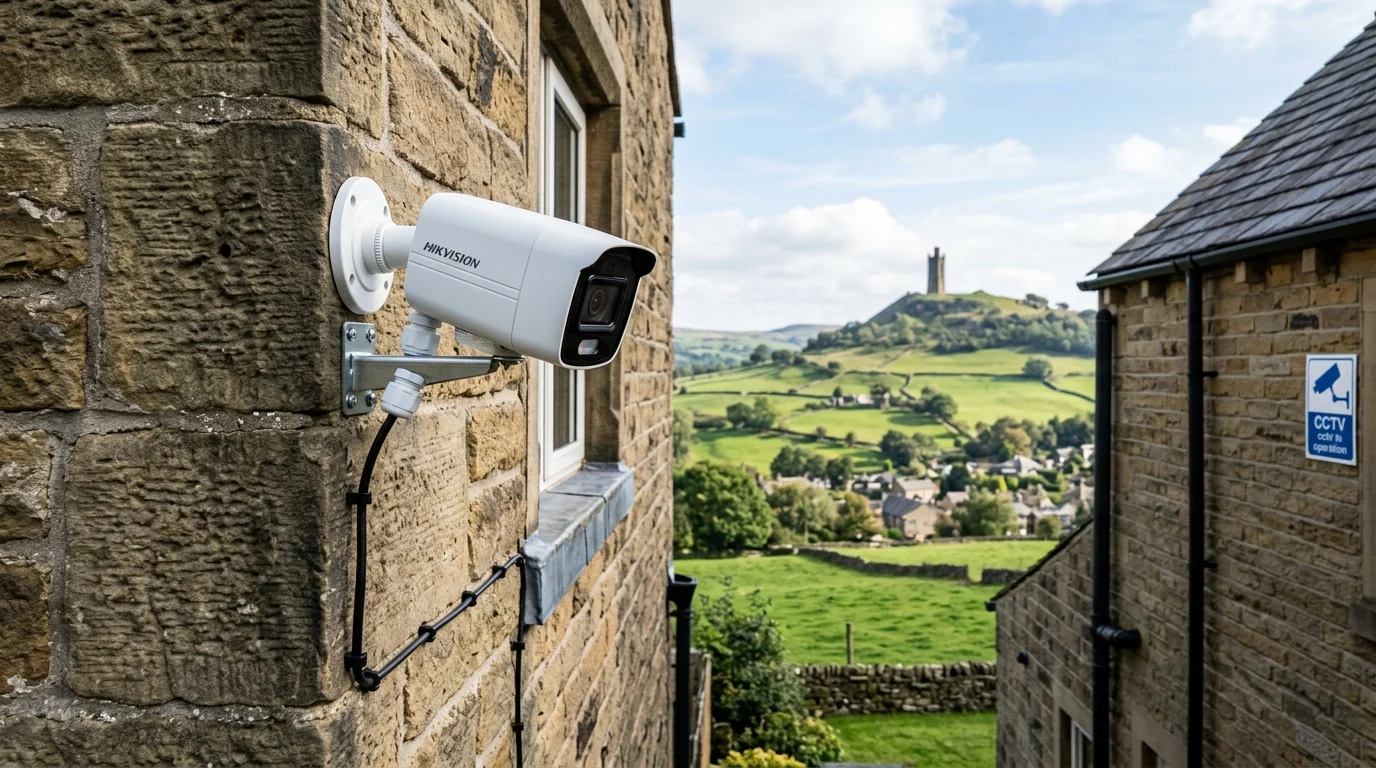
A CCTV camera repeatedly dropping offline is almost always caused by one of three physical and network faults: (1) PoE voltage drop across sub-standard Copper-Clad Aluminium (CCA) cabling when night-vision infrared LEDs power on; (2) moisture penetration corroding RJ45 pins in non-IP67 junction boxes; or (3) DHCP IP address collisions where domestic devices duplicate the camera's local IP. Diagnosing whether the drop occurs during daylight or night pinpoints the failure mode immediately.
Daytime vs Night-Time Drops: The Infrared Power Consumption Spike
When troubleshooting an intermittent CCTV camera, the single most critical diagnostic question is: Does the camera drop during the daytime, or only after the sun goes down? If your camera stays online all day but repeatedly drops offline, reboots, or displays a black screen at night, the issue is almost certainly electrical power starvation.
During daytime operation, a modern 4K IP turret camera consumes very little power—typically between 3 to 4.5 Watts to run the image sensor and processor. However, when ambient light drops below 0.005 Lux, the mechanical infrared cut filter clicks open and the high-output 850nm infrared LED array or warm-white ColorVu spotlight energises.
This causes power draw to triple instantly to 9, 12, or even 15 Watts. In systems wired with thin gauge wire or sub-standard Copper-Clad Aluminium (CCA) cable, the electrical resistance of the long cable run causes the supply voltage to collapse. When voltage drops below the camera's minimum operating threshold (around 10.8V DC for 12V cameras, or 44V for 802.3af PoE), the camera's onboard microprocessor experiences a brownout and reboots in an endless loop.
| Observed Failure Symptom | Likely Root Cause | Physical Location | Permanent Trade Solution |
|---|---|---|---|
| Offline only between dusk and dawn | PoE voltage droop / IR power spike | Long cable run or CCA wire | Replace with solid copper Cat6 or PoE+ injector |
| Offline randomly for 2-5 minutes | IP address collision / DHCP clash | Home broadband router | Assign static IP outside DHCP pool |
| Offline permanently after heavy rain | Water ingress in RJ45 pigtail | Camera junction box / soffit | Cut corroded plug, re-terminate in IP67 junction box |
| Offline when multiple cameras record | NVR PoE switch budget exceeded | NVR backplane switch | Add dedicated external Gigabit PoE switch |
| Offline on mobile app but works on TV | P2P cloud server / DNS failure | Router DNS settings | Configure Google DNS (8.8.8.8) in NVR |
Why CCTV Cameras Crash When Darkness Falls
Low current draw. IR LEDs idle. Camera functions normally.
High-output IR array energises. Cable loop resistance causes massive voltage drop.
Microprocessor suffers brownout. Camera reboots in continuous offline loop.
Hikvision ColorVu vs Infrared CCTV UK: Night Vision, DORI Standards & 4K Police Evidence
Watch Lead Engineer Gary Pearce demonstrate physical trade installation methods, field fault-finding, and certified equipment standards.
Call Gary: 07860 244 274The CCA Cable Menace: Why Aluminium Fails Over 25 Metres
In residential installations across the UK, the number one cause of premature camera failure is the use of Copper-Clad Aluminium (CCA) network cable. Aluminium has a specific electrical resistance roughly 60% higher than pure bare copper.
Over a cable run of 25 to 40 metres, this increased resistance creates a dramatic voltage drop under load (Ohm's Law: V = I × R). While the camera may function during initial installation in daylight, the continuous thermal heating of the aluminium conductors causes rapid oxidation at the RJ45 crimp pins.
Furthermore, aluminium is extremely brittle. Wind movement on external soffits and building vibration causes the microscopic aluminium strands to fracture inside the RJ45 jack. At ADI Communications, we exclusively install 23AWG or 24AWG solid electrolytic bare copper cabling, guaranteeing stable 48V-54V PoE transmission up to 100 metres.
Quick Field Diagnostic Tip
To test for PoE voltage drop, plug the camera into the NVR using a short 1-metre factory patch lead. If the camera stays online all night, your long installed cable run is suffering from high loop resistance or fractured conductors.
Moisture Ingress & Corroded RJ45 Pins in Non-IP67 Enclosures
Outdoor security cameras are exposed to torrential UK driving rain, freezing winter frost, and heavy humidity. Most IP cameras feature an attached cable pigtail containing a female RJ45 socket and a 12V DC auxiliary jack.
If the installer pushes this pigtail bare into an exterior soffit or relies on a basic plastic grommet without a dedicated IP67 waterproof junction box (such as a Hikvision DS-1280ZJ-DM8), ambient condensation will inevitably enter the connector. Electrolytic action between the 48V PoE current and moisture causes rapid green copper carbonate corrosion across pins 1, 2, 3, and 6.
Once corrosion forms, high resistance creates packet loss, causing the camera's RTSP video stream to stutter before dropping offline entirely. The only permanent cure is cutting back the corroded cable to fresh unoxidised copper, fitting a new screened RJ45 connector, and sealing the connection inside an IP67 rated junction box with silicone grease.
Network IP Collisions: DHCP Leases vs Static IP Reservations
If your CCTV camera drops offline intermittently during broad daylight and then magically comes back online an hour later, you are likely suffering from an IP address collision on your home local area network (LAN).
When an NVR or IP camera is configured with a static IP address that falls inside the DHCP lease pool of your domestic broadband router (e.g. 192.168.1.50), the router will eventually assign that exact same IP address to a visitor's smartphone, a smart speaker, or a child's iPad.
When two hardware network devices share an identical IP address, the network switch becomes confused about which MAC address to forward data packets to. Video streams instantly collapse. To permanently prevent this, every CCTV camera and recorder must be assigned a fixed static IP address located outside the router's automatic DHCP distribution range.
Need This Resolved at Your Home or Commercial Property?
Gary Pearce provides professional site visits, precision diagnostics, and turnkey installation across the North of England. All cabling and equipment is certified to British Standards with £10M Public Liability Insurance.
Frequently Asked Questions
Q1. Why does my CCTV camera go offline only at night?
Night-time drops are almost always caused by PoE voltage drop. When infrared LEDs power on in the dark, power consumption triples. If the cable is too long, too thin, or made of cheap CCA aluminium, voltage collapses and the camera reboots.
Q2. Can a bad RJ45 crimp cause an IP camera to go offline?
Yes. If an RJ45 pin is slightly misaligned or has fractured, wind vibration on an external wall will break electrical contact, causing the camera to drop offline intermittently.
Q3. What is the maximum cable length for a PoE CCTV camera?
The maximum standard distance for Power over Ethernet (IEEE 802.3af/at) using solid bare copper Cat5e or Cat6 cable is 100 metres (328 feet). Cheap CCA cable often fails at just 25 to 30 metres.
Q4. Why does my camera show on the local monitor but offline on the mobile app?
This indicates a local network or internet gateway issue. The camera is transmitting video to the NVR, but the NVR cannot communicate with the cloud P2P server due to incorrect DNS settings or firewall restrictions.
Q5. Can Gary Pearce repair cameras from other installers?
Yes. ADI Communications frequently diagnoses and repairs sub-standard CCTV installations fitted by other companies, replacing corroded connectors, swapping CCA cabling, and reconfiguring network settings across the North of England.
Gary Pearce
Lead Security, Satellite & Telecommunications Engineer
Gary Pearce is the founder and lead engineer of ADI Communications, with over 25 years of hands-on installation experience across Yorkshire, Lancashire, Greater Manchester, and Cheshire. Gary holds NVQ Level 1-4 certifications in Data Cabling, Electrical & Telecommunications, and operates with £10 Million Public Liability Insurance.
CCTV Diagnostics, Cable Splicing & Power Fixes
Cameras dropping offline at night or showing intermittent signal? Gary Pearce provides on-site Fluke cable testing, PoE switch load diagnostics, and weatherproof junction repairs.