Can You Install Two Ethernet Sockets in One Room? Dual Faceplates & Cable Drops
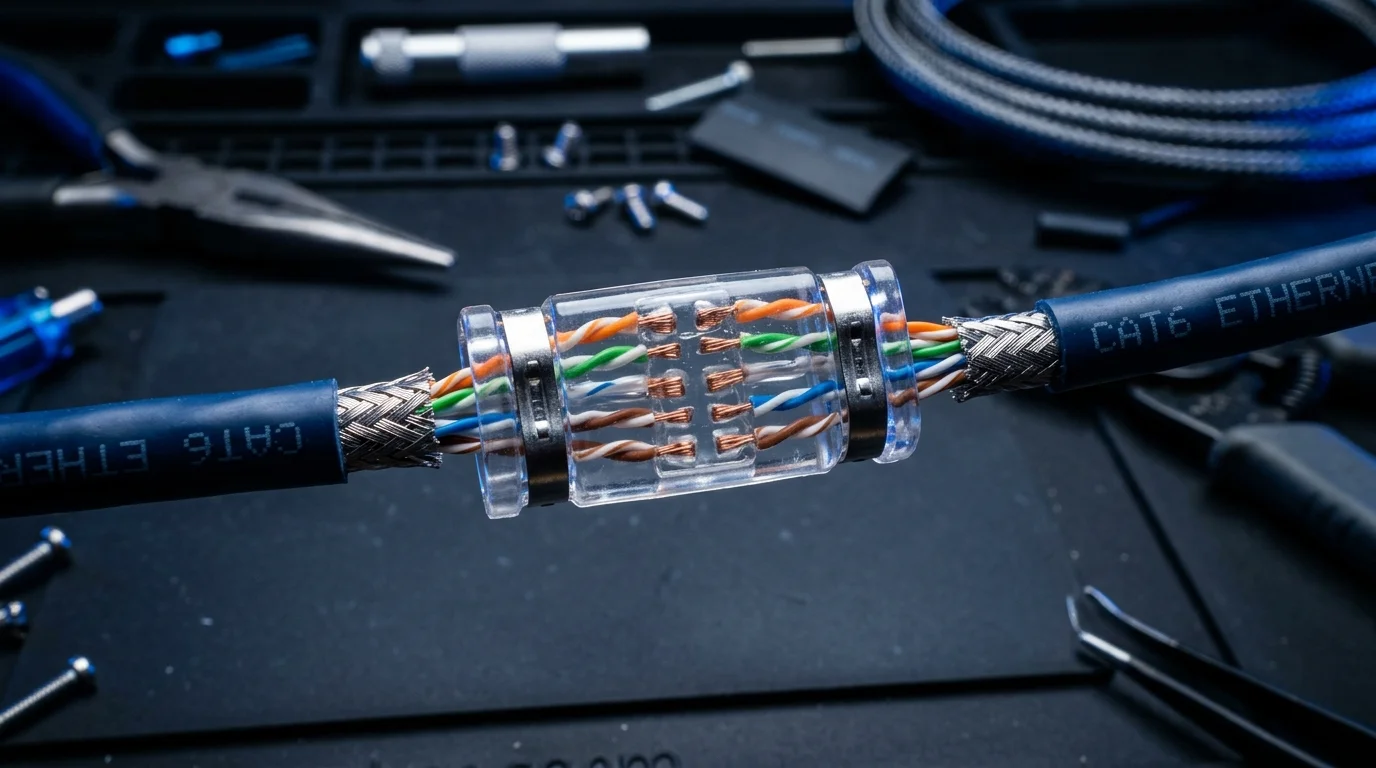
Yes, installing two Ethernet sockets in one room is standard professional practice for home offices, media walls, and gaming bedrooms. The gold standard is running two individual Cat6 cables back to your central switch or router into a double-gang 2-port faceplate. You should never attempt to 'split' a single 8-wire cable into two sockets, as this destroys Gigabit capability and forces both connections down to an obsolete 100Mbps.
Why Two Dedicated Wall Ports Beat Clunky Desktop Switches
In modern UK households, single rooms frequently house multiple high-bandwidth devices that demand rock-solid, zero-latency connections. In a home office, you have a primary desktop PC and a corporate work laptop dock. In a living room media wall, you have a 4K Smart TV, a Sky Q box, an Apple TV 4K, and a PlayStation 5.
While you can plug a single wall socket into a small 5-port desktop switch, desktop switches introduce clutter, require an additional 230V mains plug socket, and share the total 1Gbps bandwidth of that single cable across all connected equipment.
Installing a dual-port (or quad-port) faceplate with dedicated cable runs back to your main patch panel gives each socket its own dedicated 1Gbps or 10Gbps pipeline with zero bottlenecking, perfect Power over Ethernet (PoE) support, and a clean, clutter-free aesthetic.
garden office connectivity fibre vs wireless masterclass
Watch Lead Engineer Gary Pearce demonstrate physical trade installation methods, field fault-finding, and certified equipment standards.
Call Gary: 07860 244 274The Cable Splitting Trap: Why 4 Wires Destroys Gigabit Speeds
A common mistake made by DIY enthusiasts and rogue handymen is attempting to connect two RJ45 wall sockets using a single 4-pair Cat6 cable by putting pins 1, 2, 3, and 6 on Socket A, and pins 4, 5, 7, and 8 on Socket B.
While it is technically true that legacy 100Mbps Fast Ethernet only requires two pairs (4 wires), Gigabit Ethernet (1000BASE-T) strictly requires all four pairs (8 wires). Splitting a cable permanently caps both wall sockets at 100Mbps, meaning your 500Mbps or 900Mbps Full Fibre broadband will be throttled by 80% to 90%!
Furthermore, splitting pairs destroys the balanced electromagnetic cancellation of the cable twists, causing massive cross-talk and packet retransmissions between the two connected devices. Professional practice mandates: One Cable = One Gigabit Port.
Installation Mechanics: Single Gang Dual-Port vs Twin Shotgun Runs
The beauty of modern structured cabling is that pulling two cables along the same route takes virtually the same amount of time and effort as pulling one.
We frequently pull 'shotgun' Cat6 (twin-bonded cable) or pull two separate solid copper cables simultaneously through the same hole, under floorboards, or down wall cavities. At the wall position, both cables land neatly into a standard single-gang faceplate containing two independent modular keystone jacks.
To ensure future flexibility and adequate bending clearance for thick Cat6 conductors, we install 35mm deep metal back boxes (or dry-lining boxes) rather than shallow 16mm or 25mm boxes.
Future-Proofing Advice
If you are renovating a room or converting a loft, always install at least two Ethernet ports per room. The cost of materials during 1st fix is minimal, while adding a second cable later requires reopening walls.
Need This Resolved at Your Home or Commercial Property?
Gary Pearce provides professional site visits, precision diagnostics, and turnkey installation across the North of England. All cabling and equipment is certified to British Standards with £10M Public Liability Insurance.
Frequently Asked Questions
Q1. Can two Ethernet sockets fit onto a single standard wall plate?
Yes! A standard single-gang UK faceplate (86mm x 86mm) can easily accommodate one, two, or even four modular Euro-module RJ45 data sockets.
Q2. Do both sockets need their own separate cable back to the router?
Yes. To achieve full Gigabit (1,000Mbps) speeds and support Power over Ethernet (PoE), each wall socket must have its own dedicated 8-core Cat6 cable running back to the router or central network switch.
Q3. Can I use one socket for a computer and the other for a Wi-Fi access point?
Yes! This is one of the most popular configurations. Socket 1 hardwires your PC or TV, while Socket 2 powers and connects a ceiling-mounted mesh Wi-Fi access point.
Q4. What back box depth is required for a dual Cat6 socket?
We recommend a minimum back box depth of 35mm. While a 25mm box can technically fit, Cat6 conductors have a thicker core and central spline that require extra bend radius clearance.
Q5. How much does it cost to install two Ethernet sockets in a room?
Installing a dual Cat6 socket typically costs between £110 to £165 depending on the cable route distance and floor construction. Contact ADI Communications for professional field assistance.
Gary Pearce
Lead Security, Satellite & Telecommunications Engineer
Gary Pearce is the founder and lead engineer of ADI Communications, with over 25 years of hands-on installation experience across Yorkshire, Lancashire, Greater Manchester, and Cheshire. Gary holds NVQ Level 1-4 certifications in Data Cabling, Electrical & Telecommunications, and operates with £10 Million Public Liability Insurance.
Twin Ethernet Faceplates & Home Office Cabling
Need dedicated hardwired connections for both gaming PCs, work laptops, and network storage? Gary Pearce installs dual-gang Cat6 faceplates with dedicated homerun runs back to your patch panel.