Can I Move My Broadband Router Without Moving the Fibre ONT? Cat6 WAN Guide
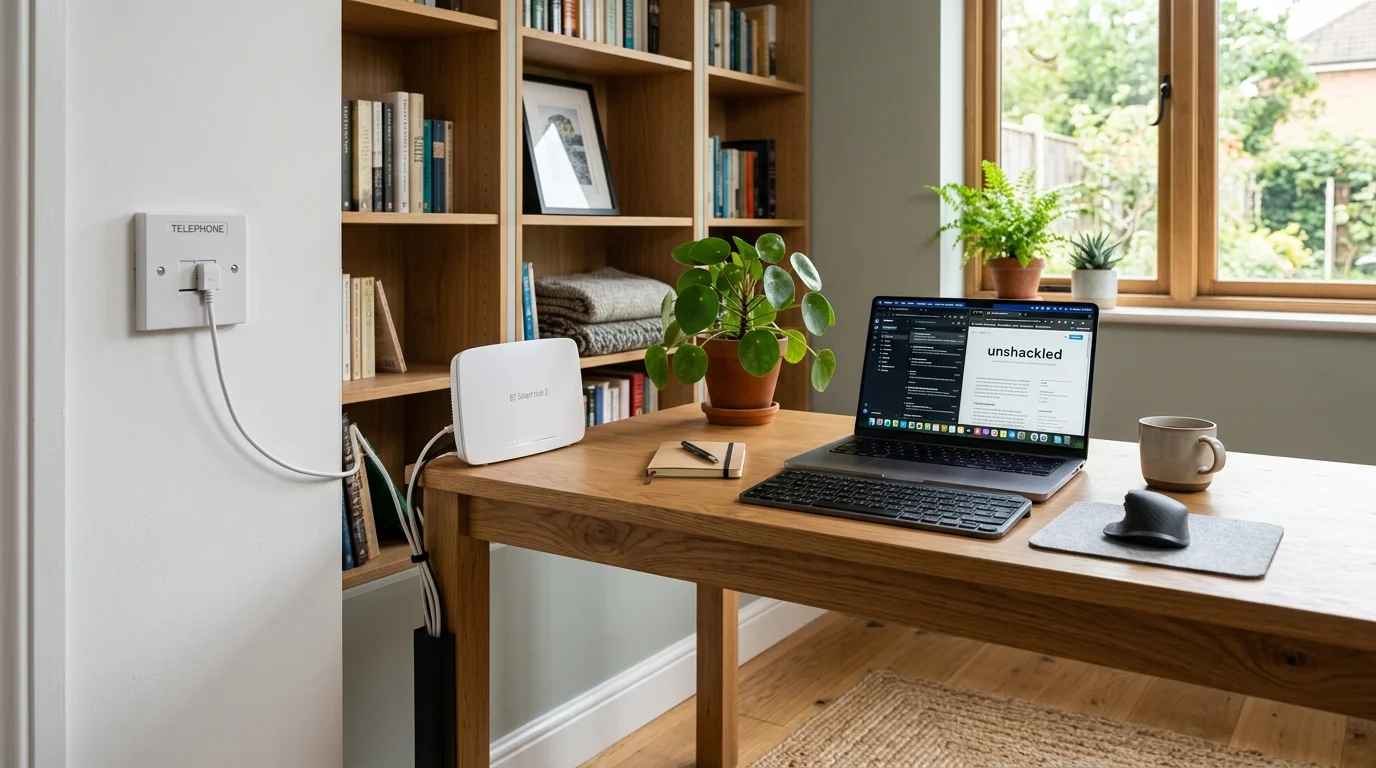
Yes, you can easily move your broadband Wi-Fi router to any room in your home without touching or moving the delicate Openreach or CityFibre Optical Network Terminal (ONT). The link between the fibre ONT and your broadband router is a standard Gigabit Ethernet WAN connection (RJ45). By installing a solid bare copper Cat6 cable between the ONT port and your desired room, you can place your router in the optimal central location up to 100 metres away with zero loss of speed.
The Fibre Demarcation: Why the External Fibre & ONT Must Stay Put
When Openreach, CityFibre, or Virgin Media install Full Fibre (FTTP) broadband at your home, they pull a microscopic glass optical fibre from the telegraph pole or street duct through your exterior wall into a white wall-mounted unit called an Optical Network Terminal (ONT).
This external fibre optic cable and the ONT itself are the legal property of the network wholesaler. Glass fibre is extremely fragile: bending it beyond a 30mm radius fractures the glass core, instantly severing your gigabit internet. Splicing or relocating glass fibre requires specialised £1,500 fusion splicers and strict network provider authorisation.
Consequently, Openreach installers almost always mount the ONT on the nearest practical external wall inside the front door—often in a draughty hallway, under the stairs, or in a front porch. This leaves homeowners stuck with their primary Wi-Fi router in the worst possible location for whole-home wireless coverage.
| Cabling Section | Cable Type & Medium | Maximum Distance | Homeowner Relocation Allowed? |
|---|---|---|---|
| Street to ONT | Single-Mode G.657 Optical Glass | Several Kilometres | NO (Strictly Openreach / CityFibre property) |
| ONT to Router WAN | Standard RJ45 Cat6 Copper | Up to 100 Metres (328ft) | YES (100% Customer Internal Cabling) |
| Router to Devices | Cat6 / Cat6a Local Area Network | Up to 100 Metres | YES (Unrestricted Home Cabling) |
| Router Wi-Fi Coverage | 5GHz / 6GHz Radio Frequency | 10 to 15m through walls | Optimal when router is centrally placed |
Hikvision ColorVu vs Infrared CCTV UK: Night Vision, DORI Standards & 4K Police Evidence
Watch Lead Engineer Gary Pearce demonstrate physical trade installation methods, field fault-finding, and certified equipment standards.
Call Gary: 07860 244 274The Ethernet WAN Link: Full Speed up to 100 Metres
The crucial fact that many broadband subscribers do not realise is that the connection between the ONT's 'PORT 1 / GE' port and your broadband router's 'WAN / Internet' port is standard gigabit Ethernet.
Under IEEE 802.3ab standards, a high-grade solid copper Category 6 cable can carry full 1,000Mbps (1 Gigabit) and even 10,000Mbps (10 Gigabit on Cat6a) data streams up to 100 metres with zero packet loss, zero speed degradation, and sub-millisecond latency.
This means your router does not need to sit next to the ONT. You can leave the white ONT box quietly mounted in the hallway, and install a dedicated Cat6 cable from the ONT through the ceiling void, under floorboards, or along the exterior brickwork directly into your living room, central hallway landing, or upstairs home office.
Strategic Router Placement: Eliminating Home Wi-Fi Dead Zones
Moving your router to a central, elevated position in your home transforms your wireless performance. A router stuck in a front corner hallway radiates half of its radio energy out into your front driveway and street, while struggling to penetrate internal party walls to reach the kitchen or garden room.
By relocating the router to the centre of your property, 5GHz Wi-Fi signals radiate in a 360-degree sphere, dramatically improving signal strength in living spaces and upstairs bedrooms.
Furthermore, if you need to hardwire a gaming PC, network attached storage (NAS), or home office workstation directly into the router's LAN ports, having the router situated inside your office eliminates the need for trailing extension leads across the house.
Need This Resolved at Your Home or Commercial Property?
Gary Pearce provides professional site visits, precision diagnostics, and turnkey installation across the North of England. All cabling and equipment is certified to British Standards with £10M Public Liability Insurance.
Frequently Asked Questions
Q1. Will using a long Cat6 cable between the ONT and router slow my speed down?
No. Cat6 cable supports 1,000Mbps Gigabit speeds up to 100 metres (328 feet). Whether the cable is 1 metre or 40 metres long, your broadband speed and ping will be 100% identical.
Q2. Can I unplug the yellow cable between the ONT and router?
Yes. The yellow or white cable connecting the ONT's Port 1 to the router's WAN port is a standard RJ45 patch lead. You can unplug it at any time to connect a longer Cat6 cable.
Q3. Does the ONT need to stay plugged into the mains electricity?
Yes. The Optical Network Terminal requires continuous 230V mains power to convert optical laser pulses into electrical Ethernet signals. It must remain plugged into its wall power socket.
Q4. Can Gary Pearce route the new WAN cable externally?
Yes. We frequently install heavy-duty black UV-rated external Cat6 cable clipped neatly along exterior mortar lines and soffits, re-entering the house directly behind your new router location with zero internal mess.
Q5. How much does it cost to relocate a broadband router from the ONT?
A standard Cat6 WAN router relocation by ADI Communications typically costs between £95 to £145, including high-grade solid copper cabling, flush RJ45 faceplates, and gigabit speed certification. Contact ADI Communications for professional field assistance.
Gary Pearce
Lead Security, Satellite & Telecommunications Engineer
Gary Pearce is the founder and lead engineer of ADI Communications, with over 25 years of hands-on installation experience across Yorkshire, Lancashire, Greater Manchester, and Cheshire. Gary holds NVQ Level 1-4 certifications in Data Cabling, Electrical & Telecommunications, and operates with £10 Million Public Liability Insurance.
Fibre Broadband Relocation & WAN Cabling
Hallway ONT fibre box in the wrong place? Gary Pearce installs dedicated solid copper Cat6 WAN extension links, enabling you to place your Wi-Fi router anywhere in the property without losing throughput.